


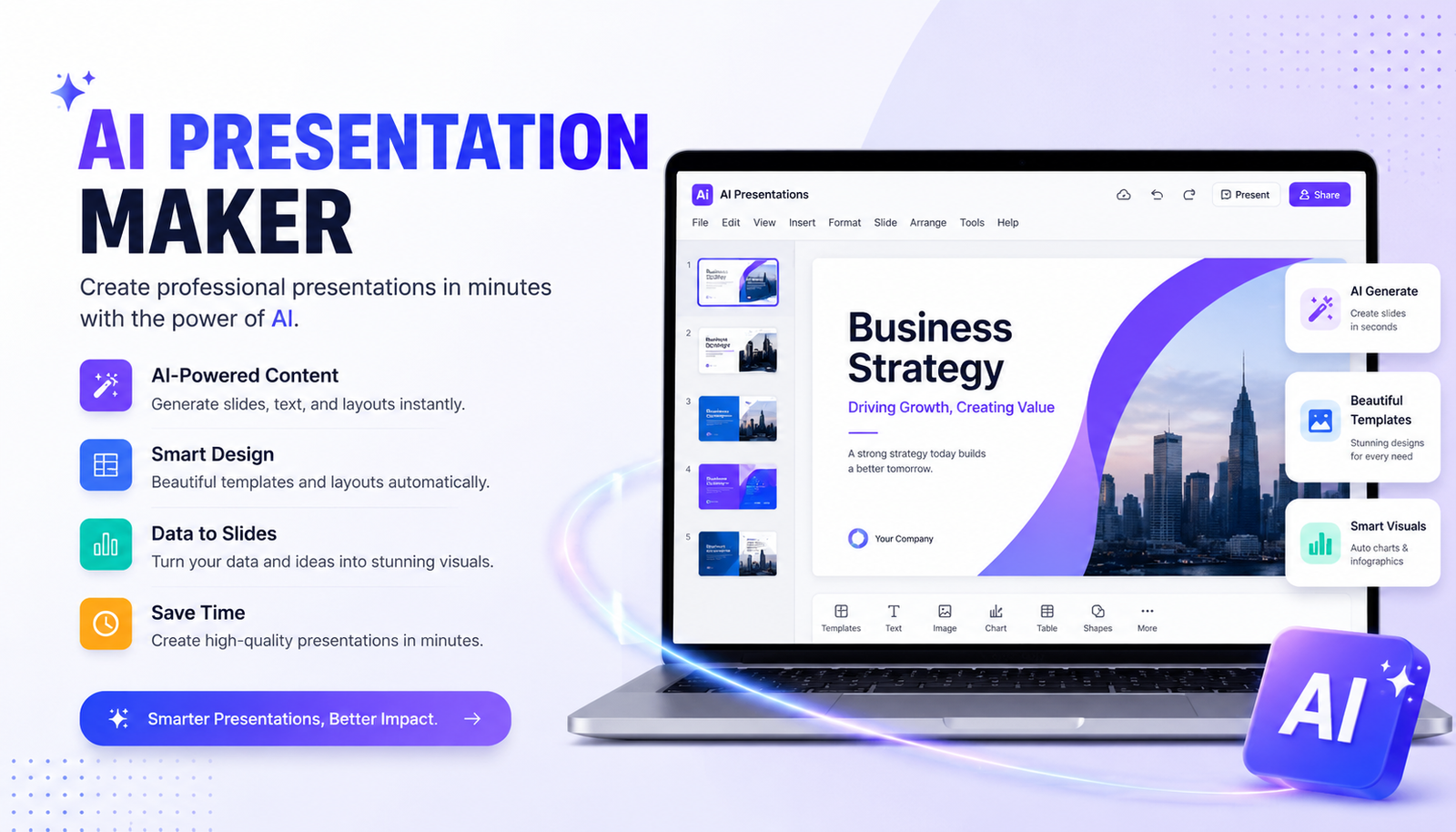
Creating a professional presentation from scratch can take hours. You have to plan the structure, write the content, choose visuals, format every slide, and then make sure everything looks consistent. An ai presentation maker can reduce much of that work by turning a simple prompt, document, or outline into a ready-to-edit presentation.
However, not every AI presentation tool produces the same results. Some are better for PowerPoint, while others focus on visual design, collaboration, storytelling, education, or business presentations. The best choice depends on what you need to create and how much control you want over the final slides.
This guide explains how an ai presentation maker works, what features matter, how to choose the right tool, and how to turn an AI-generated draft into a professional presentation.
What Is an AI Presentation Maker?
An ai presentation maker is software that uses artificial intelligence to create presentation slides from instructions or source material. Instead of starting with a blank slide, you provide information such as a topic, audience, desired slide count, or document, and the tool creates a presentation structure.
Most modern AI presentation generators can help with several parts of the process. They may create titles, organize information, suggest layouts, generate visuals, summarize long content, and provide editable slides.
For example, you could enter:
“Create a 10-slide presentation explaining how artificial intelligence is changing digital marketing for small businesses.”
The AI can turn that request into an outline containing an introduction, market trends, use cases, benefits, challenges, examples, and a conclusion.
The important point is that AI should normally create the first draft, not the final presentation. Human review is still important for facts, storytelling, branding, and audience relevance.
Best AI Presentation Maker Tools: What to Look For
When comparing an ai presentation maker, don’t judge a tool only by how quickly it generates slides. A fast presentation can still be difficult to edit or filled with generic content.
| Feature | Why It Matters |
| AI content generation | Creates an initial outline and slide copy |
| Design automation | Helps maintain professional layouts |
| Templates | Gives presentations a consistent visual style |
| PowerPoint export | Useful when your team works in Microsoft PowerPoint |
| Google Slides support | Helpful for browser-based collaboration |
| Document uploads | Lets you turn existing content into slides |
| Editing controls | Allows you to fix AI-generated content |
| Brand controls | Keeps colors, fonts, and logos consistent |
| Visual generation | Helps create relevant images and graphics |
| Collaboration | Important for teams and business presentations |
| Free plan | Lets you test the platform before paying |
The right combination depends on your workflow. A student may prioritize affordability and simplicity, while a sales team may care more about collaboration, branding, and export options.
How We Evaluate an AI Presentation Maker
A useful comparison should look beyond marketing claims. When evaluating an ai presentation maker, consider the same criteria across every platform.
A practical scoring system can include content quality, visual design, layout consistency, customization, generation speed, export quality, templates, and ease of use.
For a fair test, use the same prompt in multiple tools.
For example:
“Create a 10-slide presentation about the impact of AI on digital marketing. Include key trends, business use cases, benefits, challenges, examples, future predictions, and a conclusion.”
Then examine the generated presentations side by side.
Look at whether the tool creates a logical story, whether the slides contain too much text, whether images actually match the subject, and how much manual editing is required.
This approach is more useful than simply comparing feature lists because a feature can look impressive on paper but produce disappointing results in practice.
Best AI Presentation Maker for PowerPoint
For users who primarily work in Microsoft PowerPoint, compatibility should be one of the first things to check.
The Best AI for PowerPoint presentations free depends on the features available in the tool and what its free plan allows. Some platforms can generate presentations and export them to PowerPoint, while others are designed to work more closely with the PowerPoint environment.
Before choosing one, check:
- PPT or PPTX export
- Layout preservation
- Editable text
- Editable images
- Font compatibility
- Animation support
- Template compatibility
- Free export limits
PowerPoint users should also consider what happens after export. A presentation may look excellent inside an AI platform but require additional formatting after being opened in PowerPoint.
For business users, an editable PowerPoint file is often more valuable than a beautiful presentation that cannot be easily customized.
Best AI for Presentation Content
Generating attractive slides is only half the job. The content needs to communicate a clear idea.
The Best AI for presentation content is one that can organize information logically instead of filling every slide with generic paragraphs.
A good presentation structure usually has:
- A clear opening
- A defined problem or topic
- Supporting information
- Examples or evidence
- Key insights
- A practical conclusion
- A clear next step
For example, instead of asking an AI to “make a presentation about social media marketing,” provide more context:
“Create a 12-slide presentation for small-business owners explaining how social media marketing can increase customer acquisition. Use practical examples, avoid technical language, and end with a three-step action plan.”
The additional context gives the AI a better understanding of the audience and purpose.
Best AI Presentation Maker for Different Use Cases
AI Presentation Maker for Business
Business users typically need professional designs, consistent branding, charts, data, and easy collaboration.
Look for features such as brand kits, business templates, document import, presentation sharing, and PowerPoint compatibility.
AI Presentation Maker for Students
Students often need a simple workflow. A good tool should turn notes or research into a structured presentation without requiring advanced design skills.
Affordability is also important. A free AI tool for presentation creation can be useful for occasional assignments, but students should check export restrictions and watermarks before committing to a platform.
AI Presentation Maker for Pitch Decks
Pitch decks require more than attractive slides. The presentation needs a strong narrative.
A useful structure includes:
- Problem
- Solution
- Target market
- Product
- Competitive advantage
- Business model
- Traction
- Financial opportunity
- Team
- Funding request
AI can help create the initial structure, but founders should replace generic claims with real company data.
AI Presentation Maker for Teachers
Teachers can use AI to transform lesson notes into visual learning materials. The best workflow is to provide the subject, student level, learning goals, number of slides, and examples that should be included.
AI-generated educational content should always be reviewed for accuracy before classroom use.
Best Free AI Presentation Maker Options
Searching for an ai presentation maker free option is understandable, especially if you only need a few presentations.
However, “free” can mean different things. Some platforms provide a genuinely usable free tier, while others offer limited credits or restrict exports.
Before selecting a free presentation maker, check:
- Number of presentations allowed
- AI generation credits
- PPT/PPTX export
- PDF export
- Watermarks
- Templates
- Image generation
- Storage
- Collaboration
- Commercial-use restrictions
A free plan is best treated as a testing opportunity. If it creates good presentations but limits an important feature, you can decide whether upgrading is worthwhile.
Best AI for PowerPoint Presentations Free Download: What to Know
People often search for Best AI for PowerPoint presentations free download, but AI presentation software is increasingly delivered through web applications rather than traditional downloadable programs.
Be careful with unknown websites offering modified or “free download” versions of paid AI software. They may not provide the same features as the official product and can create security or compatibility problems.
If PowerPoint is your preferred format, look for a reputable AI presentation tool that provides legitimate PPTX export or integrates with your existing presentation workflow.
How to Create a Presentation With an AI Presentation Maker
Step 1: Define Your Audience
Tell the AI who will see the presentation.
A presentation for executives should not sound like one created for high-school students.
Step 2: Define the Goal
Explain what the audience should understand, remember, or do after viewing the presentation.
Step 3: Provide Source Material
If possible, give the AI useful information rather than relying entirely on general knowledge.
You can use:
- Research notes
- Reports
- Documents
- Existing presentations
- Product information
- Business data
Step 4: Request an Outline
Before generating the complete deck, ask for a slide-by-slide structure.
This makes it easier to remove unnecessary sections.
Step 5: Generate the Slides
Once the outline looks correct, let the AI build the presentation.
Step 6: Fact-Check the Content
AI can produce incorrect statistics, dates, names, and claims. Verify important information using reliable sources.
Step 7: Improve the Design
Replace generic visuals, reduce unnecessary text, adjust typography, and apply your brand style.
Step 8: Practice the Presentation
A technically polished deck can still fail if the presenter does not know how to explain it.
Best AI for Presentation Script
A strong presentation also needs a good speaking flow. The Best ai for presentation script tasks can help create speaker notes, introductions, transitions, and conclusions.
For example, instead of asking for “a presentation script,” provide:
“Write speaker notes for a 10-slide business presentation. Keep each slide’s notes between 60 and 90 words, use a confident professional tone, and explain the key idea without repeating the slide text.”
This produces more useful notes than a generic request.
Remember that speaker notes should sound like something a person would actually say. Edit awkward AI phrasing before presenting.
Best AI Presentation Maker With Animation
If your presentation requires movement, search for the Best AI presentation maker with animation based on the type of animation you actually need.
Animations can make a presentation more engaging, but excessive movement can distract from the message.
Use animation when it helps:
- Reveal information gradually
- Explain a process
- Show changes over time
- Highlight a chart
- Demonstrate a product
For a professional business deck, simple transitions are often more effective than adding animation to every element.
How to Make AI-Generated Slides Look Professional
AI can produce a good first draft, but professional results usually require editing.
Start by removing unnecessary text. A slide should support what you are saying rather than reproduce your entire speech.
Next, check visual hierarchy. The title should be obvious, important information should stand out, and supporting details should remain secondary.
Use consistent fonts, spacing, colors, and image styles throughout the deck.
Replace generic stock imagery with visuals that actually support the point. If a slide contains business data, a meaningful chart is usually more useful than a decorative photograph.
Finally, read every slide aloud. If a sentence sounds unnatural or overly formal, rewrite it.
Common Problems With AI Presentation Makers
An AI presentation maker can save time, but it is not perfect.
Generic Content
Broad prompts often produce predictable information. Better prompts contain specific audiences, goals, examples, and constraints.
Factual Errors
Never assume AI-generated statistics are correct. Verify important claims.
Repetitive Design
Some tools may repeatedly use similar layouts or visual patterns. Manual customization can improve variety.
Too Much Text
AI often tries to include more information than a slide needs. Convert paragraphs into short points, diagrams, charts, or speaker notes.
Export Issues
Fonts, spacing, images, and animations can sometimes change during export. Always inspect the final file before presenting.
Best AI Presentation Maker: Final Verdict
The best ai presentation maker is not necessarily the tool with the largest template library or the most impressive feature list. It is the platform that produces a useful first draft while giving you enough control to create a presentation that fits your audience and purpose.
For PowerPoint users, prioritize reliable PPTX export and editing. For students, focus on simplicity and affordability. Businesses should look for branding, collaboration, and professional layouts. Pitch-deck creators should prioritize storytelling and structure.
Most importantly, treat AI as a productivity partner rather than a replacement for judgment. Give it a specific prompt, review the generated content, verify important facts, improve the design, and practice the final presentation.
With the right workflow, an ai presentation maker can turn hours of repetitive slide creation into a much faster process while leaving you in control of the final message.
Conclusion
An ai presentation maker can dramatically simplify the process of creating slides, but the best results come from combining automation with human judgment. Start with a clear goal, provide useful source material, generate an outline, and then refine the AI’s work.
Whether you need a business deck, student project, sales presentation, pitch deck, or PowerPoint file, compare tools based on actual workflow rather than marketing claims. Test the output, check the free-plan limitations, verify important information, and make the final presentation your own.
FAQs About AI Presentation Makers
What is an AI presentation maker?
An AI presentation maker is a tool that uses artificial intelligence to generate presentation outlines, slide content, layouts, visuals, or complete decks from prompts and source material.
Is there a free AI presentation maker?
Yes, several AI presentation platforms offer free plans or limited free usage. However, free versions may restrict AI credits, exports, templates, or other features.
Can AI create a PowerPoint presentation?
Yes. Some AI presentation tools can generate or export presentations in PowerPoint-compatible formats. Always check whether the exported file remains fully editable.
What is the best AI for PowerPoint presentations?
The best option depends on your workflow. PowerPoint users should prioritize editable PPTX output, layout preservation, customization, and compatibility with their existing presentation process.
Can AI create a presentation from a prompt?
Yes. Prompt-to-presentation generation is one of the core functions of modern AI presentation software. Detailed prompts generally produce more useful results than short, vague instructions.
Can AI write a presentation script?
Yes. AI can create speaker notes, introductions, transitions, and complete presentation scripts. The output should still be edited so that it sounds natural and matches the presenter’s speaking style.
Are AI-generated presentations professional?
They can be, but the first draft usually benefits from human editing. Fact-checking, storytelling, branding, visual refinement, and audience-specific adjustments can significantly improve the final presentation.
You May Also Read: AI Email Writer
