


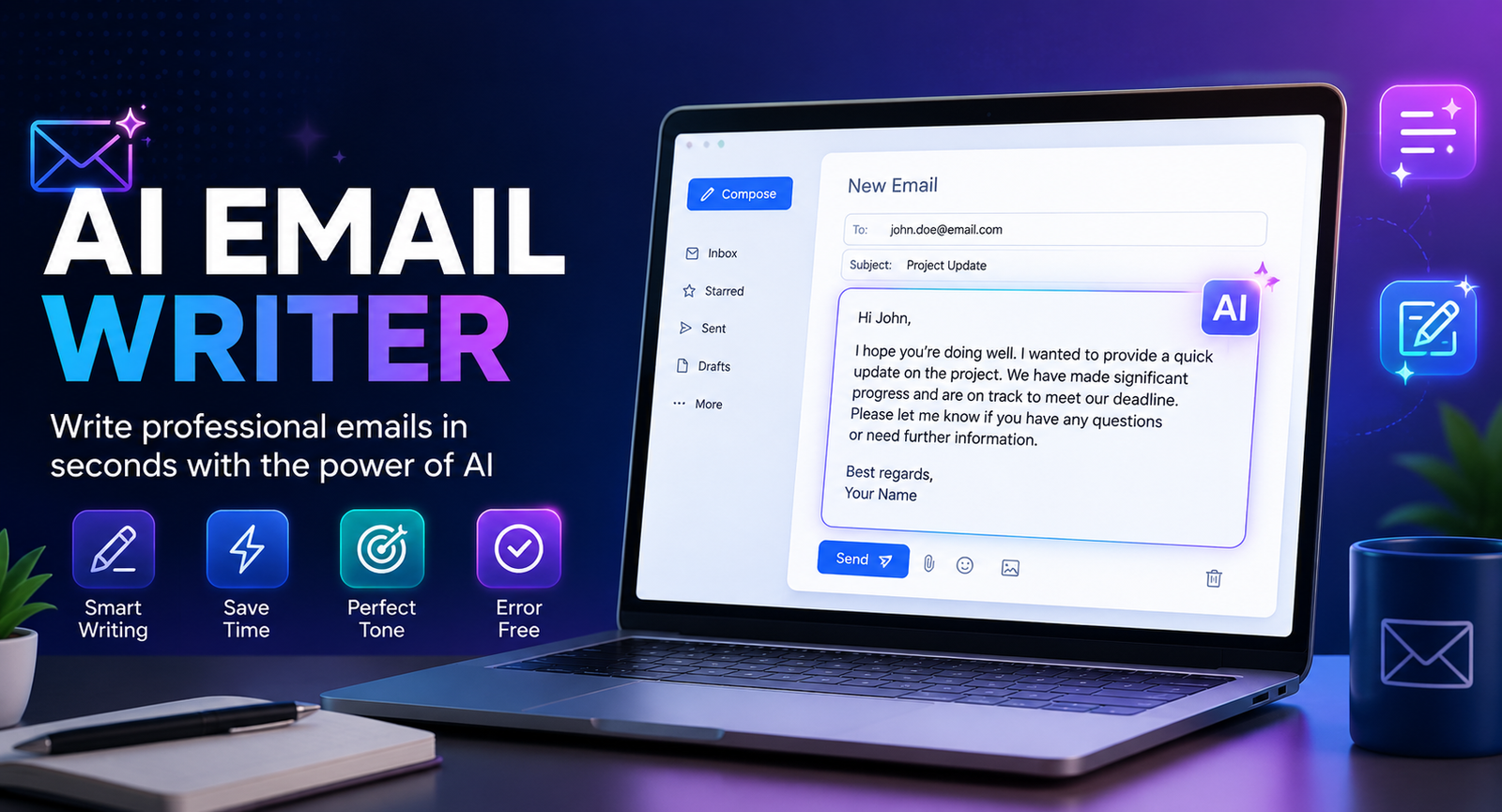
Writing emails sounds simple until you have to do it repeatedly. A professional message needs the right tone, clear wording, useful context, and a strong call to action. That is where an ai email writer can help. Instead of staring at a blank screen, you can provide a few details and let AI create a first draft, rewrite an existing message, improve clarity, or adjust the tone.
An ai email writer is useful for everything from everyday professional communication to follow-ups, customer support messages, sales outreach, job applications, and meeting requests. The best results, however, do not come from simply pressing “generate.” You need to give the AI enough context and review the final email before sending it.
This guide explains how AI email writing works, how to choose the right tool, how to create better prompts, and how to make AI-generated emails sound natural and personal.
What Is an AI Email Writer?
An ai email writer is an AI-powered tool that creates or improves email content from instructions supplied by the user. Depending on the tool, it can draft a new email, rewrite an existing message, correct grammar, suggest subject lines, summarize conversations, or change the tone.
Most tools work through a simple process: you describe what you want to say, provide relevant information about the recipient and situation, select a tone or format, and let the AI generate a draft.
What Can an AI Email Writer Do?
| Feature | What It Does | Example |
| Email generation | Creates a new message | Write a meeting request |
| Rewriting | Improves existing text | Make this more professional |
| Tone adjustment | Changes communication style | Make it friendly and confident |
| Subject lines | Creates subject-line ideas | Give me five concise options |
| Personalization | Adds relevant context | Customize this for a prospect |
| Grammar correction | Fixes spelling and grammar | Correct this email |
| Summarization | Condenses long conversations | Summarize this email thread |
| Follow-ups | Creates reminder messages | Write a polite follow-up |
An ai email assistant can therefore be much more than a basic text generator. It can become part of a broader workflow for drafting, editing, organizing, and improving email communication.
Benefits of Using an AI Email Writer
The biggest advantage of an ai email writer is that it reduces the amount of time spent starting and refining repetitive messages.
Save Time
Instead of writing every email from scratch, you can provide the key information and let AI create a starting point. This is particularly useful when you regularly send similar messages.
Improve Clarity
An email writing AI free tool or paid assistant can help simplify complicated sentences, remove unnecessary wording, and make an email easier to understand.
Adjust Your Tone
The same message can sound formal, friendly, persuasive, concise, or conversational. AI can quickly create different versions without requiring you to rewrite everything manually.
Overcome Writer’s Block
Sometimes you know what you want to say but cannot find the right words. An ai email writer gives you a draft that you can edit instead of starting with a blank page.
Create Personalized Emails
AI can use information you provide about the recipient, company, previous conversation, or purpose to create more relevant messages. Personalization is especially useful for sales and networking emails.
What Types of Emails Can AI Write?
A good ai email writing tool can support many different communication situations.
Professional Emails
Use AI to write clear messages to managers, coworkers, clients, partners, or other professional contacts.
Follow-Up Emails
AI can create polite follow-ups when you need an update without sounding impatient or repetitive.
Cold Emails
An ai email writer can help structure cold outreach around a specific problem, value proposition, and call to action. Human review is particularly important here because generic personalization can quickly make an email feel automated.
Customer Support Emails
AI can help organize explanations, apologize for problems, provide instructions, and maintain a professional tone.
Job Application Emails
AI can help create a concise introduction, explain your interest in a position, and connect your experience with the role. Your actual qualifications and achievements should always remain accurate.
Meeting Requests
Give the AI the purpose of the meeting, the recipient, and preferred timing, and it can create a short request with a clear next step.
How to Use an AI Email Writer
Getting a useful result depends heavily on the information you provide.
Step 1: Define Your Goal
Start by explaining exactly what you want the email to accomplish.
Instead of:
Write an email.
Try:
Write a short follow-up email asking a potential client whether they have reviewed our proposal.
The second instruction gives the AI a clear objective.
Step 2: Add Context
Include information such as:
- Who the recipient is
- Your relationship with them
- Why you are contacting them
- Important background
- Relevant dates
- The action you want them to take
Step 3: Choose the Tone
Tell the AI how you want the email to sound. You might choose professional, warm, friendly, concise, persuasive, confident, or conversational.
Step 4: Set Constraints
You can request a specific length, number of paragraphs, subject-line options, or call to action.
For example:
Keep the email under 120 words, use a friendly professional tone, and finish with one clear question.
Step 5: Review and Personalize
Never assume the first AI-generated draft is ready to send. Check names, dates, facts, links, claims, tone, and context.
The goal is to use AI for efficiency while keeping human judgment in control.
Best AI Email Writer Prompts
Better prompts generally produce better emails. A simple formula is:
Goal + Recipient + Context + Tone + Constraints
Professional Email Prompt
Write a concise professional email to a client explaining that the project deadline has moved by three days. Be transparent, polite, and confident. Keep it under 100 words and suggest the new delivery date.
Follow-Up Prompt
Write a friendly follow-up email to a prospect who received our proposal five days ago. Do not sound pushy. Mention that I am available to answer questions and end with a simple call to action.
Customer Support Prompt
Rewrite this customer support response to sound empathetic, clear, and professional. Keep the important information unchanged and avoid overly formal language.
Make an Email Sound Human
Rewrite this email so it sounds natural and conversational. Remove generic phrases, unnecessary formal language, and repetitive wording while keeping the original meaning.
Shorten an Email
Reduce this email to 80 words or fewer. Keep the key information, remove repetition, and preserve a friendly professional tone.
AI Email Writer Examples
Practical examples show where an ai email writer can make a difference.
Example: Meeting Follow-Up
Basic instruction:
Write a follow-up after a product demo.
Better instruction:
Write a 90-word follow-up to Sarah after yesterday’s software demo. Thank her for her time, mention the reporting feature she asked about, and suggest a 15-minute call next week.
The second prompt gives the AI enough information to create a much more relevant message.
Example: Networking Email
Instead of asking AI to “write a networking email,” provide a specific connection:
Write a short networking email to a marketing manager I met at a technology conference. Mention our conversation about content automation and suggest connecting on LinkedIn.
The more useful context you provide, the less generic the result is likely to be.
Best AI for Email Writing Free: What Should You Look For?
If you are searching for the Best AI for email writing free, start with your actual needs rather than choosing a tool solely because it has a free plan.
A free AI email writer may be enough for occasional drafting, rewriting, grammar correction, and basic prompts. Paid tools can become more valuable when you need advanced integrations, higher usage limits, automation, team features, or deeper personalization.
| Need | Free AI Tool | Dedicated Paid Tool |
| Occasional emails | Excellent | Usually unnecessary |
| Basic rewriting | Good | Excellent |
| Subject lines | Good | Excellent |
| Gmail integration | Depends on tool | Often stronger |
| Advanced personalization | Limited | Stronger |
| Automation | Limited | More options |
| Team workflows | Rare | Common |
| High-volume email | May be restricted | Better suited |
The Best AI email writer is therefore different for every user. A student writing a few emails each week has different requirements from a sales team sending personalized outreach every day.
AI Email Writer vs ChatGPT
ChatGPT can work as an effective general-purpose email writing AI because it allows detailed prompts and flexible rewriting.
A dedicated ai email assistant, however, may offer advantages when it is integrated directly into Gmail, Outlook, or another email workflow.
| ChatGPT | Dedicated AI Email Writer |
| Highly flexible | Email-focused |
| Excellent for detailed prompts | Often faster for routine messages |
| Useful for many writing tasks | Built around email workflows |
| Can create templates | May provide email-specific templates |
| Usually requires copy/paste unless integrated | Often works directly inside an inbox |
For occasional users, a general AI tool may be sufficient. For people who write dozens of emails every day, an integrated email assistant can provide a smoother workflow.
How to Make AI Emails Sound Human
One of the biggest weaknesses of generic email writing AI free tools is that their output can sound predictable.
You can improve the result by giving the AI examples of your normal writing style. You should also remove unnecessary introductions and replace vague statements with specific details.
Instead of:
I hope this email finds you well. I am reaching out to follow up regarding the matter discussed previously.
Try something more natural:
Just checking in to see if you had a chance to review the proposal.
Shorter does not always mean better, but natural wording usually makes professional communication easier to read.
Other useful techniques include:
- Use specific context
- Keep sentences reasonably short
- Avoid unnecessary buzzwords
- Use a natural greeting
- Write one clear CTA
- Remove repetitive phrases
- Read the final email before sending
AI Email Personalization: Go Beyond First Names
Adding someone’s first name is not meaningful personalization by itself.
A better ai email writer can help you incorporate relevant details such as a previous conversation, a company initiative, a specific business problem, a product they viewed, or an event they attended.
For example:
I noticed your team recently expanded its content operation. That made me think of the workflow automation solution we discussed last month.
This is more useful than simply writing “Hi John.”
Personalization should also remain appropriate. Adding irrelevant personal information simply because AI found it can make an email feel intrusive rather than thoughtful.
Common AI Email Writing Mistakes
AI can produce polished language while still getting important details wrong. Before sending an AI-generated email, check for:
- Incorrect names
- Wrong dates
- Unsupported claims
- Generic personalization
- Excessive length
- Incorrect tone
- Missing context
- Weak calls to action
- Repetitive AI language
- Information that should not have been shared with an AI system
An ai email writer should improve your communication, not remove your responsibility for it.
Is It Safe to Use an AI Email Writer?
Privacy should be part of your decision when selecting an ai email writing tool.
Avoid entering passwords, confidential business information, private customer data, financial details, or other sensitive information unless you understand how the specific service handles that data.
Before choosing an AI email assistant, review its privacy practices, data retention policies, account controls, and business security features.
It is also important to remember that AI can make mistakes. Always verify factual information before sending an important message.
When Should You Not Use an AI Email Writer?
AI is not the right choice for every email.
You may want to write or heavily edit sensitive messages yourself, particularly when communicating about serious personal matters, confidential business issues, legal situations, employee disputes, or emotionally significant events.
AI can help organize your thoughts, but the final communication should reflect your own judgment and intent.
How to Choose the Best AI Email Writer
Before selecting a tool, consider:
- What type of emails you write
- Whether you need Gmail or Outlook integration
- Free-plan limitations
- Writing quality
- Personalization features
- Templates
- Automation
- Privacy controls
- Pricing
- Team features
- Ease of use
For occasional users, a simple email writing AI free option may provide everything necessary. Frequent users should consider whether deeper integrations and automation justify a paid solution.
Conclusion
An ai email writer can turn a time-consuming blank-page task into a faster and more manageable workflow. It can draft professional messages, improve grammar, adjust tone, generate subject lines, create follow-ups, and help personalize communication.
The most effective approach is not to let AI send everything automatically. Give it useful context, use precise prompts, review its output, add your own voice, and verify important details before pressing send.
Whether you need the Best AI for email writing free, a dedicated ai email assistant, or a more advanced ai email writing tool, choose based on the type and volume of emails you actually write. When used thoughtfully, AI can make email writing faster without making your communication feel less human.
Frequently Asked Questions
What is the best AI email writer?
The best AI email writer depends on your needs. Consider writing quality, integrations, personalization, pricing, privacy, and whether you need a standalone tool or an assistant inside your inbox.
Is there a free AI email writer?
Yes. Several AI platforms offer free access to basic writing or rewriting features. Free plans may have limits on usage, integrations, or advanced functionality.
Can AI write professional emails?
Yes. An AI email writer can create professional emails when you provide enough context about the recipient, purpose, tone, and desired outcome. You should always review the final draft.
Can AI write cold emails?
Yes. AI can help structure cold emails, create subject lines, and personalize messages. Human editing is especially important to prevent generic or inaccurate personalization.
Can AI make emails sound more human?
Yes. Ask AI to use conversational language, remove generic phrases, shorten unnecessary sentences, and match your writing style. Editing the final version yourself makes the result even more natural.
Is an AI email writer better than ChatGPT?
Neither is automatically better. ChatGPT offers flexible writing capabilities, while dedicated AI email writers may provide better inbox integration and email-specific workflows.
Is it safe to use an AI email writer?
It can be, but safety depends on the specific service and how you use it. Review the provider’s privacy policies and avoid sharing confidential or sensitive information unnecessarily.
You May Also Read: AI Advertising
