


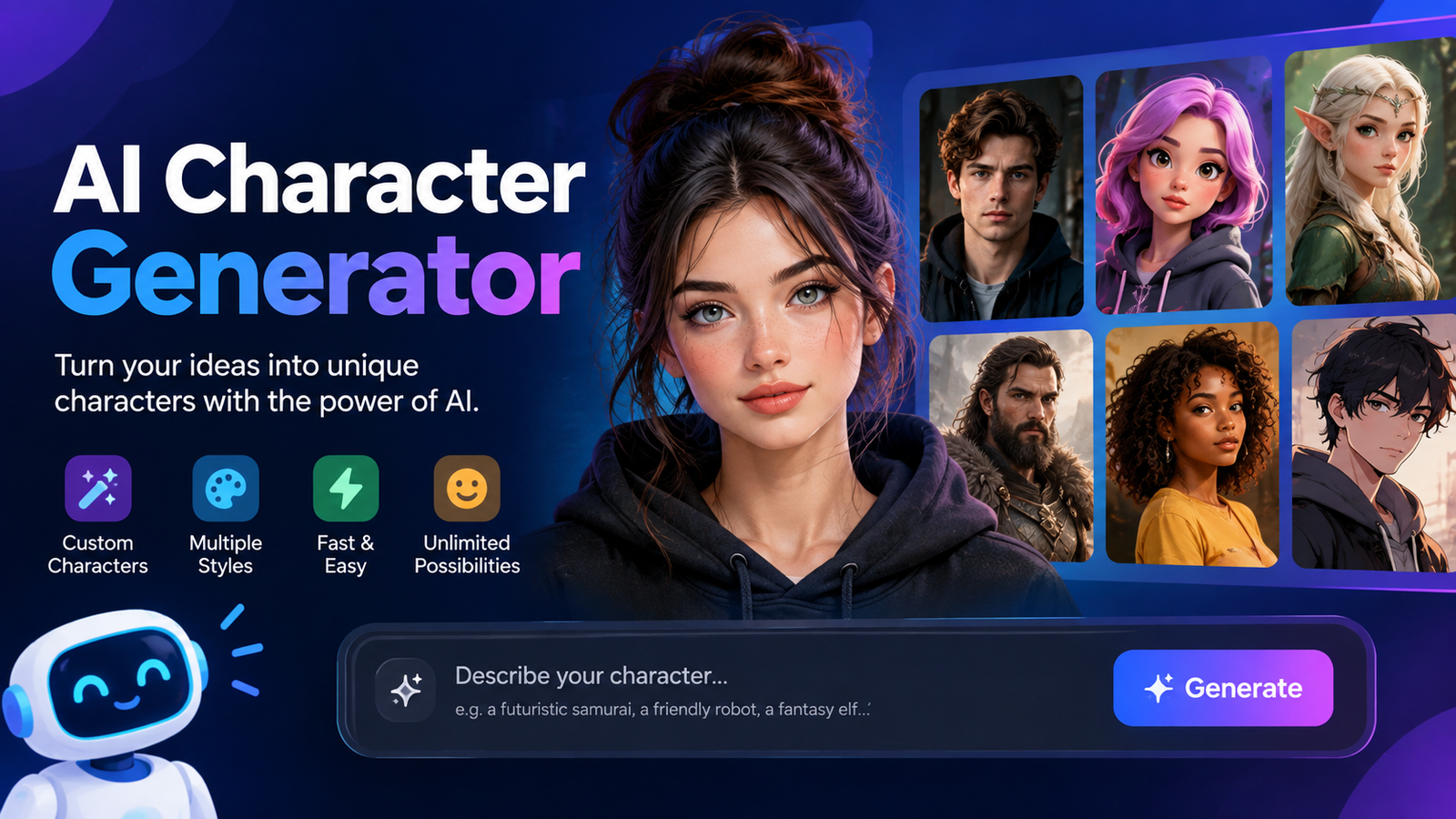
Creating a memorable character once required drawing skills, design software, or hiring an artist. Today, an ai character generator can turn a simple idea into a detailed visual character in seconds. Whether you want an anime hero, fantasy warrior, game character, cartoon mascot, or digital avatar, AI can dramatically speed up the creative process.
The real value, however, is not simply producing one attractive image. A useful character should remain recognizable across different poses, expressions, outfits, scenes, and styles. That is why choosing the right tool and learning how to write effective prompts matter.
This Ai character generator blog guide explains how these tools work, what you can create with them, how to write better prompts, how to maintain character consistency, and what to consider when choosing a free or paid option.
What Is an AI Character Generator?
An AI character generator is a software tool that uses artificial intelligence to create characters from text descriptions, reference images, or other instructions. Instead of manually drawing every feature, you describe what you want and the model generates an image based on your input.
For example, you could enter a description such as “a young fantasy explorer with silver hair, a dark leather jacket, glowing blue eyes, and a futuristic backpack standing in an ancient forest.” The generator can turn those details into a visual concept.
Some platforms specialize in static character artwork, while others focus on avatars, talking characters, animation, or video. The best choice depends on whether you need an image for a story, game, social profile, marketing campaign, or another project.
AI Character Generator vs. AI Image Generator
A regular AI image generator can create almost anything, including characters. A dedicated character workflow puts more emphasis on identity and repeatability.
| Feature | AI Image Generator | AI Character Generator |
| General image creation | Excellent | Excellent |
| Character customization | Good | Advanced |
| Consistent identity | Tool dependent | Major focus |
| Multiple poses | Varies | Usually important |
| Expressions | Available | Often emphasized |
| Character references | Varies | Common |
| Character sheets | Limited | More useful |
| Game/comic workflows | Possible | Strong use case |
What Can You Create With an AI Character Generator?
The flexibility of modern character-generation tools makes them useful for many creative projects. You are not limited to realistic portraits or standard avatars.
Anime Characters
An ai character generator blog would not be complete without discussing anime creation. You can design original anime characters with specific hairstyles, outfits, facial features, personalities, and expressions.
Creators can use these images for original characters, manga concepts, profile artwork, story development, and visual inspiration.
Fantasy Characters
Fantasy is another popular category. You can create knights, elves, wizards, warriors, dragons, magical creatures, and other imaginative characters.
Adding details such as armor, weapons, magical effects, environments, and lighting can make the result much more distinctive.
Game Characters
Game developers can use AI-generated character concepts during the early design stage. Instead of spending hours sketching alternatives, they can quickly explore different character directions.
It can be particularly useful for NPC concepts, RPG characters, villains, heroes, and environment-specific character designs.
Cartoon and Comic Characters
A character generator can also create stylized cartoon characters, comic concepts, and webtoon-style artwork. This is useful for creators who need several visual concepts before deciding on a final design.
Avatars and Brand Mascots
Businesses and creators can generate recognizable visual personas for websites, social media, presentations, and campaigns. Some platforms go further by turning these characters into talking digital avatars or video presenters.
Best AI Character Generators
The best tool depends on your intended use. A creator making anime artwork may need different controls from a marketer creating a digital spokesperson.
When comparing tools, look beyond image quality. Consider consistency, available styles, reference-image support, generation limits, export quality, pricing, and commercial-use terms.
| Tool Type | Best For | Important Features |
| Anime-focused generator | Anime and manga | Character styles, poses, expressions |
| General AI art platform | Multiple styles | Flexible prompts and models |
| Character-focused platform | Consistent characters | References and repeatable designs |
| Avatar platform | Digital humans | Voice, animation, video |
| Creative design platform | Marketing and social content | Templates and easy editing |
Rather than choosing a generator solely because its sample images look impressive, test whether it can reproduce the same character in several different situations.
How to Use an AI Character Generator
Using an ai character generator becomes easier when you follow a structured workflow.
Step 1: Decide What You Want to Create
Start with the purpose of the character. Is it an anime protagonist, game NPC, fantasy warrior, social avatar, mascot, or fictional character?
A clear objective makes the rest of the prompt easier.
Step 2: Describe the Appearance
Specify important visual characteristics such as:
- Hair color and style
- Eye color
- Approximate age
- Clothing
- Accessories
- Facial features
- Body type
- Distinctive marks
Avoid adding dozens of unrelated details. Focus on the features that make the character recognizable.
Step 3: Choose a Visual Style
You can request realistic, anime, cartoon, 3D, cinematic, fantasy, concept-art, pixel-art, or other visual directions depending on the platform.
For an aesthetic result, describe the mood as well as the style. For example, “soft pastel lighting and dreamy atmosphere” creates a different direction from “dark cinematic lighting with dramatic shadows.”
Step 4: Add Pose and Expression
Character identity is not only about the face. Pose and expression help communicate personality.
Try prompts such as:
- Confident smile
- Determined expression
- Running through a city
- Holding a magical sword
- Looking toward the camera
- Sitting beside a campfire
Step 5: Generate Several Variations
Your first result may not be the best one. Generate several versions and identify the strongest combination of face, clothing, proportions, and overall style.
Step 6: Refine the Character
Once you have a promising result, refine individual details rather than changing everything at once. This makes it easier to understand which prompt changes actually improve the image.
How to Write Better AI Character Prompts
The quality of your instructions can have a major effect on the output. A useful formula is:
Character type + appearance + clothing + personality + pose + expression + art style + lighting + environment
For example:
“A confident young fantasy warrior with long silver hair, green eyes, detailed black armor, a blue cloak, holding an ornate sword, standing in a misty mountain valley, cinematic fantasy concept art, dramatic lighting.”
This gives the model much more information than simply saying “fantasy warrior.”
Weak vs. Detailed Prompt
| Weak Prompt | Better Prompt |
| A fantasy warrior | Young fantasy warrior, silver hair, green eyes, detailed dark armor, blue cloak, ornate sword, mountain environment, cinematic lighting |
The goal is not to make prompts unnecessarily long. The goal is to make important visual decisions clear.
Anime Character Prompt Example
“Original anime-style female adventurer, shoulder-length violet hair, golden eyes, white and navy travel outfit, small leather backpack, confident expression, standing on a futuristic city street at sunset, detailed anime illustration.”
Game Character Prompt Example
“Futuristic RPG soldier wearing lightweight tactical armor, glowing blue technology accents, short dark hair, determined expression, holding an energy rifle, full-body character concept art, dramatic studio lighting.”
How to Create Consistent AI Characters
One of the biggest challenges with AI-generated characters is consistency. A generator may produce a beautiful first image but change the person’s face, hairstyle, clothing, or body proportions when you request another scene.
A strong character workflow therefore needs more than a single prompt.
Use a Reference Image
If your platform supports reference images, use the original character as a visual reference when creating additional artwork.
Keep Core Descriptions Consistent
Save a master character description. Keep important attributes such as hair, eyes, clothing, and distinctive features unchanged unless you intentionally want to redesign them.
Create a Character Sheet
A useful character sheet can include:
- Front view
- Side view
- Back view
- Close-up
- Neutral expression
- Happy expression
- Angry expression
- Action pose
This gives you a stronger visual reference for future generations.
Test Different Scenes
Do not judge consistency from one image. Put the same character into different poses, environments, camera angles, and expressions.
A generator that produces one excellent portrait but completely changes the character in the next image may not be suitable for a long-term project.
AI Character Generator Use Cases
The technology has applications well beyond profile pictures.
Game Development
Developers can use generated concepts to explore character ideas before creating final production artwork.
Anime and Webtoons
Writers and artists can visualize original characters, outfits, scenes, and expressions during early development.
Fiction Writing
Authors can use character images as visual references while developing personalities, relationships, and story worlds.
Tabletop RPGs
Players can create visual representations of original characters, companions, villains, and NPCs.
Social Media
Creators can develop distinctive avatars or recurring fictional personalities for their content.
Marketing and Business
Companies can create mascots, digital characters, campaign visuals, or virtual presenters. AI avatars can also be used for tutorials, presentations, and other video-based communication.
Free vs. Paid AI Character Generators
A free AI character generator can be a good starting point if you are experimenting or creating occasional artwork. However, free plans may impose limits on generations, resolution, speed, available models, or commercial usage.
Paid platforms generally provide more credits, advanced controls, higher output quality, or additional features. However, expensive does not automatically mean better.
Before paying, check:
- Monthly generation limits
- Image resolution
- Watermark policy
- Available styles
- Reference-image features
- Commercial-use terms
- Export options
- Cancellation rules
Always verify the current terms because pricing and licensing policies can change.
Can You Use AI-Generated Characters Commercially?
Potentially, but you should check the specific platform’s terms before using generated characters commercially.
If you plan to use artwork in a game, book, YouTube channel, advertising campaign, merchandise, or business website, look for information about commercial licenses and ownership of generated content.
It is also important to distinguish between a platform’s usage license and copyright law. Permission to use an output under a tool’s terms does not automatically answer every legal question about copyright protection.
For professional projects, review the current license and applicable laws carefully.
Common Problems With AI Character Generators
Even advanced systems can produce imperfect results.
Inconsistent Faces
Use reference images and keep the core character description consistent.
Clothing Changes
Specify important clothing details repeatedly and use image-reference features when available.
Poor Hands or Anatomy
Try a different generation, simplify the pose, or use tools that provide stronger control over anatomy.
Wrong Style
Clearly specify the desired artistic direction and avoid mixing contradictory style instructions.
Too Many Details
If the image becomes chaotic, simplify the prompt and prioritize the most important features.
How to Choose the Right AI Character Generator
Before selecting a platform, identify your main requirement.
If you need anime artwork, prioritize style and character controls. If you are creating game characters, consistency and multiple poses may matter more. For marketing, look for branding and commercial-use options. If you need talking characters, choose a platform designed for avatars and video.
The best ai character generator is therefore not necessarily the one with the most impressive demonstration image. It is the one that fits your workflow and produces reliable results for your specific project.
AI Character Generator vs. AI Avatar Generator
These terms are sometimes used interchangeably, but they can describe different workflows.
An AI character generator generally focuses on creating visual characters, while an AI avatar generator often focuses on digital people that can speak, move, or appear in videos.
If your goal is a fantasy illustration or game concept, start with a character-generation workflow. If your goal is a virtual presenter or talking brand representative, an avatar platform may be more appropriate.
Tips for Better AI Character Results
For consistently stronger results:
- Start with a clear character concept.
- Describe distinctive visual traits.
- Choose one primary art direction.
- Keep your core description saved.
- Use reference images when available.
- Generate several variations.
- Refine one element at a time.
- Test multiple poses and expressions.
- Build a character sheet for important projects.
- Check licensing before commercial use.
The best results usually come from an iterative process rather than expecting the perfect image from one prompt.
Conclusion
An ai character generator can make character creation faster, more accessible, and more experimental. From anime heroes and fantasy warriors to game concepts, mascots, and digital avatars, these tools give creators a practical way to explore ideas without starting every design from scratch.
The most important factor is not simply image quality. Look for customization, consistency, useful reference features, suitable styles, reliable output, and licensing that matches your intended use. With a structured prompt and an iterative workflow, you can turn a basic idea into a distinctive character that works across multiple scenes and projects.
Frequently Asked Questions
What is an AI character generator?
An AI character generator is a tool that creates visual characters from text prompts, reference images, or other instructions. It can produce anime, fantasy, realistic, cartoon, game, and avatar-style characters.
What is the best AI character generator?
There is no single best option for everyone. The right tool depends on your desired style, consistency requirements, budget, image quality, and whether you need static images or animated avatars.
Can I use an AI character generator for free?
Yes, some platforms provide free generations or limited free plans. Free access often comes with restrictions on credits, resolution, features, or commercial usage.
Can AI generate consistent characters?
Yes, but results vary by platform and workflow. Reference images, saved descriptions, character sheets, and consistent prompts can help maintain the same identity across multiple images.
What should I include in an AI character prompt?
Include the character type, appearance, clothing, distinctive features, pose, expression, art style, lighting, and environment. Prioritize the details that matter most to the character’s identity.
Can AI-generated characters be used commercially?
It depends on the platform’s current terms and the applicable copyright rules. Always check the generator’s commercial-use license before using characters in paid or public projects.
What is the difference between an AI character generator and an AI avatar generator?
An AI character generator generally focuses on designing visual characters, while an AI avatar generator often creates digital people for presentations, talking videos, marketing, or interactive experiences.
You May Also Read: Travis Kelce
