


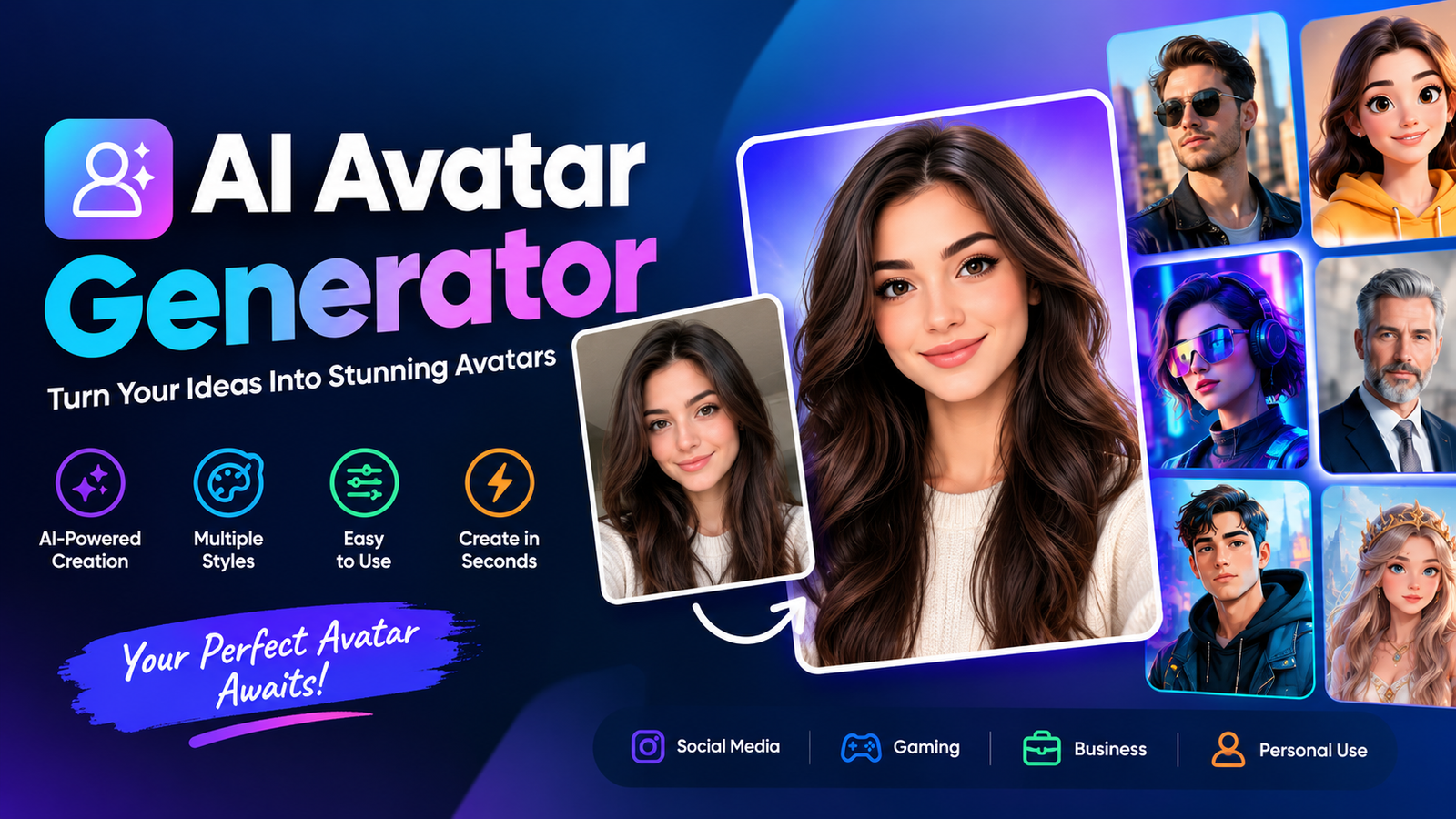
Creating professional videos no longer requires a camera, studio, actor, or complicated editing setup. An AI avatar generator can turn a script, image, or idea into a digital person who speaks, presents information, and appears on screen. These tools are becoming useful for marketers, educators, content creators, businesses, and anyone who wants to produce engaging videos faster.
The technology has also moved beyond simple profile pictures. Modern AI avatar platforms can create talking presenters, personalized digital twins, multilingual videos, social media content, and branded virtual characters. Some tools can even create an avatar from a photo and synchronize speech with realistic facial movements.
However, choosing the right tool is not always straightforward. Avatar quality, lip-sync, voice generation, customization, pricing, free limits, and commercial rights can vary significantly. This guide explains how AI avatar generators work, what to look for, and which features matter most when choosing one.
What Is an AI Avatar Generator?
An AI avatar generator is a software tool that uses artificial intelligence to create a digital representation of a person or character. Depending on the platform, the result may be a static image, animated character, talking presenter, or complete video avatar.
A typical AI avatar generator lets you select an existing avatar or create a customized one. You can then enter a script, select an AI voice, and generate a video in which the avatar appears to speak naturally.
For example, a small business owner could create a 60-second product introduction without appearing in front of a camera. A teacher could create an instructional video, while a marketer could produce several versions of an advertisement for different languages or audiences.
What Can an AI Avatar Generator Create?
Common outputs include:
- Talking-head videos
- Digital presenters
- Custom avatars
- AI spokesperson videos
- Social media characters
- Training presenters
- Educational videos
- Marketing videos
- Digital twins
- Animated profile avatars
The exact capabilities depend on the platform. Some focus on realistic human presenters, while others specialize in cartoon, gaming, anime, or stylized characters.
How Does an AI Avatar Generator Work?
Although the process can feel almost instant, several AI technologies typically work together behind the scenes.
1. Choose or Create an Avatar
First, users select a stock avatar or create a custom character. Some services can generate an avatar from a photograph or recorded footage.
2. Add a Script
The user enters the words the avatar should say. Many platforms also provide AI writing features for creating or improving scripts.
3. Generate the Voice
Text-to-speech technology converts the script into spoken audio. More advanced platforms may offer multiple accents, languages, emotions, and voice-cloning options.
4. Synchronize Facial Movements
The system analyzes the generated speech and synchronizes the avatar’s mouth and facial movements with the audio. Good lip-sync is one of the most important factors separating convincing avatars from obviously artificial ones.
5. Generate the Video
Finally, the platform combines the avatar, voice, facial animation, background, and other visual elements into a finished video.
Types of AI Avatars
Not every digital avatar serves the same purpose. Understanding the different types can help you choose a suitable tool.
Static AI Avatars
Static avatars are primarily images. They can work well for profile pictures, online communities, branding, and social media graphics.
Talking AI Avatars
Talking avatars are designed to speak a script using synthesized or cloned voices. They are particularly useful for presentations, tutorials, advertisements, and explainer videos.
Custom AI Avatars
A custom AI avatar represents a specific person or brand. Depending on the service, you may need to provide photos or video recordings to create it.
Digital Twins
A digital twin is generally a more personalized digital representation of a real person. It may combine a person’s appearance, voice, and other characteristics.
The terms “AI avatar” and “digital twin” are sometimes used interchangeably by software companies, so it’s important to check exactly what a particular platform provides.
Interactive AI Avatars
Some newer systems go beyond pre-recorded videos. Interactive avatars can respond to users in real time, making them useful for virtual assistants, customer service, training, and interactive experiences.
Best AI Avatar Generators Compared
The best platform depends on what you want to create. Instead of choosing a tool simply because it has a large avatar library, compare the features that directly affect your workflow.
| Feature | What to Look For | Why It Matters |
| Avatar realism | Natural facial appearance | Makes videos more believable |
| Lip-sync | Accurate mouth movement | Improves presentation quality |
| Voice quality | Natural speech and accents | Prevents robotic delivery |
| Customization | Custom avatars and scenes | Helps maintain branding |
| Languages | Multiple languages | Useful for global content |
| Video quality | HD or higher exports | Better for professional publishing |
| Ease of use | Simple editor | Reduces production time |
| Pricing | Flexible plans | Helps control costs |
| Commercial rights | Clear licensing | Important for business use |
What Makes a Good AI Avatar Generator?
A large avatar library does not automatically make a platform good. Several factors should be considered before committing to a service.
Avatar Realism
Look at facial details, expressions, eye movement, gestures, and overall consistency. Realism matters particularly for business presentations and customer-facing videos.
Lip-Sync Quality
Poor synchronization can immediately reveal that a video is AI-generated. Test whether the mouth movements closely match different sounds and speaking speeds.
Voice Naturalness
A convincing avatar needs a convincing voice. Look for natural pauses, pronunciation, emphasis, and language support.
Customization
Consider whether you can change the avatar, clothing, background, camera framing, branding, and presentation style.
Ease of Use
A powerful platform is less useful if producing a simple video requires a complicated workflow. Beginners should look for intuitive editors and straightforward generation processes.
Pricing and Free Access
Some services offer free trials or credits, while others provide limited free plans. Check watermarks, export limits, video duration, and commercial restrictions before relying on a free option.
Best Free AI Avatar Generator Options
Searching for an AI avatar generator free option makes sense when you’re testing the technology or creating occasional content. However, “free” can mean different things.
Some platforms provide genuinely free generation, while others offer trial credits or limited monthly usage. A free plan may also include watermarks, lower video resolution, fewer avatars, or restricted commercial rights.
Before choosing a free AI avatar tool, check:
- How many videos you can create
- Maximum video duration
- Export resolution
- Whether a watermark is added
- Available voices
- Custom avatar restrictions
- Commercial-use terms
- Whether unused credits expire
A free tool is ideal for experimentation, but frequent creators may find a paid plan more practical.
AI Avatar Generator From a Photo
An AI avatar generator from photo lets you transform an existing picture into a digital avatar. The process is generally straightforward.
You upload a suitable photograph, select the desired avatar style, and allow the system to process the image. Depending on the platform, the resulting avatar can remain a still image or become a talking character.
This approach can be useful for:
- Personal profile images
- Talking-photo videos
- Social media content
- Marketing campaigns
- Personalized presentations
- Virtual presenters
For the best result, use a clear, front-facing photograph with good lighting. Avoid heavily filtered or extremely low-resolution images.
How to Create an AI Avatar
Creating an avatar video usually takes only a few steps.
Step 1: Choose the Right Platform
Decide whether you need a realistic presenter, talking photo, animated character, digital twin, or interactive avatar.
Step 2: Select an Avatar
Choose a stock character or upload the required material for a custom avatar.
Step 3: Prepare Your Script
Write a short, conversational script. Short sentences generally sound more natural when spoken by an AI voice.
Step 4: Select a Voice
Choose an appropriate language, accent, tone, and speaking style.
Step 5: Customize the Video
Add a background, logo, captions, colors, and other branding elements when available.
Step 6: Generate and Review
Generate the video and check pronunciation, facial movement, lip-sync, pacing, and visual quality.
Step 7: Export
Once the result looks natural, export it in the format and resolution required for your website, presentation, or social platform.
AI Avatar Generator Use Cases
AI avatars are useful across many industries because they make repeatable video production easier.
Marketing
Marketing teams can create product explainers, promotional videos, advertisements, and localized campaigns without recording a new presenter for every version.
Education and Training
Teachers and businesses can use digital presenters for tutorials, onboarding, internal training, and instructional material.
YouTube and Social Media
Creators can use avatars for Shorts, TikTok videos, educational content, commentary, and other formats where regular video production may be time-consuming.
Business Presentations
Companies can turn written information into presenter-led videos for internal communication, product demonstrations, and customer education.
Ecommerce
Online stores can use avatars to introduce products, explain features, or create short promotional videos.
Multilingual Content
A single script can potentially be adapted into multiple languages, helping organizations reach international audiences more efficiently.
AI Avatar vs. AI Image Generator
These technologies overlap but serve different purposes.
An AI image generator primarily creates still images from text or other inputs. An AI avatar platform is generally designed around a digital person or character and may add speech, facial animation, voice, and video.
If you only need a profile picture, an image generator may be enough. If you need a presenter who speaks on camera, an AI avatar generator is usually the more appropriate option.
Are AI Avatar Generators Safe?
AI avatars can be useful, but they involve important privacy and consent considerations, especially when users upload their own face or voice.
Before creating a custom avatar, review the platform’s privacy policy and understand how uploaded media is stored and used.
Pay particular attention to:
- Face-data handling
- Voice-cloning policies
- Data retention
- Deletion procedures
- Consent requirements
- Commercial licensing
- Third-party data sharing
Never create an avatar or clone the voice of another person without appropriate permission.
Commercial Rights You Should Check
A video being free to generate does not necessarily mean it is free to use commercially.
If you plan to use an avatar in advertisements, client projects, monetized social media, or business communications, check the platform’s licensing terms.
Look for information about:
- Commercial usage
- Ownership of generated content
- Voice rights
- Avatar licensing
- Client work
- Advertising restrictions
- Watermarks
- Attribution requirements
This is especially important for businesses and agencies producing content for customers.
Tips for Creating Better AI Avatar Videos
The quality of the final result depends on more than the generator itself.
Use conversational language rather than writing as though you’re creating a formal document. Break long sentences into shorter ones and use punctuation to create natural pauses.
Choose a voice that matches the audience and subject. A friendly voice may work well for social content, while a professional presentation may require a more formal delivery.
Finally, always review the generated video before publishing. Look for strange pronunciation, unnatural gestures, incorrect lip-sync, awkward pauses, or visual inconsistencies.
Pros and Cons of AI Avatar Generators
Pros
- Faster video production
- No camera setup required
- Consistent presentation
- Easy content localization
- Useful for repetitive videos
- Accessible to beginners
- Scalable for marketing and training
Cons
- Some avatars can still look artificial
- Voice quality varies between platforms
- Free plans may be restrictive
- Premium features can become expensive
- Custom avatars raise privacy considerations
- Poorly designed content can feel impersonal
Conclusion
An AI avatar generator can simplify video production by turning scripts, photos, and ideas into digital presenters and characters. The technology is useful for marketers, educators, businesses, creators, and anyone who needs repeatable video content without traditional recording equipment.
The right choice depends on your goal. Prioritize realism and lip-sync for professional presenter videos, customization for branded content, language support for global campaigns, and pricing flexibility if you plan to create videos regularly.
If you’re experimenting with the technology, starting with a free AI avatar generator or trial can help you understand the workflow before paying for advanced features. For business use, always go one step further and verify privacy, licensing, commercial rights, and data policies before uploading your face or voice.
Frequently Asked Questions
What is an AI avatar generator?
An AI avatar generator is a tool that creates digital people or characters using artificial intelligence. Depending on the platform, the avatar can speak, move, present information, or appear in generated videos.
Can I create an AI avatar from a photo?
Yes. Some platforms can transform a photograph into a digital avatar or talking character. The available features depend on the specific service.
Is there a free AI avatar generator?
Yes, some platforms offer free plans, trials, or credits. However, free access may include limitations such as watermarks, restricted exports, shorter videos, or fewer customization options.
Can AI avatars talk?
Yes. Many modern avatar generators combine AI avatars with text-to-speech technology, allowing a digital presenter to speak a written script.
Can I create an AI avatar of myself?
Many platforms support custom avatars based on a person’s photos or video recordings. Always check the provider’s requirements and policies before uploading personal media.
What is the difference between an AI avatar and a digital twin?
An AI avatar can be a general digital character, while a digital twin usually refers to a more personalized representation of a real person. However, software companies do not always use these terms consistently.
Can I use AI-generated avatars commercially?
It depends on the platform’s licensing terms. Before using an avatar in advertising, client work, or monetized content, check its commercial-use and ownership rules.
You May Also Read: Bad Bunny
