


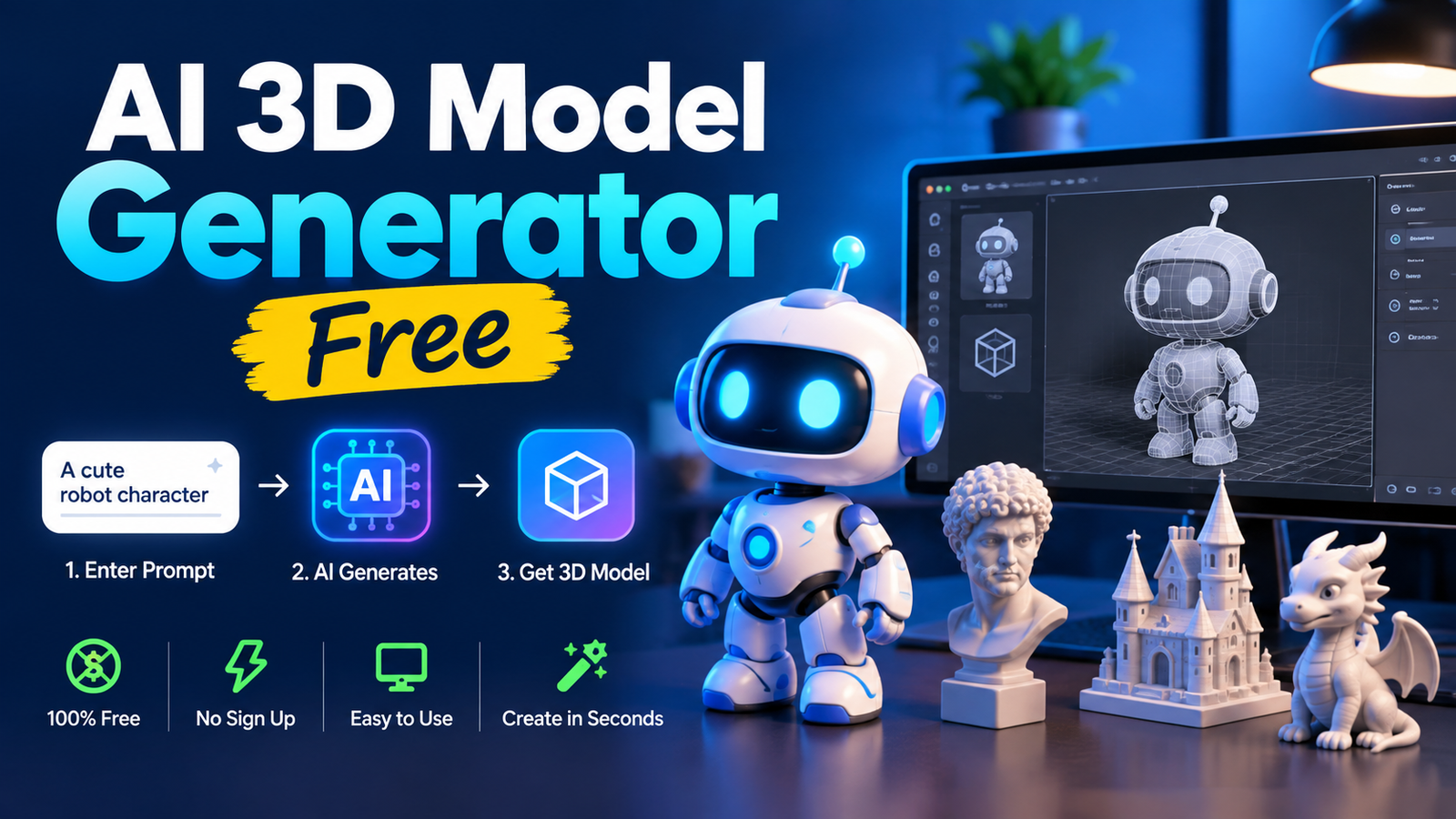
Creating 3D models no longer requires years of experience with complex software. An AI 3D Model Generator Free can help beginners and professionals turn ideas into three-dimensional assets quickly. From text prompts to reference images, modern AI tools can create useful starting points for games, product concepts, animation, education, and creative projects.
The main attraction is speed. Traditional modeling can take hours or days, while AI can produce an initial concept much faster. Still, the quality of results depends on the tool, input, prompt, and intended use.
What Is an AI 3D Model Generator?
An AI 3D Model Generator Free uses machine learning to create 3D objects from text, images, or other references. Instead of manually shaping vertices and surfaces, users describe an object and let the system produce a model.
For example, a prompt describing a futuristic desk lamp can produce a rough three-dimensional version that can later be edited in Blender or another modeling application. Some systems focus on geometry, while an AI 3D Model Generator Free may also generate textures and materials.
The best AI 3D Model Generator Free options are designed to reduce the time between an idea and a usable visual asset.
How Does AI 3D Generation Work?
An AI 3D Model Generator Free first interprets the information supplied by the user. With text input, it identifies objects, materials, styles, and visual characteristics. With an image, it analyzes visible surfaces and estimates depth and shape.
The system then creates geometry based on its learned patterns. Depending on the platform, additional steps may generate textures, UV information, or materials.
Because AI is estimating information rather than following an engineering drawing, unusual angles, hidden surfaces, and complex mechanical structures can sometimes produce imperfect results.
Text-to-3D and Image-to-3D
One important difference between AI tools is the type of input they accept.
Text-to-3D is useful when you have an idea but no reference image. You can describe the object, style, materials, and important details.
Image-to-3D is useful when you already have a photograph, illustration, or concept image. The AI uses the reference as a visual guide.
| Feature | Text-to-3D | Image-to-3D |
| Input | Text prompt | Image |
| Best for | New concepts | Existing references |
| Control | Prompt-based | Image-based |
| Main challenge | Interpretation | Hidden geometry |
An AI 3D Model Generator Free that supports both methods gives creators more flexibility when developing assets.
Features to Check Before Choosing a Tool
Not all free AI modeling services offer the same capabilities. Before choosing one, examine the features that matter most to your project.
Export Formats
Check whether the platform supports formats such as OBJ, FBX, GLB, GLTF, STL, or 3MF. Digital assets and 3D-printing projects can require different formats.
Mesh Quality
A model can look impressive in a preview while still having messy geometry. Look for holes, disconnected surfaces, excessive polygons, and distorted shapes.
Textures
If appearance matters, texture generation can save additional work. Some tools create textured assets automatically, while others provide basic geometry only.
Free Limits
“Free” does not always mean unlimited. A service may offer free credits, limited generations, lower resolution, or restricted downloads. Always understand the limits before starting a larger project.
Best Uses for AI 3D Generation
An AI 3D Model Generator Free can support many creative workflows. Designers can use it for early concepts, while game developers can create prototype assets.
Students can experiment with 3D design without immediately learning advanced modeling techniques. Content creators can also generate objects for videos, presentations, websites, and visual experiments.
The technology is especially useful during brainstorming because an AI 3D Model Generator Free can produce multiple concepts quickly and let creators refine them later.
How to Create a 3D Model With AI
Start with a clear objective. Decide whether you need a character, prop, product, environment object, or printable model before choosing an AI 3D Model Generator Free.
Choose text-to-3D if you are starting from an idea. Choose image-to-3D when you have a useful reference and want to get more from an AI 3D Model Generator Free.
Write a detailed prompt and generate the first version. Inspect the model from different angles and identify problems. If the result is not suitable, adjust the prompt or reference and generate another version.
Once the geometry looks useful, export it and continue editing in your preferred 3D software.
A good AI 3D Model Generator Free workflow treats AI output as a starting point rather than automatically assuming it is production-ready.
How to Write Better Prompts
Detailed prompts usually provide more useful direction than extremely short descriptions. Include the object’s type, shape, material, style, important features, and visual appearance.
Instead of writing “robot,” you could describe a compact exploration robot with two articulated arms, a rounded camera head, rugged metal panels, and small wheels.
You can also mention styles such as realistic, low-poly, cartoon, futuristic, medieval, industrial, or stylized.
When using an AI 3D Model Generator Free, test one change at a time so you can understand which instructions improve the result.
AI 3D Models for Games
Game developers can use an AI 3D Model Generator Free for props, environmental objects, prototypes, and early asset concepts.
For example, a fantasy game might need barrels, crates, shields, rocks, furniture, and decorative objects that an AI 3D Model Generator Free can help prototype.
However, game-ready assets need more than attractive shapes. Polygon count, topology, UVs, textures, scale, and collision geometry should be reviewed before production use.
AI 3D Models for 3D Printing
3D printing requires careful inspection. A model that looks correct on a screen may contain holes, thin walls, non-manifold edges, or disconnected parts.
After generating a model with an AI 3D Model Generator Free, check its geometry and dimensions. Repair problems before importing it into a slicer.
An AI 3D Model Generator Free can be helpful for decorative objects, creative prototypes, and simple miniatures. Detailed mechanical parts may still be better created or refined with CAD software.
Product Visualization
Product designers can use an AI 3D Model Generator Free to explore different concepts before investing time in detailed modeling.
For example, a designer creating a desk lamp could generate several shapes, compare them, and choose one direction for further development.
AI-generated concepts can accelerate brainstorming, but exact measurements from an AI 3D Model Generator Free should be verified manually when the design needs manufacturing accuracy.
Common Problems and Limitations
AI-generated models can have distorted geometry, inconsistent proportions, missing surfaces, stretched textures, or unnecessary polygons.
Complex objects are especially difficult because the system must understand how multiple parts connect.
Another issue is consistency. Repeating the same prompt can sometimes produce different results. This is useful for creative exploration but less convenient when identical assets are required.
Free services may also impose limits on generation credits, export quality, processing speed, or available formats.
Free vs Paid Tools
An AI 3D Model Generator Free is useful for learning, testing, and occasional projects. It allows users to experiment before paying for advanced capabilities.
Paid plans may provide more generations, higher-quality exports, faster processing, or additional features beyond an AI 3D Model Generator Free.
If you only create a few assets each month, an AI 3D Model Generator Free may be sufficient. Frequent creators should compare free limits with their actual workload.
The important point is to evaluate the complete workflow rather than focusing only on the word “free.”
Commercial Use and Licensing
Before selling an AI-generated model or using it in a commercial project, read the platform’s current licensing terms.
Some services allow commercial use under particular plans, while an AI 3D Model Generator Free may have restrictions on redistribution, attribution, or generated content.
Never assume that an AI 3D Model Generator Free automatically gives unlimited commercial rights. Verify the license before using an asset for a client, store, game, or paid product.
AI vs Traditional 3D Modeling
AI generation and traditional modeling can complement each other.
| Factor | AI Generation | Traditional Modeling |
| Initial speed | Fast | Slower |
| Learning curve | Lower | Higher |
| Precision | Variable | High |
| Exploration | Excellent | Excellent |
| Topology control | Limited | Strong |
| Exact dimensions | Limited | Strong |
| Manual control | Lower | Very high |
An AI 3D Model Generator Free is valuable for rapid concepts, while traditional modeling remains useful when precise control is required.
A hybrid workflow can combine fast AI generation with manual cleanup and optimization.
Tips for Better Results
Start with simple objects before moving to complicated characters or machines. Use clear reference images when working with image-to-3D systems.
Save prompts that produce strong results. You can reuse their structure when working with an AI 3D Model Generator Free on related projects.
Always inspect the final mesh instead of relying only on the preview. This is especially important for printing, games, and commercial work.
Using an AI 3D Model Generator Free effectively means understanding both its strengths and its limitations.
Who Should Use These Tools?
Beginners can use an AI 3D Model Generator Free to explore 3D concepts without mastering professional software immediately. Students can use them for educational experiments and visual projects.
Designers can accelerate brainstorming, while developers can create temporary assets during prototyping.
Hobbyists can also experiment with characters, props, miniatures, and creative ideas.
An AI 3D Model Generator Free is most useful when speed and experimentation are more important than perfect geometry on the first attempt.
Frequently Asked Questions
Can I create 3D models for free?
Yes. Some platforms offer free credits or limited generations. The exact features depend on the service.
Can AI create a model from an image?
Yes. Image-to-3D systems can estimate depth and reconstruct an object from a suitable reference image.
Are AI-generated models ready for 3D printing?
Not always. You should inspect the mesh, repair geometry, check dimensions, and prepare the file before printing.
Can I sell AI-generated models?
That depends on the platform’s license. Check commercial-use and redistribution rules before selling the output.
Which file formats are common?
OBJ, FBX, GLB, GLTF, STL, and 3MF are common options, although each platform supports different formats.
Do AI models require editing?
Often. Cleanup may be needed for topology, textures, dimensions, or other production requirements.
Can AI replace 3D artists?
AI can speed up many early-stage tasks, but professional projects often still require human modeling, editing, art direction, and quality control.
Conclusion
AI has made 3D creation faster and more accessible. Instead of building every object from scratch, creators can generate a starting model and refine it according to their needs.
An AI 3D Model Generator Free can be valuable for beginners, students, designers, developers, hobbyists, and content creators who want to experiment without a large upfront cost.
The best results come from combining clear prompts, suitable references, careful model inspection, and manual refinement.
Before using generated assets, always check geometry, file compatibility, dimensions, and licensing. With the right workflow, AI can become a practical part of modern 3D creation.
You May Also Read: Leonardo Dicaprio
