


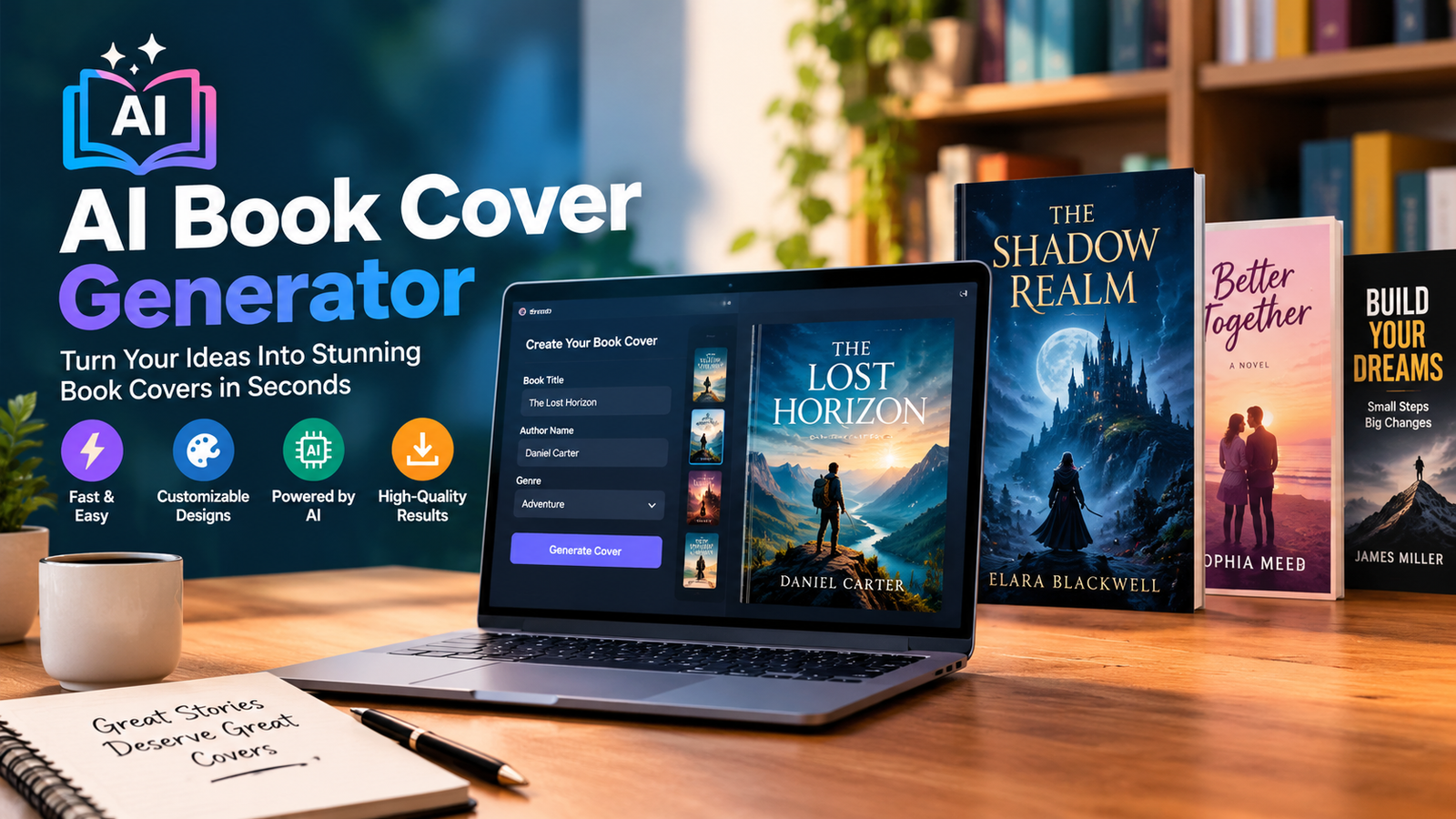
A strong book cover can determine whether a reader stops scrolling and takes a closer look. For independent authors and publishers, creating that first impression no longer has to mean hiring a designer for every concept. An AI book cover generator can turn a simple description into cover artwork in minutes, helping you explore ideas, test different styles, and create a professional starting point.
The important part is knowing that AI-generated artwork is not automatically a finished book cover. A publishable design still needs readable typography, good composition, genre-appropriate visuals, correct dimensions, and suitable licensing. Whether you are publishing an eBook, paperback, or audiobook, the best results come from combining AI generation with thoughtful editing.
This guide explains how AI book cover tools work, how to choose one, how to write better prompts, what to look for in a free AI book cover generator, and how to prepare your final design for publishing.
What Is an AI Book Cover Generator?
An AI book cover generator is a tool that uses artificial intelligence to create book-cover artwork from text prompts or other creative inputs. Instead of manually building an illustration from scratch, you describe the subject, mood, setting, style, and composition you want.
For example, an author writing a fantasy novel might request a mysterious castle surrounded by mist, with a lone character standing beneath a moonlit sky. The generator can produce several visual concepts that the author can refine or edit.
An AI book cover generator can be useful for:
- Self-published authors
- Indie publishers
- First-time writers
- eBook creators
- Authors developing a book series
- Businesses producing eBooks and guides
- Writers who want to test several cover concepts quickly
AI Artwork vs. a Finished Book Cover
One of the biggest misconceptions about AI cover design is that generating an image automatically creates a professional cover.
A good book cover needs more than artwork. It should communicate the genre, establish visual hierarchy, make the title readable, and work at both full size and thumbnail size.
AI can create the visual foundation, while a design editor can be used to add or correct the title, author name, typography, spacing, and other elements.
How to Choose the Best AI Book Cover Generator
Not every AI image tool is designed specifically for books. Before choosing a platform, consider what you actually need from it.
| Feature | Why It Matters |
| Image quality | Creates a stronger visual first impression |
| Prompt control | Gives you more control over the concept |
| Typography | Helps produce readable cover text |
| Editing | Makes it easier to correct imperfections |
| Resolution | Important for high-quality publishing |
| Genre support | Helps create appropriate visual styles |
| Commercial rights | Important when selling your book |
| Pricing | Determines whether it fits your budget |
| Series consistency | Useful when creating multiple books |
Look beyond the phrase “free.” A tool may offer free generations but restrict downloads, resolution, commercial use, or editing features.
Best AI Book Cover Generators
The best AI book cover generator depends on your workflow rather than one universal winner. Some tools are better for artistic experimentation, while others are more useful when you need editing, templates, typography, or publishing-focused features.
Midjourney
Midjourney is well known for creating highly stylized AI artwork. It can be useful when the main priority is developing an imaginative visual concept for a fantasy, science-fiction, romance, or other visually distinctive book.
However, authors may still need another design tool to handle precise typography, layout, and final publishing preparation.
Visme AI Book Cover Generator
Visme can be useful for authors who want more than an AI-generated image. A design-focused workflow can help combine generated visuals with text, layouts, and other graphic elements.
This type of approach can be especially useful for nonfiction, business, educational, and professional books where typography and information hierarchy matter as much as artwork.
Other AI Cover Tools
Dedicated book-cover platforms may provide features such as:
- Book-specific templates
- Genre presets
- Title and author placement
- Cover editing
- eBook and print layouts
- Series branding
- Publishing-oriented exports
When comparing tools, test the same prompt across several platforms rather than choosing based solely on marketing claims.
How to Create a Book Cover With AI
Creating an effective cover is easier when you follow a structured process.
1. Define Your Book’s Genre
Start with the genre because readers have visual expectations.
A romance cover may use expressive characters and emotional imagery. A thriller might rely on darker colors, dramatic lighting, and a mysterious focal point. A business book may benefit from clean typography and a minimal composition.
2. Create a Cover Brief
Before opening an AI tool, write down:
- Book title
- Author name
- Genre
- Main subject
- Setting
- Mood
- Color palette
- Visual style
- Target audience
This prevents vague prompts and gives the generator a clearer creative direction.
3. Write a Detailed Prompt
A useful formula is:
Subject + setting + composition + mood + lighting + color palette + visual style
For example:
A mysterious Victorian mansion surrounded by fog, viewed from a distant hillside, dark gothic atmosphere, moonlight, deep blue and black palette, cinematic fantasy book-cover artwork, strong central composition, space at the top for title typography.
You can add more detail as needed, but avoid stuffing unrelated ideas into one prompt.
4. Generate Multiple Concepts
Don’t automatically choose the first result.
Create several variations with different compositions, lighting, colors, or focal points. One version may have better artwork while another has a much stronger composition.
5. Select and Refine
Compare the strongest concepts and ask:
- Does it clearly represent the genre?
- Is the main subject obvious?
- Does the cover look professional at thumbnail size?
- Is there enough space for text?
- Does it look too generic?
- Are there obvious AI artifacts?
6. Add and Check Typography
AI image generators can struggle with exact text. For an important book title, adding the typography separately can provide much greater control.
Choose a font that matches the genre and make sure the title remains readable against the background.
Best AI Book Cover Prompts by Genre
The quality of an AI cover often depends on how clearly you describe the desired visual direction.
Romance
Try combining emotional characters, intimate composition, warm lighting, and an elegant color palette.
Fantasy
Describe the world, character, magical elements, atmosphere, lighting, and cinematic scale.
Mystery and Thriller
Use specific details such as shadows, isolated objects, fog, unusual locations, or dramatic contrast.
Horror
Dark environments, unsettling objects, limited color palettes, and negative space can create a stronger atmosphere than simply asking for a “scary cover.”
Sci-Fi
Describe futuristic architecture, technology, planets, spacecraft, unusual landscapes, and cinematic lighting.
Self-Help and Business
Keep the prompt more focused on clean composition, professional visual elements, minimal backgrounds, and clear space for typography.
AI Book Cover Generator Free: What Should You Check?
A free AI book cover generator can be useful when you are experimenting or working with a limited budget, but “free” does not always mean unrestricted.
Before downloading a cover, check:
- Whether downloads are free
- Whether the output contains a watermark
- Maximum resolution
- Commercial-use permissions
- Number of free generations
- Export formats
- Editing limitations
- Whether credits expire
A best free AI book cover generator should offer more than a free preview. If you plan to sell your book, licensing and output quality are just as important as the price.
How to Create a KDP-Ready AI Book Cover
Creating attractive artwork is only part of publishing. Your final cover must also meet the requirements of your publishing platform.
For Kindle eBooks, Amazon’s current guidance recommends a portrait cover with a 1.6:1 height-to-width ratio and recommends 2,560 × 1,600 pixels for the best quality. Amazon also provides specific requirements for paperback covers, including a single PDF containing the back cover, spine, and front cover.
For print covers, check the current specifications for your book’s trim size, page count, bleed, and spine width rather than guessing.
KDP Cover Checklist
Before uploading, check:
- Correct dimensions
- Appropriate resolution
- Correct color profile
- Proper bleed
- Correct spine width
- Accurate title
- Accurate author name
- No unwanted text
- No watermark
- Correct file format
- Clear typography
Amazon also provides a cover calculator and downloadable templates that can help authors create correctly sized print covers.
Can You Use AI-Generated Book Covers Commercially?
Potentially, but you should always check the current terms of the AI service you use.
Commercial rights can vary between platforms and subscription plans. A tool may allow commercial use of generated artwork while imposing different conditions on stock assets, templates, fonts, or other elements.
Before publishing, verify:
- Whether commercial use is permitted.
- Whether your subscription affects usage rights.
- Whether included stock assets have commercial licenses.
- Whether fonts can be used commercially.
- Whether attribution is required.
- Whether the platform places restrictions on generated content.
Don’t assume that every image created by an AI tool automatically has identical commercial rights.
AI Book Cover Generator vs. Canva vs. Professional Designer
| Option | Best For | Speed | Control | Cost |
| AI generator | Rapid visual concepts | Very fast | Medium–High | Low–Medium |
| Canva | DIY layouts and typography | Fast | High | Low–Medium |
| Professional designer | Premium publishing projects | Slower | Very high | High |
| Hybrid workflow | Balance of AI and design | Fast–Medium | High | Medium |
An AI generator is useful when you need several concepts quickly. Canva or another design editor can be better when precise typography and layout are important.
For a major commercial release, a professional designer may still be the strongest option. A hybrid workflow can also work well: use AI to explore concepts, then refine the selected design manually.
How to Make AI-Generated Book Covers Look Professional
Focus on Visual Hierarchy
Readers should immediately notice the most important element. Usually, this means the title, central visual, and author name need clear positioning.
Match the Genre
A technically impressive image can still be a poor cover if it looks like the wrong genre.
Always ask whether the design would look natural beside other successful books in the same category.
Keep the Background Under Control
Busy backgrounds can make typography difficult to read. If necessary, simplify the artwork or create intentional negative space behind the title.
Test the Thumbnail
Reduce the cover to a small size and view it on a phone or marketplace page.
If the title disappears or the central image becomes confusing, revise the design.
Common AI Book Cover Problems and How to Fix Them
| Problem | Solution |
| Misspelled text | Add typography separately |
| Strange faces or hands | Regenerate or edit the image |
| Busy composition | Simplify the prompt |
| Weak title contrast | Adjust background or text placement |
| Wrong genre impression | Add genre-specific visual cues |
| Generic artwork | Give the prompt more specific details |
| Low resolution | Use an appropriate high-resolution workflow |
| Inconsistent series design | Establish a consistent visual style |
The goal isn’t to accept the first AI output. Treat the first generation as a creative draft.
How to Test Your Cover Before Publishing
Use this five-step test:
Thumbnail test: Can you recognize the title when the cover is small?
Genre test: Does the design immediately communicate the book’s category?
Mobile test: Does it remain readable on a phone?
Competition test: Does it look distinctive next to similar books?
Metadata test: Do the title and author name exactly match your publishing information?
These checks can reveal problems that are easy to miss when viewing a large image on a desktop.
AI Book Covers for Series
If you are publishing multiple books, consistency becomes especially important.
Use a similar:
- Typography system
- Color palette
- Logo or series branding
- Character treatment
- Composition
- Title placement
For example, a fantasy trilogy could use the same typography and overall layout for all three books while changing the central character or environment for each installment.
This makes the books immediately recognizable as part of the same series.
Conclusion
An AI book cover generator can dramatically speed up the creative process, especially for self-published authors who want to explore several ideas before committing to a final design. The strongest workflow is not simply generating an attractive image and uploading it. Instead, define the genre, create a detailed prompt, generate multiple concepts, refine the best option, add professional typography, verify licensing, and check the final file against publishing requirements.
Whether you choose a free AI book cover generator, a dedicated design platform, Midjourney, Visme, or a hybrid AI-and-designer workflow, the goal should remain the same: create a cover that communicates the right genre, attracts attention, and works technically wherever you plan to publish it.
Frequently Asked Questions
What is the best AI book cover generator?
The best option depends on your requirements. Consider image quality, prompt control, editing, typography, commercial rights, resolution, pricing, and publishing support before choosing.
Is there a free AI book cover generator?
Yes, some platforms offer free generations or limited free plans. However, check download quality, watermarks, commercial rights, and usage limits before relying on a free service for a published book.
Can AI create a complete book cover?
AI can create the artwork and sometimes the layout, but important elements such as typography, exact text, sizing, and publishing specifications may still require manual editing.
Can I use an AI-generated cover on Amazon KDP?
AI-generated artwork can potentially be used as part of a KDP cover, but you are responsible for following KDP’s current content and technical requirements and for ensuring you have appropriate rights to the assets you use.
What should I include in an AI book cover prompt?
Describe the subject, setting, composition, mood, lighting, color palette, art style, and intended genre. You can also specify where you want clear space for the title.
How do I make an AI book cover look professional?
Generate several concepts, choose a strong composition, correct AI artifacts, add readable typography, maintain genre conventions, and test the final cover at thumbnail size.
Can I use AI for paperback book covers?
Yes. AI can create the artwork for a paperback cover, but the final design needs to account for the front, back, spine, trim size, bleed, resolution, and print specifications.
You May Also Read: Millie Bobby Brown Baby
