


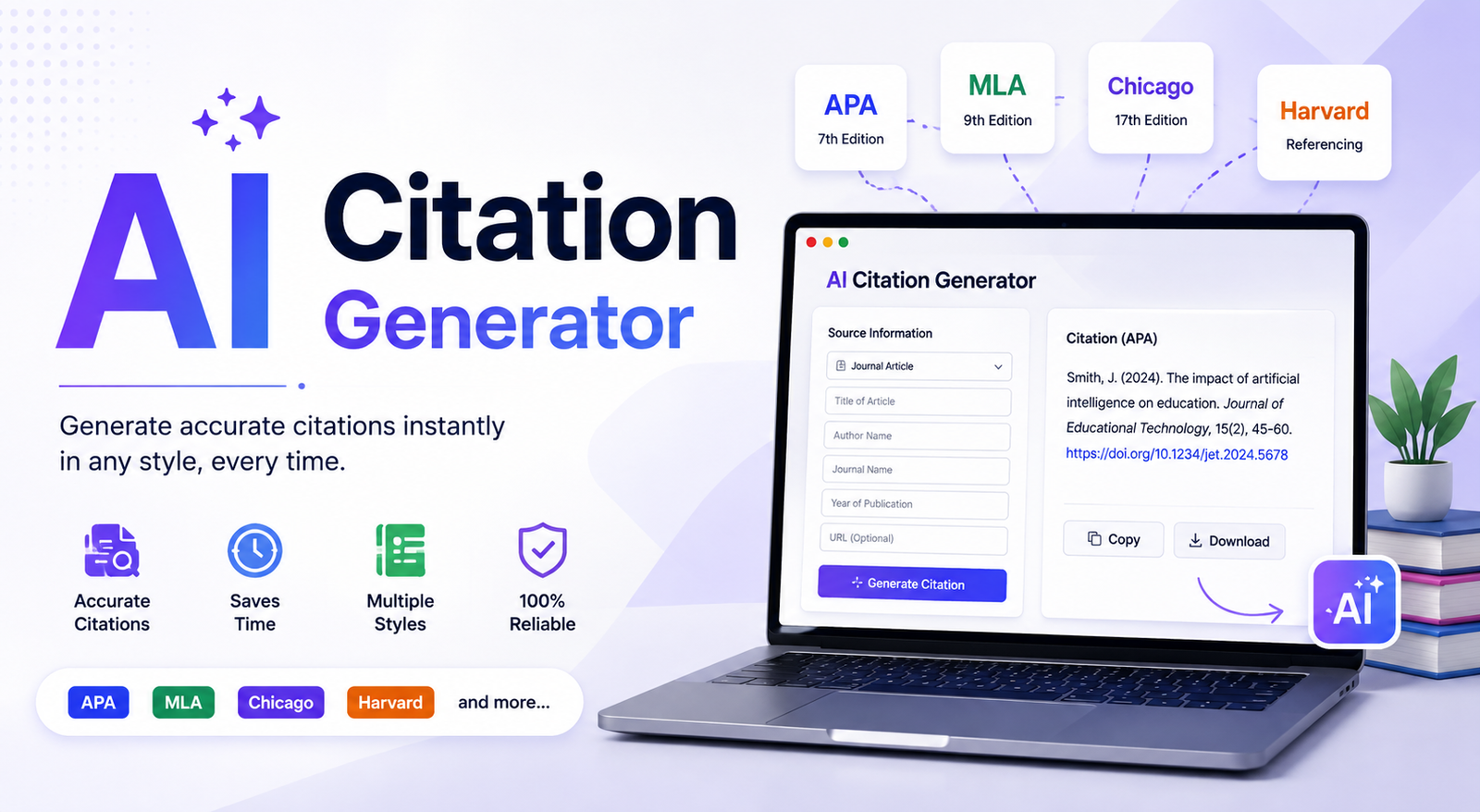
Writing an academic paper is hard enough without spending hours fixing commas, italics, publication dates, and reference lists. An AI citation generator can simplify that process by turning source information into properly formatted citations in seconds. Instead of manually checking every formatting rule, students, researchers, writers, and professionals can use AI to organize bibliographic details and create references in styles such as APA, MLA, and Chicago.
However, speed should not replace accuracy. An AI tool can identify information incorrectly, miss important metadata, or occasionally produce a citation that looks convincing but contains errors. The best approach is to use an AI citation generator as a research and formatting assistant, then verify the result against the original source.
This guide explains what an AI citation generator is, how it works, what sources it can handle, how to create citations from text, URLs, DOIs, and books, and how to check AI-generated references before submitting your work.
What Is an AI Citation Generator?
An AI citation generator is a tool that uses artificial intelligence, automated metadata extraction, or both to create formatted academic references from source information.
Depending on the tool, you may be able to enter a URL, DOI, ISBN, article title, text, or uploaded document. The system identifies information such as the author, title, publication date, publisher, journal, volume, issue, and URL, then formats those details according to the citation style you select.
For example, a student might provide a journal article’s DOI and select APA 7. Instead of manually entering every bibliographic field, the tool can retrieve the available metadata and produce a reference that follows the requested structure.
AI Citation Generator vs. Traditional Citation Generator
Traditional citation tools generally depend on predefined databases and formatting rules. An AI-powered tool can add natural-language processing and automated source interpretation to that workflow.
| Feature | Traditional Citation Generator | AI Citation Generator |
| Citation formatting | Yes | Yes |
| URL input | Common | Common |
| DOI support | Common | Common |
| Natural-language input | Limited | Often supported |
| Metadata extraction | Often | Often |
| Source interpretation | Basic | AI-assisted |
| Different citation styles | Yes | Yes |
| Verification | Usually manual | Still recommended |
AI does not automatically mean perfect accuracy. The quality of the underlying metadata, databases, retrieval system, and AI implementation all affect the final citation.
How Does an AI Citation Generator Work?
Although different tools use different technologies, the basic process is straightforward.
Source → Metadata extraction → Source identification → Citation style → Formatting → Verification
Step 1: Enter Your Source
You may be able to provide:
- A webpage URL
- DOI
- ISBN
- Article title
- Author name
- Research paper
- Existing reference information
- Text containing source details
This flexibility is especially useful when you’re working with many different types of sources.
Step 2: Extract Bibliographic Information
The tool attempts to identify the details required for a reference, including the author, title, date, publisher, journal, volume, issue, pages, and DOI.
If the source has incomplete metadata, you may need to provide missing information manually.
Step 3: Identify the Source Type
A citation for a journal article is not structured in exactly the same way as a book or webpage. An AI citation tool may therefore determine whether the source is a:
- Journal article
- Book
- Website
- News article
- Government report
- Conference paper
- Dissertation
- Video
- Podcast
Correct source identification is important because citation rules depend heavily on source type.
Step 4: Apply the Citation Style
Once the source information is available, the generator applies the rules for the selected style.
For example, APA, MLA, and Chicago can organize the same source differently.
Step 5: Generate the Citation
The result may include a complete bibliography entry, an in-text citation, or both.
Step 6: Verify the Result
This step should never be skipped for important academic work.
Check the generated citation against the original source before adding it to your final reference list.
What Can You Give an AI Citation Generator?
One of the biggest advantages of modern citation tools is that you are not always limited to manually entering every field.
AI Citation Generator From Text
An AI citation generator from text can be useful when your source details are already written in a paragraph, note, or research document.
For example, text might contain:
Smith, J. published “The Future of Digital Learning” in 2025 in the Journal of Educational Technology.
An AI system can identify likely citation elements such as the author, article title, year, and journal. You should still confirm these details against the original publication.
Generate a Citation From a URL
If you’re citing a webpage, you can often paste the URL into an AI citation tool. The tool may retrieve the page title, author, publication date, website name, and other available information.
This is particularly useful for online articles, reports, documentation, and news sources.
Generate a Citation From a DOI
DOIs are especially useful for academic research because they provide a persistent identifier for scholarly publications.
Enter the DOI, select the required style, and review the returned author, title, journal, volume, issue, page, and DOI information.
Generate a Citation From an ISBN
Books can often be identified through their ISBN. An AI citation generator may use that identifier to retrieve book metadata and format the reference.
Always check the edition you actually used because different editions can have different publication dates and publishers.
Generate a Citation From a PDF
PDF support can be useful for journal papers, research reports, dissertations, conference papers, and other academic documents.
However, poorly scanned or unusual PDFs can contain incomplete metadata. Compare the generated reference with the title page and publication information inside the document.
Which Citation Styles Can an AI Citation Generator Create?
The exact styles available depend on the tool, but common options include:
| Citation Style | Common Use | Important Details |
| APA 7 | Psychology, education, social sciences | Author, date, title, source |
| MLA 9 | Humanities and literature | Containers and publication details |
| Chicago | History, arts, research | Notes and bibliography options |
| Harvard | Academic research | Author-date structure |
| IEEE | Engineering and technology | Numbered references |
| Vancouver | Scientific and medical writing | Numbered citations |
| AMA | Medical writing | Specialized reference formatting |
Always follow the requirements provided by your instructor, university, publisher, or journal if they differ from a generic citation style guide.
AI Citation Generator Examples
Seeing a citation workflow is often easier than reading a definition.
Example 1: Website to APA Citation
Suppose you have an online article containing an identifiable author, publication date, article title, website name, and URL.
An AI tool can use those details to create an APA-style reference.
Before accepting it, check:
- Is the author correct?
- Is the date correct?
- Is the article title accurate?
- Is the website name correct?
- Does the URL lead to the original page?
Example 2: Journal Article to MLA
For a scholarly article, the generator may identify the author, article title, journal title, volume, issue, year, page range, and DOI.
The important point is that formatting the information is only half the job. You should verify that the metadata actually belongs to the article you used.
Example 3: Book to Chicago
For a book, you might provide an ISBN or title and author information. The tool can then format the bibliographic details according to Chicago rules.
Check the edition and publication year carefully because books often have multiple editions.
Can AI Citation Generators Make Mistakes?
Yes. This is one of the most important things to understand before using an AI citation tool.
An AI citation generator can make several types of mistakes.
Incorrect Author Information
A webpage may have an organization as its author, while an automated system incorrectly identifies another name.
Wrong Publication Date
Webpages can contain multiple dates, including publication, update, and copyright dates. The tool may select the wrong one.
Missing DOI or URL
Some sources have incomplete metadata, which can result in missing identifiers.
Incorrect Page Numbers
This can happen when information is extracted from poorly structured documents or when page numbers are not clearly represented in metadata.
Wrong Source Type
A report, webpage, journal article, and book may require different formatting. Misidentifying the source can produce the wrong citation structure.
AI-Hallucinated Citations
A particularly serious problem occurs when an AI system produces a reference that appears legitimate but cannot be verified.
This is why an AI citation generator should not be treated as a guarantee that a source exists.
There is an important difference between a formatting mistake and a fabricated reference:
- Formatting error: The source exists, but the citation is formatted incorrectly.
- Metadata error: The source exists, but some details are wrong.
- Hallucinated citation: The reference or source information cannot be confirmed.
How to Check an AI-Generated Citation
Before submitting an assignment or research paper, use this verification checklist.
1. Check the Author
Confirm the author’s name directly from the original source.
2. Check the Title
Make sure the title matches the source and follows the capitalization rules for your selected style.
3. Check the Publication Date
Confirm that the generated year represents the relevant publication or update date.
4. Check Journal or Publisher Information
For academic sources, verify the journal name, volume, issue, and page range.
5. Check the DOI or URL
Open the link or DOI and make sure it leads to the intended source.
6. Check the Citation Style
Look for errors involving italics, punctuation, capitalization, quotation marks, and ordering.
The goal is not merely to check whether the citation looks professional. You need to confirm that the underlying information is correct.
What Makes a Good AI Citation Generator?
If you’re choosing an AI citation generator, look for features that match your workflow.
| Feature | Why It Matters |
| APA, MLA, Chicago | Covers common academic requirements |
| URL support | Quickly cites webpages |
| DOI support | Useful for scholarly articles |
| ISBN support | Helpful for books |
| PDF support | Useful for research documents |
| Metadata extraction | Reduces manual data entry |
| Multiple source types | Handles varied research |
| In-text citations | Helps with complete referencing |
| Bibliography generation | Simplifies reference lists |
| Export options | Makes citations easier to use |
| Reference management | Helpful for larger projects |
| Verification tools | Can reduce citation errors |
A strong tool should make citation creation easier without encouraging users to stop checking their sources.
AI Citation Generator vs. Zotero vs. Mendeley
An AI citation generator is not necessarily a replacement for dedicated reference-management software.
| Feature | AI Citation Generator | Zotero | Mendeley |
| Quick citations | Excellent | Good | Good |
| Reference library | Depends on tool | Excellent | Excellent |
| AI assistance | Often | Limited | Varies |
| PDF management | Varies | Strong | Strong |
| Large research projects | Good | Excellent | Excellent |
| One-off citations | Excellent | Good | Good |
| Reference organization | Varies | Excellent | Excellent |
For a short essay, an AI citation tool may be the fastest option. For a thesis or long-term research project, a reference manager can provide better organization.
In many cases, the most practical approach is to use both: generate citations quickly, then store and manage them in a dedicated reference library.
How to Use an AI Citation Generator
A simple workflow can save time while protecting accuracy.
Step 1: Choose Your Citation Style
Select APA, MLA, Chicago, or the style required by your institution.
Step 2: Add Your Source
Paste a URL, DOI, ISBN, text, title, or supported document.
Step 3: Review the Metadata
Do not immediately copy the generated result. Check the author, title, date, and publication details.
Step 4: Generate the Citation
Let the tool format the information according to your selected style.
Step 5: Verify the Source
Compare the output against the original webpage, journal article, book, or PDF.
Step 6: Add the In-Text Citation
If your assignment requires in-text citations, make sure they correspond correctly with your reference list.
Step 7: Export or Save
Add the final citation to your bibliography or reference manager.
AI Citation Generator Use Cases
For Students
Students can use an AI citation generator for essays, assignments, presentations, and research papers where many sources need consistent formatting.
For Researchers
Researchers working with large numbers of journal articles can use automated citation generation to reduce repetitive formatting work.
For Writers and Bloggers
Writers can use citations to support statistics, research findings, and factual claims while giving readers access to original sources.
For PDF-Based Research
Researchers who work with downloaded papers and reports can use PDF-supported tools to extract bibliographic information, provided they verify the extracted data.
Common AI Citation Generator Mistakes to Avoid
Avoid these common problems:
- Copying a citation without checking it.
- Selecting the wrong citation style.
- Trusting automatically retrieved metadata.
- Citing a secondary source instead of the original.
- Forgetting in-text citations.
- Using an unverified DOI.
- Mixing APA and MLA formatting.
- Ignoring your institution’s specific requirements.
- Assuming every AI-generated reference is accurate.
- Failing to check unusual or incomplete sources manually.
Is an AI Citation Generator Safe for Academic Work?
Generally, a citation generator can be useful as a formatting and research aid, but academic policies vary.
Some institutions have specific rules about how AI tools may be used. Always check your university, instructor, publisher, or journal requirements.
You should also consider privacy before uploading unpublished research, confidential documents, or sensitive information to any third-party tool. Understand what happens to uploaded files and whether the service stores or uses submitted content.
Most importantly, using an AI citation generator to format a reference is different from using AI to fabricate sources or misrepresent research.
Limitations of AI Citation Generators
AI citation tools are useful, but they are not infallible.
Potential limitations include:
- Incomplete metadata
- Incorrect author identification
- Ambiguous publication dates
- Poor PDF extraction
- Unusual source types
- Dynamic webpages
- Institutional authors
- Personal communications
- Legal sources
- Specialized citation styles
- Fabricated or unverifiable references
For straightforward sources, automation can save considerable time. For unusual sources, human review becomes even more important.
Conclusion
An AI citation generator can turn a tedious part of academic and research work into a much faster process. It can extract source information, apply citation rules, and create references for webpages, journal articles, books, PDFs, and other sources.
But convenience should never replace verification. The best workflow is simple: generate, review, verify, and then cite. Whether you’re a student writing an essay or a researcher managing hundreds of sources, using AI as an assistant rather than an unquestioned authority will help you create more reliable references.
Frequently Asked Questions
What is an AI citation generator?
An AI citation generator is a tool that uses AI or automated metadata processing to create formatted citations from information such as URLs, DOIs, books, text, or documents.
Is an AI citation generator accurate?
It can be accurate for many common sources, but accuracy varies by tool and source. Always verify important citations against the original source.
Can an AI citation generator create APA citations?
Yes. Many AI citation tools support APA, including APA 7. However, users should still check author, date, title, DOI, and formatting details.
Can AI generate MLA citations?
Yes. An MLA AI citation generator can format sources according to MLA rules, but the generated metadata should still be reviewed before submission.
Can AI citation generators cite PDFs?
Some can extract information from PDFs and create references. Accuracy may be lower for scanned or poorly structured documents, so checking the document itself is recommended.
Is there a free AI citation generator?
Yes, some tools provide free citation generation. Before choosing one, check its citation-style support, source limits, export options, and privacy practices.
Can AI citation generators create fake citations?
They can. AI systems may sometimes generate incorrect or unverifiable references. Always confirm that the source exists and that its bibliographic information is accurate.
You May Also Read: AI Resume Review
