


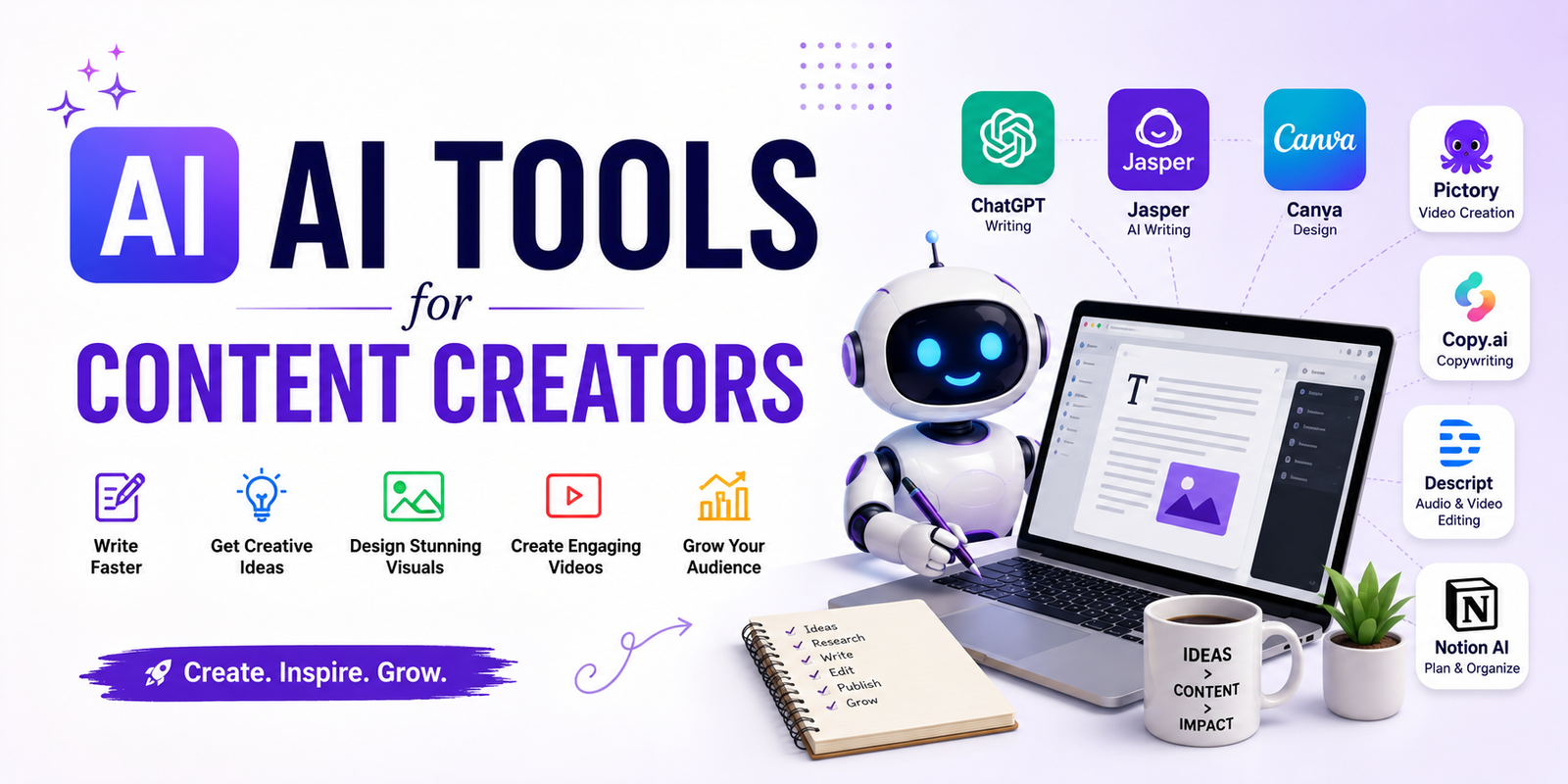
Creating high-quality content takes more than having a good idea. You need to research topics, write scripts, design visuals, edit videos, create social posts, record audio, and repurpose content for different platforms. AI tools for content creators can make many of these tasks faster while keeping human creativity at the center of the process.
The challenge is choosing the right AI tools for content creators. There are now AI writing assistants, image generators, video editors, voice generators, research platforms, and social media tools everywhere. Instead of using dozens of subscriptions, creators can build a small collection of AI tools for content creation around the tasks that consume the most time.
In this guide, we’ll explore the best AI tools for content creators across writing, research, video, images, audio, social media, and content repurposing. You’ll also learn which AI tools for content creators are best for different types of creators and how to use AI without turning your content into generic, low-value material.
How We Evaluated These AI Tools for Content Creators
Not every popular AI tool is automatically useful for content creators. The best AI tools for content creators depend on the content you produce, your budget, your technical skills, and how much control you want over the final result.
For this guide, the most important factors when evaluating AI tools for content creation include:
- Output quality: Does the AI tool produce useful results?
- Ease of use: Can a beginner use the tool quickly?
- Speed: Does it meaningfully reduce content production time?
- Features: Does it solve a real creator problem?
- Free access: Is there a useful free plan or free tier?
- Value: Is the paid version worthwhile for regular creators?
- Workflow fit: Can the tool work with your existing process?
- Content flexibility: Can it create, edit, or repurpose different formats?
The goal isn’t to find one AI tool that does everything. The best AI tools for content creators are often specialized tools that solve specific problems particularly well.
Best AI Tools for Content Creators at a Glance
| AI Tool | Best For | Content Type | Free Access | Skill Level |
| ChatGPT | Ideas, writing and scripts | Text | Yes | Beginner |
| Gemini | Research and brainstorming | Text | Yes | Beginner |
| Canva | Graphics and thumbnails | Images | Yes | Beginner |
| CapCut | Video editing | Video | Yes | Beginner |
| Descript | Video and podcast editing | Video/Audio | Yes | Beginner |
| ElevenLabs | AI voiceovers | Audio | Limited | Beginner |
| Runway | AI video generation | Video | Limited | Intermediate |
| Adobe Firefly | AI images and creative editing | Images | Limited | Beginner |
| Grammarly | Editing and rewriting | Text | Yes | Beginner |
| Notion AI | Planning and organization | Text | Limited | Beginner |
Free access, features, and pricing can change. Always check the current plan details before choosing AI tools for content creators for long-term use.
Best AI Writing Tools for Content Creators
Writing is one of the areas where AI tools for content creators can save significant time. AI writing tools can help with brainstorming, outlines, hooks, scripts, captions, summaries, editing, and first-draft development.
ChatGPT for Content Ideas, Writing and Scripts
ChatGPT is one of the most versatile AI tools for content creators because it can support several stages of the content process. Creators can use it for brainstorming, outlines, hooks, scripts, captions, summaries, editing, and content repurposing.
For example, a YouTuber can provide a video topic and audience description and ask for several hooks, an outline, and talking points. A blogger can use the same AI tool for content creators to organize ideas into a logical article structure.
The important part is not accepting the first AI response as the finished product. Add your own experience, examples, opinions, data, and brand voice before publishing.
Gemini for Research and Brainstorming
Gemini can be useful when creators need help exploring a topic, generating ideas, summarizing information, or developing an initial content plan.
It works well as an idea-development assistant. For example, a creator planning a series about AI tools for content creators could use it to generate topic clusters and then manually verify important facts before writing.
Grammarly for Editing
AI content creation isn’t only about generating words. Editing is often where creators can save time.
Grammarly can help identify grammar problems, improve clarity, adjust tone, and make existing writing easier to read. This makes it one of the useful AI tools for content creators who already have their own ideas but want a cleaner final draft.
Best AI Video Tools for Content Creators
Video production can be one of the most time-consuming parts of content creation. The right AI tools for content creators can help with editing, captions, clips, background removal, voiceovers, and even video generation.
CapCut for Fast Video Editing
CapCut is particularly useful for creators who need to edit videos quickly for platforms such as TikTok, Instagram, and YouTube.
AI-assisted features can help with captions, effects, editing, and other repetitive production tasks. It is a practical choice for beginners who want an accessible option among AI tools for content creators without learning a complicated professional editing workflow.
Descript for Video and Podcast Editing
Descript takes a different approach by making text a major part of the editing process. This can be useful for creators working with interviews, podcasts, tutorials, and talking-head videos.
Instead of manually searching through an entire recording to remove a sentence, creators can work with the transcript and make edits more naturally. This makes Descript a useful option among AI tools for content creation.
Runway for AI Video Creation
Runway is useful for creators interested in generative video and creative visual effects. It can help with experimental scenes, visual concepts, and AI-assisted video production.
It is better suited to creators who want more creative control and are willing to spend some time learning AI video workflows.
Best AI Image and Design Tools for Content Creators
Visual content is essential for blogs, YouTube channels, social media accounts, newsletters, and online businesses. This is another area where AI tools for content creators can speed up production.
Canva for Thumbnails and Social Graphics
Canva is one of the easiest options for creators who need professional-looking graphics without advanced design skills.
Creators can use it for YouTube thumbnails, Instagram posts, presentations, blog graphics, banners, and branded social content. Its AI features can speed up idea generation and editing while traditional design tools provide more control.
For creators searching for AI tools for content creators blog resources or beginner-friendly design solutions, Canva is a practical starting point.
Adobe Firefly for AI Image Creation
Adobe Firefly is useful for creators who want AI-assisted image generation and editing within a broader creative ecosystem.
It can help create visual concepts, modify images, and experiment with different creative directions. Designers who already use Adobe products may find it especially convenient.
A Better AI Thumbnail Workflow
Don’t simply ask an AI image generator for a thumbnail and upload whatever it creates.
A better workflow is:
Video topic → generate several concepts → choose the strongest idea → edit composition → add readable text → check mobile visibility → publish and test.
This approach shows how AI tools for content creators work best when AI generation is combined with human creative decisions.
Best AI Audio and Voice Tools for Content Creators
Audio creators can use AI tools for content creators for voiceovers, transcription, cleanup, dubbing, and podcast production.
ElevenLabs for AI Voiceovers
ElevenLabs is known for AI-generated speech and voice applications. It can be useful when creators need narration for videos, explainers, educational content, or other projects.
Voice quality is only one consideration. Always review licensing, usage rights, and applicable consent requirements before using synthetic or cloned voices commercially.
AI Transcription and Podcast Editing
Transcription tools can turn long recordings into searchable text. Once a podcast is transcribed, creators can use the transcript to produce:
- Blog posts
- Social captions
- Quotes
- Short videos
- Email newsletters
- Show notes
This is one of the simplest ways AI tools for content creation can increase the value of a single piece of content.
Best AI Tools for Social Media Content
Social media creators constantly need new ideas, captions, visuals, short videos, and variations of existing content. AI tools for content creators can reduce the repetitive work involved.
For Instagram Creators
AI can help generate carousel concepts, caption ideas, content calendars, and image variations. The creator should then adapt the output to their actual audience instead of posting generic AI-generated captions.
For TikTok and Short-Form Creators
The biggest advantage is often speed. AI-assisted editing, automatic captions, clip selection, and script generation can reduce the time between an idea and a finished short video.
These are especially useful free AI tools for social media content creation when you’re testing a new workflow without immediately paying for several subscriptions.
For YouTube Creators
AI can assist with video ideas, scripts, titles, descriptions, thumbnails, transcripts, and Shorts. However, creators should use audience data and personal knowledge to decide what is actually worth publishing.
Best AI Tools for Content Creators Based on Your Content Type
Different creators have different needs, so the best AI tools for content creators will depend on the type of content you publish.
Best AI Tools for YouTubers
A practical YouTube workflow looks like this:
Idea → Research → Script → Recording → Editing → Thumbnail → Shorts → Promotion
You don’t need a separate AI tool for every stage. Start with one writing or research tool, one editing tool, and one design tool.
Best AI Tools for Bloggers
Bloggers can use AI tools for content creators for:
Topic research → Outline → Draft assistance → Editing → Images → SEO optimization → Social promotion
The human writer should provide the expertise and verify factual claims, especially when the topic involves statistics, technical information, or current events.
Best AI Tools for Social Media Creators
Social creators benefit most from tools that speed up repetitive production:
Content idea → Hook → Script → Visual → Edit → Caption → Repurpose
The goal is not to produce the maximum number of posts. It is to create better content consistently.
Best AI Tools for Podcasters
Podcasters can use AI for transcription, editing, show notes, episode summaries, clip creation, and social promotion.
One 45-minute episode can become several smaller content assets without requiring the creator to manually recreate everything from scratch. This is one of the strongest use cases for AI tools for content creators.
Best Free AI Tools for Content Creators
If you’re just starting, you don’t need an expensive AI stack. Free AI tools for content creators can be enough for testing a workflow before paying for premium features.
ChatGPT, Gemini, Canva, CapCut, and other platforms offer some level of free access, although usage limits and available features vary.
A useful approach is to start with:
- One general AI assistant for ideas and writing.
- One design tool for graphics.
- One video editor for short-form content.
Only upgrade when a limitation is genuinely slowing your production.
This is especially useful for people searching for free AI tools for content creation, AI content creation free options, or an AI tools for content creators blog free workflow without committing to multiple subscriptions.
How to Build Your AI Content Creation Stack
The biggest mistake is collecting AI tools instead of building a workflow.
If you’re a blogger, you might need research, writing, editing, images, and SEO assistance. A YouTuber may care more about scripting, video editing, thumbnails, captions, and repurposing.
Start with the task that takes the most time.
For example:
Blogging stack:
Research → writing assistant → editor → design tool
YouTube stack:
Research → script assistant → video editor → thumbnail tool → repurposing tool
Social media stack:
Idea generation → design → short-form editor → caption assistance
A small, well-connected collection of AI tools for content creators is usually easier to manage than ten different subscriptions.
How to Use AI Tools for Content Creators in the Entire Content Process
AI can support almost every stage, but creators should keep human judgment in the loop.
Step 1: Find Ideas
Use AI tools for content creators to generate topic angles based on your audience’s problems and questions.
Step 2: Research
Use AI to organize information, but verify important facts using reliable sources.
Step 3: Create an Outline
Turn research into a logical structure before drafting.
Step 4: Develop the Content
Use AI for brainstorming or first-draft assistance, then add original insights and examples.
Step 5: Create Visuals
Generate concepts for thumbnails, illustrations, social graphics, or supporting images.
Step 6: Edit
Use AI to identify repetitive wording, grammar problems, unnecessary sections, and unclear sentences.
Step 7: Repurpose
Turn one long-form asset into multiple formats.
For example, one YouTube video can become:
- A full video
- Three to five Shorts
- A blog article
- Several social posts
- A newsletter
- Quote graphics
This is where AI tools for content creators can provide some of their greatest value.
What Content Creators Shouldn’t Automate Completely
AI is powerful, but complete automation can make content feel generic.
Creators should remain heavily involved in:
- Personal experiences
- Original opinions
- Creative direction
- Fact-checking
- Expert recommendations
- Brand voice
- Audience understanding
- Final editing
Think of AI as a production assistant rather than the person responsible for your content.
A useful rule is simple: let AI tools for content creators accelerate the work you already understand, but don’t let them replace the expertise that makes your content worth reading or watching.
Common AI Content Creation Mistakes
Using Too Many Tools
More software doesn’t automatically mean better content. Choose AI tools for content creators based on actual production problems.
Publishing Raw AI Output
AI-generated text often needs editing, fact-checking, and personalization. Your audience should hear your perspective, not a generic machine-generated voice.
Ignoring Accuracy
AI can produce confident-sounding errors. Verify statistics, quotes, technical claims, product information, and other important details.
Creating Content Only for Volume
Publishing ten weak posts is not necessarily better than publishing two genuinely useful ones.
Paying for Tools You Rarely Use
Start with free AI tools for content creators and upgrade only when paid features provide enough value to justify the cost.
How to Choose the Right AI Tools for Content Creators
Before signing up for another AI platform, ask:
- What type of content do I create?
- Which production task takes the most time?
- Does this tool solve that specific problem?
- Is the free version enough?
- How much control do I have over the output?
- Can I export my work easily?
- Does it fit my existing workflow?
- Will I actually use it every week?
The best AI tools for content creators are not necessarily the most popular ones. They’re the tools that remove meaningful friction from your workflow.
AI Tools for Content Creators vs. Traditional Content Creation
| Task | Traditional Process | AI-Assisted Process |
| Ideas | Manual brainstorming | Generate and refine ideas |
| Research | Search and organize manually | AI-assisted organization + verification |
| Writing | Start from a blank page | Outline and draft assistance |
| Editing | Fully manual | AI suggestions + human editing |
| Images | Create from scratch | Generate concepts + refine |
| Video clips | Find clips manually | AI-assisted clip selection |
| Repurposing | Recreate each asset | Transform one asset into several formats |
The purpose of AI tools for content creators isn’t to eliminate creative skill. Instead, AI changes where creators spend their time. Repetitive tasks can be accelerated while strategy, creativity, expertise, and final decisions remain human.
Frequently Asked Questions
What are the best AI tools for content creators?
The best AI tools for content creators depend on your workflow. ChatGPT and Gemini are useful for ideas and writing, Canva for visual content, CapCut and Descript for video, and ElevenLabs for AI voiceovers. The right combination matters more than choosing one universal tool.
What is the best free AI tool for content creators?
There isn’t one best free AI tool for every creator. General-purpose tools such as ChatGPT and Gemini can help with ideas and writing, while Canva and CapCut are useful for visual and video production. Free features and usage limits vary.
Which AI tool is best for YouTube creators?
YouTube creators generally need several capabilities rather than one tool. A practical stack can include an AI assistant for research and scripts, a video editor for production, a design tool for thumbnails, and a repurposing tool for Shorts.
Can AI create an entire piece of content?
AI can assist with nearly every stage, but fully automated content often lacks originality and context. The strongest workflow combines AI tools for content creation with human research, creativity, fact-checking, editing, and final approval.
Are AI tools useful for bloggers?
Yes. Bloggers can use AI tools for content creators for brainstorming, research organization, outlines, editing, image creation, and content repurposing. However, original expertise and fact-checking remain essential for high-quality articles.
Which AI tools can help create social media content?
AI can help with social media ideas, captions, graphics, short videos, scripts, and repurposing. Canva, ChatGPT, CapCut, and specialized social media platforms can each support different parts of the process.
How many AI tools does a content creator actually need?
Most creators don’t need dozens. Start with two or three AI tools for content creators that solve your biggest bottlenecks. Add another tool only when it provides a clear improvement in quality, speed, or workflow.
Final Thoughts
The best AI tools for content creators aren’t necessarily the tools with the longest feature lists. They’re the tools that help you solve real production problems without removing the human perspective from your work.
Start small. Choose one of the AI tools for content creators for your biggest bottleneck, build a repeatable workflow, and measure how much time it actually saves. Whether you create blog posts, YouTube videos, podcasts, social media content, or a combination of formats, AI can help you produce more efficiently while keeping your creativity at the center.
You May Also Read: AI Typography Generator
