


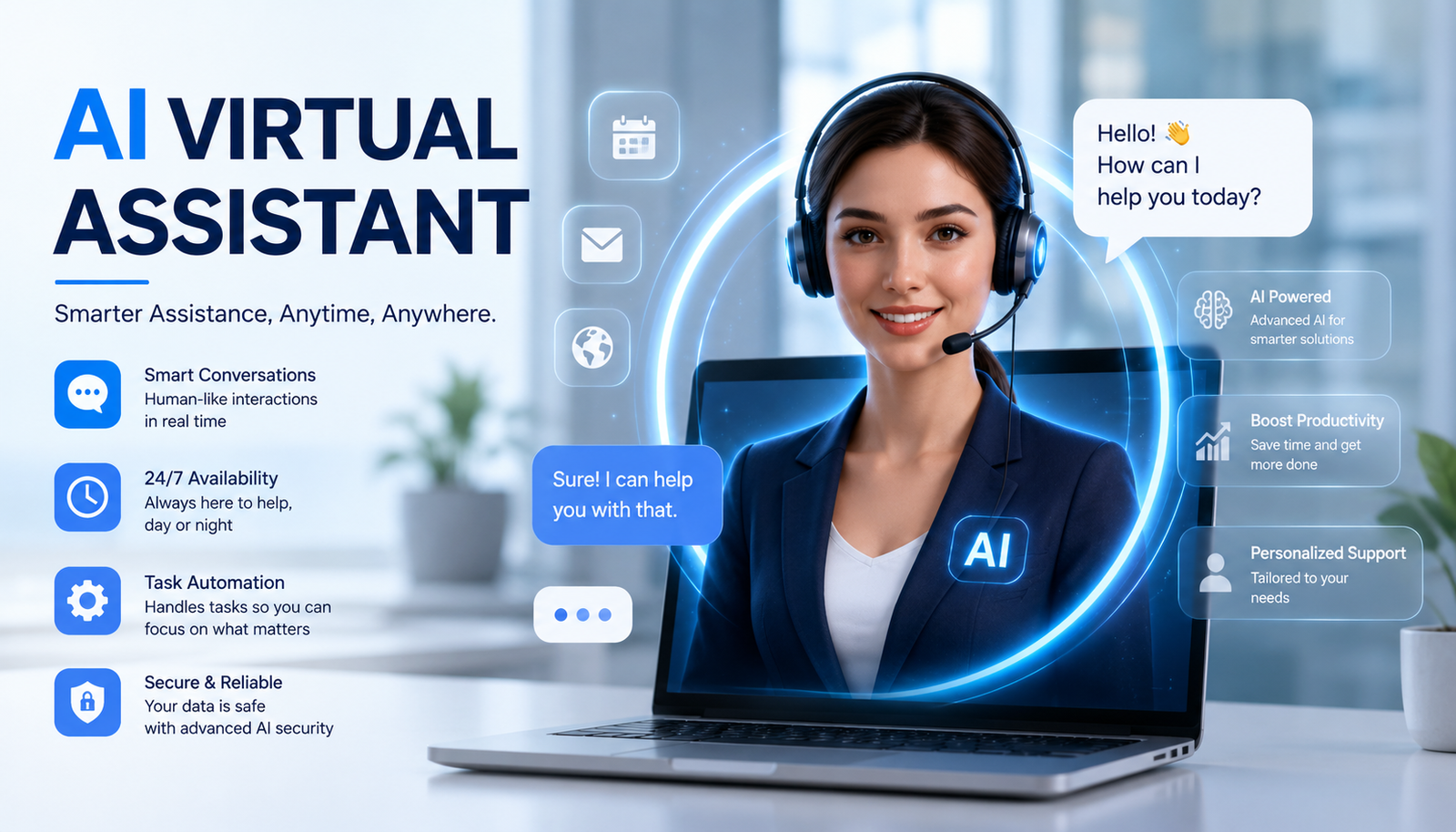
An ai virtual assistant is changing the way people manage information, communication, customer service, and repetitive work. Instead of relying only on traditional software menus or manual processes, users can communicate with intelligent systems using ordinary language and receive useful responses or assistance.
Modern assistants can do much more than answer basic questions. Depending on their design and integrations, they can schedule meetings, draft emails, summarize documents, retrieve information, support customers, qualify leads, and interact with other business applications.
For individuals, this technology can work like a digital productivity partner. For companies, it can become a scalable support layer for employees and customers. Understanding how these systems work is therefore important before deciding whether one is right for your needs.
What Is an AI Virtual Assistant?
An ai virtual assistant is software that uses artificial intelligence to understand natural-language requests and provide information, recommendations, content, or task assistance. It can communicate through text, voice, or other interfaces depending on the platform.
Unlike a traditional software interface, an AI-powered assistant allows users to explain what they need conversationally. For example, instead of manually opening a calendar and checking several dates, someone could ask, “Find a 30-minute meeting time with my team tomorrow afternoon.”
The assistant can interpret the request, identify the relevant details, and, if connected to a calendar, provide available options. More advanced systems may be able to complete the scheduling process as well.
How Does an AI Virtual Assistant Work?
The technology behind an ai virtual assistant can be sophisticated, but its basic workflow is straightforward.
Understanding the User’s Request
Natural language processing helps the system interpret what a person is saying or typing. It identifies the user’s intent, important details, and relevant context.
For instance, “Cancel my appointment for Friday” contains an action, a date, and an implied reference to an existing appointment.
Using Context
Context helps an ai virtual assistant understand follow-up questions without requiring the user to repeat everything.
If someone first asks about an order and then says, “When will it arrive?”, a context-aware system can understand that “it” refers to the order discussed previously.
Retrieving Information
An assistant may need information that isn’t contained in the language model itself. It can retrieve relevant information from approved documents, knowledge bases, databases, CRM systems, or other connected sources.
Retrieval-augmented generation, commonly called RAG, is one approach used to provide models with relevant external information before generating a response.
Generating a Response
A large language model can process the request and available information to produce a natural-language response.
However, AI-generated answers should not automatically be treated as accurate. Reliable systems need quality data, appropriate instructions, testing, monitoring, and human oversight for important workflows.
Connecting With Other Tools
The real value of an ai virtual assistant often appears when it can interact with other applications.
Possible integrations include calendars, email platforms, customer relationship management systems, help desks, databases, project-management tools, and e-commerce systems.
Completing Tasks
Instead of only answering questions, an assistant may be configured to perform approved actions.
For example, it could create a support ticket, schedule an appointment, retrieve an order status, or update information in a connected system.
What Can an AI Virtual Assistant Do?
An ai virtual assistant can support many different tasks, although capabilities vary between platforms.
Common applications include:
- Answering customer questions
- Scheduling meetings
- Managing appointments
- Drafting emails
- Summarizing documents
- Searching company information
- Creating support tickets
- Qualifying sales leads
- Checking order status
- Generating reports
- Setting reminders
- Organizing information
- Supporting research
- Automating repetitive workflows
The important distinction is between an assistant that simply generates text and one that can securely interact with useful tools.
For example, a customer may ask, “Where is my package?” A basic chatbot might provide general tracking instructions. A connected assistant could retrieve the order, check the latest shipment information, explain the status, and escalate the issue if necessary.
AI Virtual Assistant vs Chatbot vs AI Agent
These three terms are often confused.
A chatbot is generally designed to communicate with users and answer questions. An ai virtual assistant typically has broader capabilities and may help users complete tasks through connected systems.
An AI agent generally takes greater autonomy into account. It may plan multiple steps, use tools, make decisions within defined boundaries, and work toward a specific goal.
| Capability | Chatbot | AI Virtual Assistant | AI Agent |
| Answers questions | Yes | Yes | Yes |
| Natural-language interaction | Usually | Yes | Yes |
| Context awareness | Varies | Strong | Strong |
| Task execution | Limited | Often | Yes |
| Tool integrations | Sometimes | Often | Extensive |
| Multi-step workflows | Limited | Moderate | Strong |
| Autonomous behavior | Low | Low–Moderate | Higher |
| Human oversight | Recommended | Recommended | Important |
The terminology isn’t completely standardized, so users should evaluate actual capabilities rather than relying only on product labels.
Key Features to Look For
When evaluating an ai virtual assistant, focus on practical capabilities instead of a long list of impressive-sounding features.
Natural-Language Understanding
The system should understand normal conversation and different ways of expressing the same request.
Context Awareness
A good assistant should be able to maintain relevant context during a conversation.
Knowledge Integration
The ability to use reliable company information, documents, and knowledge bases is especially important for business applications.
API and Software Integrations
Integrations determine whether the assistant can interact with the tools your organization already depends on.
Personalization
Personalization can make responses more relevant by considering approved preferences, account information, or previous interactions.
Human Handoff
An ai virtual assistant should not be expected to handle every situation. A clear escalation path allows humans to take over when requests are complex, sensitive, or outside the system’s capabilities.
Security Controls
Permission management is essential. The assistant should have access only to the information and actions necessary for its intended purpose.
Benefits of an AI Virtual Assistant
One of the biggest benefits of an ai virtual assistant is its ability to reduce friction between people and everyday tasks.
24/7 Availability
AI systems can provide assistance outside normal business hours. This can be especially useful for companies serving customers across different time zones.
Faster Responses
Routine questions can often receive immediate responses rather than waiting for an employee to become available.
Better Productivity
Employees can delegate repetitive searches, summaries, scheduling activities, and routine requests.
Scalability
An AI system can support many routine interactions without requiring a proportional increase in staff.
Consistent Assistance
When an assistant uses approved information sources and carefully designed instructions, it can provide consistent responses for recurring questions.
Improved Customer Experience
Fast answers and convenient self-service can reduce friction for customers, especially when human support remains available for complicated cases.
Potential Cost Savings
Automation can reduce manual work, but actual savings depend on implementation costs, usage, integrations, maintenance, and the value of the tasks being automated.
AI Virtual Assistant Use Cases
The flexibility of an ai virtual assistant makes it useful across departments and industries.
Customer Service
Customer support teams can use assistants to answer common questions, provide product information, check orders, collect initial details, and route complex cases.
Sales
Sales assistants can help qualify leads, answer preliminary questions, schedule demonstrations, and organize customer information.
Human Resources
An internal assistant can answer routine employee questions about policies, onboarding, benefits, and workplace procedures.
IT Support
An assistant can guide employees through common troubleshooting steps, search technical documentation, and create support tickets.
E-Commerce
Online retailers can use AI to answer product questions, recommend relevant items, compare options, and provide order updates.
Personal Productivity
Individuals can use assistants to draft messages, summarize information, organize schedules, brainstorm ideas, and manage routine tasks.
AI Virtual Assistant for Small Business
An ai virtual assistant can be particularly useful for small businesses because smaller teams often need to handle multiple responsibilities with limited resources.
A small company could use one to answer website questions, collect lead information, schedule appointments, provide basic customer support, and assist employees with internal information.
The best approach is usually to automate a narrow, repetitive workflow first. Once the system performs reliably, additional tasks can be introduced gradually.
AI Virtual Assistant Phone Calls
Voice technology has expanded the role of the ai virtual assistant beyond text-based conversations.
AI-powered phone systems can potentially answer calls, understand spoken requests, collect information, schedule appointments, provide basic support, and transfer callers to human representatives.
These systems require technologies such as speech recognition and text-to-speech. Voice assistants also need careful testing because misunderstandings during live conversations can quickly create frustration.
For sensitive conversations, human escalation should remain available.
AI Virtual Assistant Names and Avatars
Businesses sometimes give their assistants names to make interactions feel more approachable.
Some systems also use avatars or voices, including an AI virtual assistant girl or other visual representation. These elements can contribute to branding and user experience.
However, appearance should not be mistaken for intelligence or reliability. When choosing an assistant, focus on accuracy, integrations, security, usability, and task completion.
Virtual AI Free Options
People searching for Virtual AI free or Virtual assistant AI free tools can find platforms that provide basic capabilities without an upfront subscription.
Free tools can be useful for experimenting with writing, summarization, brainstorming, and general questions.
However, free versions may have limits on usage, integrations, automation, advanced models, or business controls.
For organizations, the most affordable option isn’t necessarily the best value. A paid system that reliably completes an important workflow may deliver greater value than a free tool that cannot connect to the necessary applications.
How Much Does an AI Virtual Assistant Cost?
The cost of an ai virtual assistant depends on how it will be used and how much customization is required.
Important cost factors include usage volume, AI model selection, voice capabilities, integrations, security requirements, custom workflows, and ongoing maintenance.
| Cost Factor | Why It Matters |
| Usage | More interactions may increase operating costs |
| AI model | Advanced models can have higher costs |
| Integrations | Custom connections may require development |
| Voice | Speech processing adds additional requirements |
| Customization | Complex workflows need more setup |
| Security | Enterprise controls can increase implementation work |
| Maintenance | Knowledge and workflows need ongoing updates |
Rather than focusing only on the subscription price, consider the total cost and the value created by automation.
Are AI Virtual Assistants Safe?
Safety depends on the platform, configuration, data, and permissions.
An ai virtual assistant can sometimes produce incorrect information or misunderstand a request. Businesses must also consider privacy and security when assistants access customer records, internal documents, or other sensitive information.
Before deployment, evaluate authentication, permissions, data retention, encryption, vendor security practices, auditability, and human review.
A useful rule is to provide the assistant with only the access it needs. If it needs to read customer information, that does not automatically mean it should have permission to delete or modify that information.
How to Choose the Right AI Virtual Assistant
Start with a problem, not with a product.
Identify repetitive tasks that consume significant time. Then determine whether automation could handle them reliably.
Check integrations with your existing software. Evaluate response accuracy using real examples, including difficult and ambiguous requests.
Security should be reviewed just as carefully as functionality. Also check whether users can easily reach a human when the assistant cannot provide an appropriate answer.
A practical evaluation checklist includes:
- Does it integrate with existing tools?
- Can it access reliable information?
- Can it perform required actions?
- Does it support human escalation?
- Are permissions configurable?
- Can you monitor performance?
- Is the pricing predictable?
- Can it scale as usage increases?
How to Implement an AI Virtual Assistant
The safest approach is usually gradual.
Start with one well-defined workflow rather than trying to automate everything at once.
For example, a customer-support implementation could begin with:
Frequently asked questions → order status → ticket creation → human escalation
Gather reliable information, connect the necessary applications, configure permissions, test realistic conversations, and monitor results.
Track meaningful metrics such as resolution rate, task completion, escalation rate, customer satisfaction, response accuracy, and time saved.
Once the system proves reliable, expand its responsibilities.
AI Virtual Assistant Best Practices
A successful ai virtual assistant depends as much on implementation as on the underlying AI model.
Follow these principles:
- Start with a specific use case.
- Use accurate and updated information.
- Limit data access and permissions.
- Test real-world scenarios.
- Provide human escalation.
- Monitor inaccurate responses.
- Measure completed tasks.
- Review integrations regularly.
- Keep knowledge sources updated.
- Improve the system using user feedback.
These practices help turn AI from an experimental tool into a useful part of a real workflow.
The Future of AI Virtual Assistants
The future of an ai virtual assistant is likely to involve deeper connections between conversational AI, business software, automation, and AI agents.
Instead of simply answering, “How can I schedule a meeting?” future systems may be able to check calendars, identify suitable times, schedule the event, send invitations, and update related systems.
This progression is moving assistants closer to agentic AI, where systems can complete multiple steps rather than producing one response at a time.
Greater autonomy also creates greater responsibility. As assistants gain access to more tools and data, organizations will need stronger permission systems, monitoring, testing, and human oversight.
The most valuable future is therefore unlikely to be about removing humans from every process. It will be about allowing AI to handle repetitive work while people focus on judgment, creativity, relationships, and decisions that require human expertise.
Conclusion
An ai virtual assistant can be much more than a conversational chatbot. Modern systems can understand natural language, retrieve information, connect with software, automate workflows, and support both individuals and businesses.
The right solution depends on the task you want to improve. Evaluate accuracy, integrations, security, automation capabilities, pricing, and human handoff rather than choosing a tool simply because it has the most AI features.
Used thoughtfully, an AI assistant can reduce repetitive work, improve response times, and give people more time to focus on work that requires genuine human judgment.
Frequently Asked Questions
What is an AI virtual assistant?
An ai virtual assistant is an AI-powered software system that understands natural-language requests and can provide information, generate responses, and potentially perform tasks through connected tools.
What can an AI virtual assistant do?
An ai virtual assistant can answer questions, schedule meetings, draft emails, summarize documents, support customers, retrieve information, create tickets, qualify leads, and automate repetitive workflows.
Is an AI virtual assistant the same as a chatbot?
Not necessarily. A chatbot is generally focused on conversation, while an ai virtual assistant can provide broader assistance and interact with external systems.
What is the difference between an AI assistant and an AI agent?
An AI assistant generally helps users respond to requests and complete tasks. An AI agent usually has greater autonomy and can plan and execute multiple steps toward a goal.
Can an AI virtual assistant make phone calls?
Yes. Voice-enabled systems can use speech recognition, text-to-speech, and telephony technology to communicate through phone calls.
Are there free AI virtual assistants?
Yes. Some platforms offer free versions or free tiers. They can be useful for basic tasks, although advanced integrations, automation, usage limits, and business controls may require paid plans.
Can an AI virtual assistant replace a human assistant?
An ai virtual assistant can automate many repetitive activities, but it cannot reliably replace human judgment in every situation. Complex, sensitive, creative, and high-impact tasks may still require people
You May Also Read: Sydney Sweeney Nat Worth
