


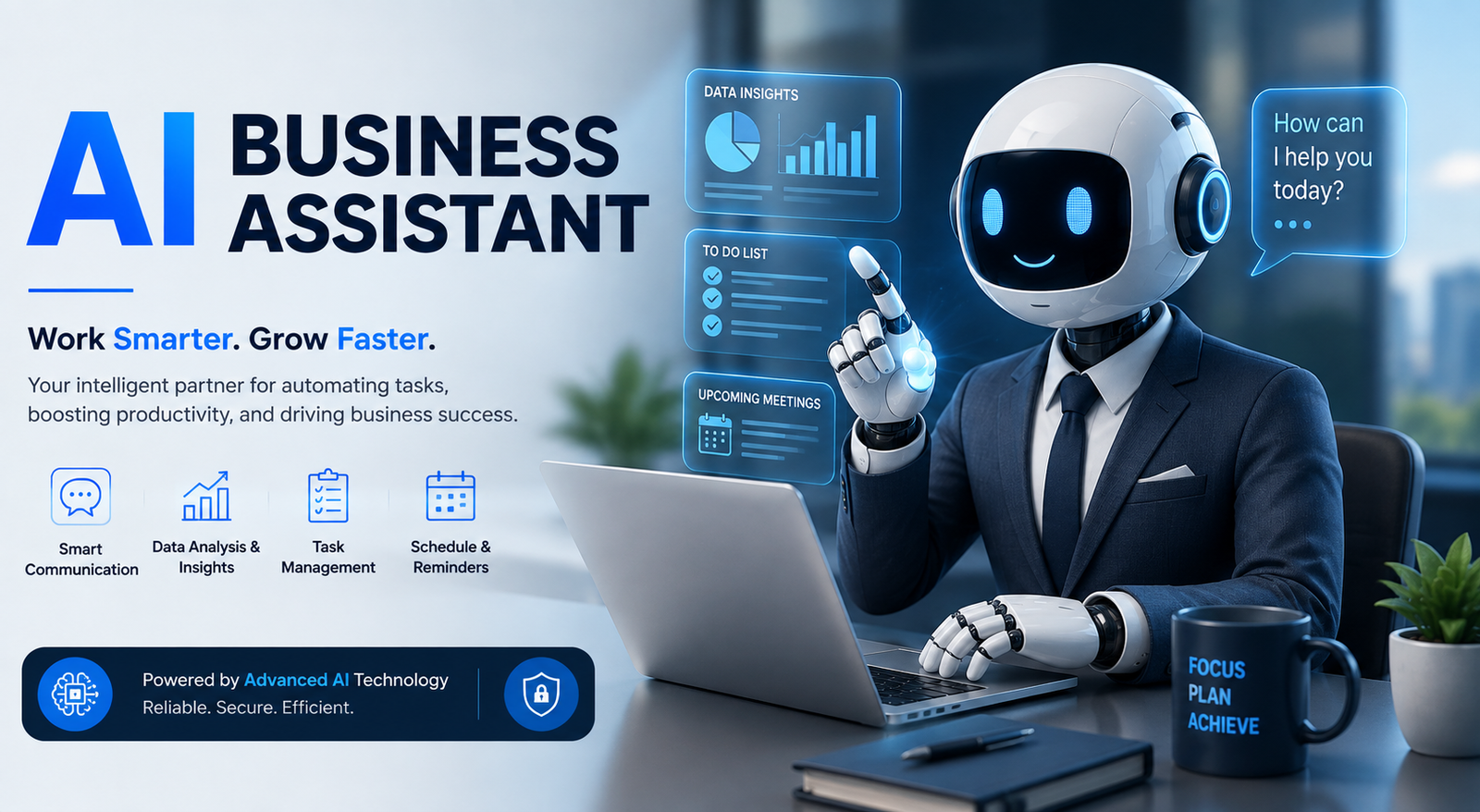
Running a business often means dealing with dozens of repetitive tasks every day. Emails need answers, meetings need scheduling, customers need support, reports need preparation, and important information needs to be organized. An AI business assistant can help reduce this workload by supporting employees and business owners with everyday tasks.
Modern artificial intelligence is no longer limited to answering simple questions. Today, an AI-powered assistant can summarize information, draft emails, organize workflows, analyze data, schedule tasks, and connect with other business tools. This makes AI increasingly useful for companies that want to improve productivity without adding unnecessary administrative work.
The right AI business assistant can look different depending on the company. A small business may need help with scheduling and customer communication, while a larger organization may need AI to coordinate workflows across multiple teams. Understanding how these systems work can help you choose the right solution for your needs.
What Is an AI Business Assistant?
An AI business assistant is software powered by artificial intelligence that helps individuals and organizations complete business-related tasks. It can understand instructions, process information, generate content, organize work, and, in some cases, take actions through connected applications.
Unlike a traditional software program that follows only fixed rules, an AI assistant can work with natural language. You can ask it to summarize a meeting, draft a client email, research a topic, or organize information without manually programming every step.
A business-focused AI assistant may also use relevant context from approved documents, emails, calendars, knowledge bases, and connected tools. This allows it to provide more useful support for specific workflows.
For example, a business owner could ask an AI assistant to summarize customer feedback from several documents and identify common problems. The assistant could organize the information and provide a starting point for human review.
How Does an AI Business Assistant Work?
An AI business assistant usually works through a combination of artificial intelligence, business data, instructions, and software integrations.
First, the user provides a request or a system receives a trigger. The AI then interprets the request and determines what information it needs to complete the task.
For simple tasks, the assistant may generate an answer immediately. For more advanced workflows, it may retrieve information from connected systems, process that information, and perform an approved action.
| Stage | What the AI Assistant Does |
| Input | Receives a request, prompt, or workflow trigger |
| Understanding | Interprets the goal and instructions |
| Context | Uses approved business information |
| Processing | Analyzes relevant information |
| Action | Generates content or completes a task |
| Review | Allows human approval when necessary |
The exact capabilities depend on the platform. Some AI tools mainly assist with writing and research, while others can automate workflows between multiple applications.
This is why choosing an AI business assistant app should begin with identifying the actual problem you want to solve.
AI Business Assistant vs AI Chatbot vs AI Copilot vs AI Agent
AI terminology can be confusing because many tools have overlapping features. However, an AI chatbot, copilot, business assistant, and AI agent are not exactly the same thing.
| Technology | Main Purpose | Uses Context | Can Take Action | Automation Level |
| AI Chatbot | Answers questions and conversations | Sometimes | Limited | Low |
| AI Copilot | Helps users inside software | Yes | Sometimes | Medium |
| AI Business Assistant | Supports everyday business tasks | Yes | Often | Medium to High |
| AI Agent | Completes multi-step workflows | Yes | Yes | High |
An AI chatbot is usually designed primarily for conversation. It can answer questions and generate responses but may not have access to broader business workflows.
An AI copilot generally works alongside a user inside a specific software environment. It helps people complete tasks more efficiently.
An AI business assistant focuses on broader business needs, such as communication, scheduling, research, administration, and workflow support.
AI agents can go further by handling multi-step processes with less direct involvement from the user. However, businesses should still establish clear permissions and human oversight for important decisions.
What Can an AI Business Assistant Do?
The capabilities of an AI assistant depend on the tool and its integrations, but several common use cases are becoming increasingly popular.
Manage Emails and Business Communication
Email management can consume a significant amount of time. An AI business assistant can help summarize long email threads, draft replies, identify important messages, and prepare follow-up communication.
For example, instead of reading a long conversation between several team members, an employee could ask the AI to provide the key decisions and outstanding action items.
The final message should still be reviewed when accuracy, tone, or sensitive information matters.
Schedule Meetings and Organize Tasks
An AI assistant can help organize calendars, create reminders, prepare meeting agendas, and summarize discussions.
Some platforms can also support task prioritization by helping users understand what needs attention first.
Tools such as Motion AI are associated with productivity and scheduling workflows, making this type of technology useful for professionals who manage busy calendars and multiple priorities.
Research and Summarize Information
Research is another valuable use case. An AI assistant can help organize large amounts of information and create summaries that save time.
Business owners may use AI for competitor research, market research, document summaries, or internal knowledge discovery.
However, important facts should always be verified. AI-generated information can contain errors, incomplete details, or outdated information.
Create Business Content
An AI assistant can help prepare:
- Emails
- Reports
- Proposals
- Meeting notes
- Presentations
- Internal documents
Tools such as Claude AI can assist with analyzing and generating written content, particularly when users need help organizing complex information.
AI should be viewed as a productivity partner rather than a replacement for professional judgment.
Automate Repetitive Work
Automation is one of the biggest advantages of using an AI business assistant.
Businesses can use connected systems to automate repetitive activities such as task assignments, follow-up reminders, information routing, and status updates.
The best workflows usually begin with repetitive tasks that are easy to review and have clear rules.
AI Business Assistant Use Cases by Department
An AI business assistant can support different departments in different ways.
AI for Sales Teams
Sales teams can use AI to prepare follow-up emails, summarize customer interactions, research prospects, and organize CRM information.
For example, after a sales call, an assistant could summarize the discussion and create a draft list of next steps for the sales representative.
AI for Marketing Teams
Marketing teams can use AI for brainstorming, content planning, campaign summaries, competitor research, and reporting.
An assistant may help turn raw campaign information into a readable summary that marketers can review before making decisions.
AI for Customer Support
Customer support teams can use AI to classify incoming requests, suggest responses, summarize customer history, and route tickets to the correct department.
This can help reduce response times while allowing human representatives to handle more complicated situations.
AI for Finance and Administration
Finance teams may use AI to organize documents, prepare invoice information, categorize routine data, and create reminders.
Sensitive financial decisions should always be reviewed by qualified people. AI can assist with administrative work, but it should not replace professional financial judgment.
AI for HR Teams
Human resources departments can use AI for interview scheduling, communication drafts, document preparation, and administrative organization.
Businesses should carefully protect employee and candidate information when using AI systems.
AI for Operations
Operations teams can use AI to organize tasks, monitor workflow progress, route information, and reduce repetitive coordination work.
This is particularly useful when multiple employees and systems are involved in the same process.
Benefits of Using an AI Business Assistant
The main value of an AI business assistant is its ability to reduce repetitive work and help people focus on higher-value activities.
| Business Challenge | How AI Can Help |
| Too many emails | Summarize and prioritize communication |
| Repetitive tasks | Automate routine workflows |
| Slow follow-ups | Create reminders and draft responses |
| Information overload | Summarize documents and discussions |
| Disorganized work | Help track tasks and workflows |
One of the biggest benefits is time savings. Employees often spend hours on administrative tasks that do not require deep strategic thinking.
AI can also improve consistency by following the same workflow instructions repeatedly.
For small companies, the best AI assistant for small business may be one that solves a simple but time-consuming problem rather than offering hundreds of unnecessary features.
How to Choose the Right AI Business Assistant
Choosing the right AI business assistant starts with understanding your business needs.
Identify Your Biggest Problem
Do you need help with email? Customer support? Scheduling? Research? Workflow automation?
The best solution depends on the problem you want to solve.
A company struggling with repetitive customer emails needs something different from a business trying to automate complex internal workflows.
Check Integrations
An AI tool becomes more useful when it works with the software your business already uses.
Consider whether the platform can connect with:
- Calendar tools
- CRM systems
- Project management platforms
- Customer support software
Consider Security and Privacy
Before giving an AI system access to business information, understand what data it can access and how permissions are managed.
Avoid sharing unnecessary sensitive information and limit access to only what is required.
Think About Your Team’s Skills
Some tools are simple enough for almost anyone to use. Others require technical knowledge to build advanced automations.
The best AI assistant for business owners is not necessarily the most complicated tool. It is the one that solves a real business problem efficiently.
Is There an AI Business Assistant Free Option?
Yes, some AI platforms offer free versions or limited free access. An AI business assistant free option can be useful for testing basic capabilities before committing to a paid plan.
However, free plans often have limitations involving usage, integrations, automation features, security controls, or advanced capabilities.
Businesses should test whether a free tool genuinely supports their workflow rather than choosing it only because it has no upfront cost.
A practical approach is to start with one simple use case and evaluate whether the assistant saves meaningful time.
How to Implement an AI Business Assistant Successfully
Successful implementation usually happens gradually.
Step 1: Identify Repetitive Tasks
Look for activities that happen frequently and follow a predictable process.
Examples include meeting summaries, follow-up emails, and document organization.
Step 2: Measure the Time Currently Spent
Estimate how much employee time the task requires each week or month.
This provides a baseline for measuring improvement.
Step 3: Start With a Low-Risk Workflow
Do not automate every business process immediately.
Start with tasks where human review is easy and mistakes have limited consequences.
Step 4: Set Clear Instructions
Tell the AI what it should do, what it should not do, and when it needs human approval.
Clear instructions usually produce more reliable results.
Step 5: Review and Improve
Monitor the assistant’s output regularly.
If the workflow saves time and produces reliable results, expand its use gradually.
How to Measure AI Business Assistant ROI
Businesses should avoid adopting AI simply because it is popular. The best approach is to measure practical results.
A simple starting formula is:
Potential value = Hours saved × estimated hourly labor cost
For example, if an AI workflow saves a team several hours each week, the business can estimate the value of that recovered time.
ROI can also include benefits that are harder to calculate directly, such as faster customer responses, improved consistency, and reduced administrative workload.
The goal is not necessarily to replace employees. In many cases, the greatest benefit comes from allowing employees to spend more time on important work.
AI Business Assistant Security and Privacy Best Practices
Businesses should take security seriously when implementing AI tools.
Follow these basic practices:
- Review what information the AI can access
- Limit permissions where possible
- Avoid sharing unnecessary sensitive data
- Require human approval for important actions
- Monitor automated workflows
- Review company policies regularly
An AI system should not receive unlimited access simply for convenience.
Businesses should also understand how their chosen provider handles data and what security controls are available.
Common Mistakes Businesses Make With AI Assistants
One common mistake is trying to automate everything immediately. This can create confusion and make it difficult to identify which workflows are actually producing value.
Another mistake is choosing a tool before identifying the business problem. Technology should support a workflow, not create unnecessary complexity.
Businesses may also rely too heavily on AI-generated information without reviewing it. AI can produce convincing answers that still contain mistakes.
Finally, companies sometimes forget to train employees. Even the best technology produces limited results if employees do not understand how to use it effectively.
Limitations of AI Business Assistants
AI is powerful, but it has limitations.
An AI business assistant can misunderstand instructions, generate inaccurate information, or lack important context.
It may also struggle with unusual situations that require human experience, emotional understanding, or complex professional judgment.
For this reason, businesses should use AI as a support system rather than assuming it can independently manage every important process.
Human oversight is especially important for financial decisions, legal matters, sensitive customer information, and high-impact business actions.
The Future of AI Business Assistants
AI business technology is moving toward more connected and proactive systems.
Future assistants are likely to work with more business applications, understand organizational context better, and support increasingly complex workflows.
AI agents and multi-step automation may also become more common as businesses look for ways to reduce repetitive coordination work.
The most successful companies will likely focus on responsible adoption. Instead of replacing every process with automation, they will combine AI efficiency with human expertise and accountability.
Conclusion
An AI business assistant can help businesses manage communication, organize information, automate repetitive tasks, and improve everyday productivity. The most valuable solution is not necessarily the one with the most features. It is the one that solves a genuine business problem.
Start by identifying one repetitive workflow that consumes valuable time. Test an AI solution with clear instructions and human oversight, then measure the results.
As AI technology continues to develop, businesses that combine automation with human expertise will be in the strongest position to improve efficiency while maintaining quality, security, and accountability.
Frequently Asked Questions
What is an AI business assistant?
An AI business assistant is artificial intelligence software designed to help with business tasks such as communication, scheduling, research, content creation, and workflow organization.
How can an AI business assistant help a small business?
It can reduce repetitive administrative work, organize information, assist with customer communication, and help business owners save time.
What is the difference between an AI assistant and a chatbot?
A chatbot mainly focuses on conversation and answering questions. An AI business assistant can provide broader support for business tasks and may connect with workflows and other applications.
Is there an AI business assistant free to use?
Some platforms offer free plans or limited access. These can be useful for testing basic features, although advanced capabilities may require a paid subscription.
What is the best AI assistant for business owners?
The best choice depends on the business problem, existing software, budget, and technical requirements. A simple tool that solves a specific workflow problem may be better than a more complex platform.
Can an AI business assistant automate workflows?
Yes, some AI assistants can support workflow automation, especially when connected to other business applications. The level of automation depends on the platform and its integrations.
Can AI business assistants replace employees?
AI can automate certain repetitive tasks, but it does not replace human judgment, creativity, accountability, and professional expertise in many business situations.
You May Also Read: Sadie Sink
