


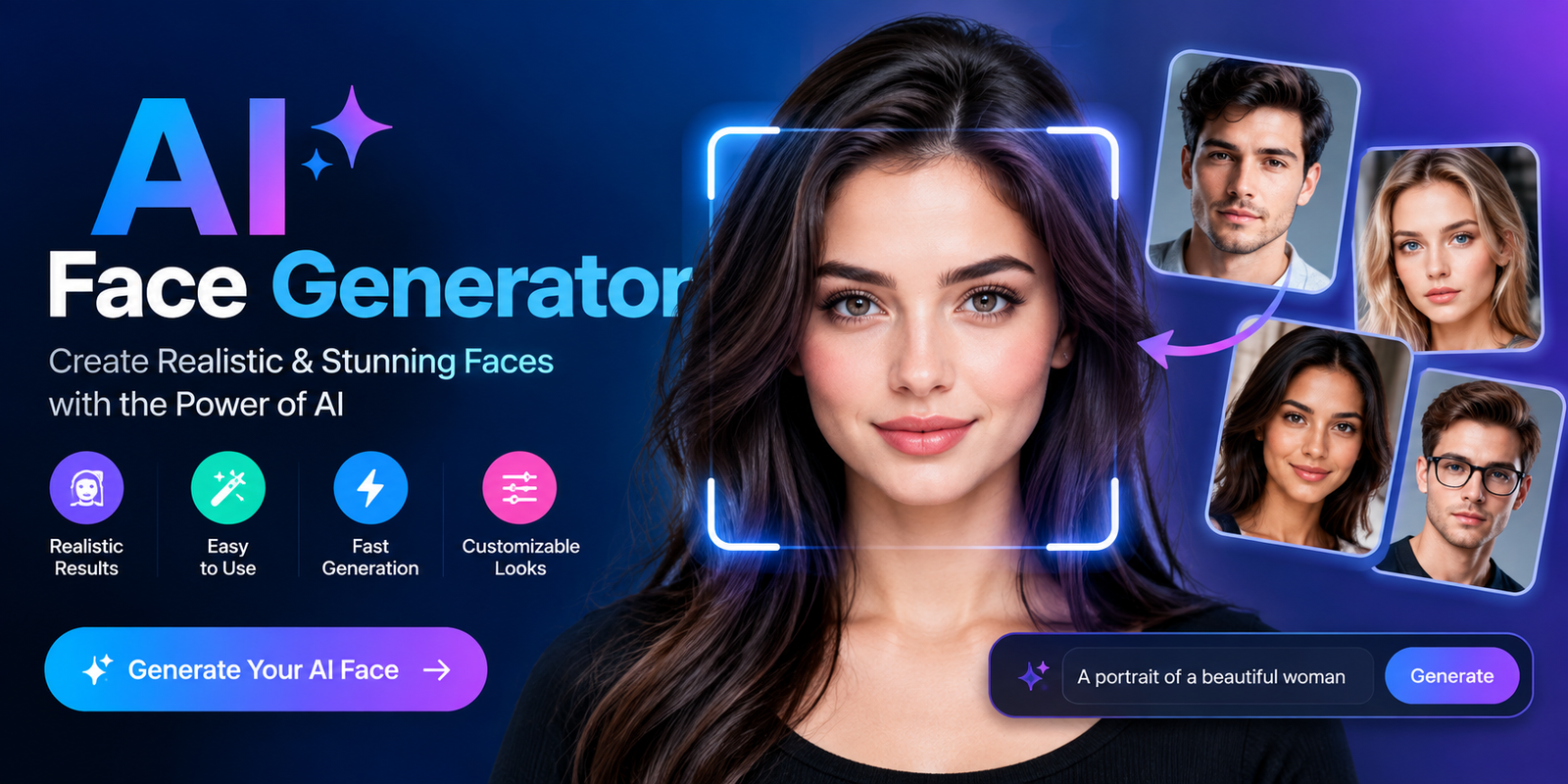
Creating a realistic human face no longer requires a camera, model, studio, or expensive design software. An AI face generator can create unique faces from text prompts, reference images, or predefined settings within seconds. You can control details such as age, hairstyle, expression, lighting, clothing, background, and visual style to produce a face that matches your creative needs.
Whether you need a fictional character, social media profile image, marketing visual, game character, or professional-looking portrait, AI face generation can make the process faster and more flexible. Some tools are also available as an Ai face generator free option, while others provide additional features through paid plans.
What Is an AI Face Generator?
An AI face generator is a generative artificial intelligence tool that creates human-looking faces or portraits using machine learning models. Instead of taking a photograph of an actual person, the software generates a new image based on instructions, patterns learned from visual data, or an uploaded reference.
A typical generator can create faces with different ages, hairstyles, expressions, skin characteristics, clothing, poses, and backgrounds. Depending on the platform, you may be able to describe what you want with a text prompt or modify an existing image.
The result can be photorealistic, artistic, cartoon-like, anime-inspired, or designed for a particular creative purpose. Importantly, a generated face does not necessarily represent a real person. It can be a completely synthetic identity created by the model.
AI-Generated Faces vs. Real Photos
| Factor | AI-Generated Face | Real Photograph |
| Creation method | Generative AI | Camera |
| Real person required | Usually no | Yes |
| Customization | Extensive | Limited during capture |
| Revisions | Fast | Usually requires another photo or editing |
| Cost | Often low or free to test | Can require equipment or a photographer |
| Identity | Can be entirely fictional | Belongs to a real subject |
This difference makes AI-generated faces useful for projects where creating a fictional person is preferable to using someone’s actual photograph.
How Does an AI Face Generator Work?
The technology behind an Ai face generator varies by platform, but modern systems generally rely on generative models that have learned visual relationships from large datasets.
AI Training and Facial Patterns
During training, an AI model learns patterns associated with visual features such as eyes, noses, mouths, hair, skin texture, lighting, facial proportions, and expressions. It does not simply copy one complete face every time it generates an image. Instead, the model uses learned patterns to construct new visual results.
This is why the same prompt can produce different faces across multiple generations.
Text-to-Image Generation
Many generators allow you to describe the desired face using natural language. For example:
Photorealistic portrait of a young man with short dark hair, brown eyes, natural skin texture, a subtle smile, soft studio lighting, and a neutral background.
The model interprets these instructions and generates an image based on the relationships between the words and visual concepts it has learned.
Diffusion and Other Generative Models
Diffusion models are widely used for modern image generation. They generally begin with visual noise and progressively transform it into an image that matches the supplied instructions.
Other approaches, including GANs and transformer-based systems, have also played an important role in generative image technology. You don’t need to understand the underlying mathematics to use these tools, but knowing the basics helps explain why prompt quality, model selection, and image settings can affect the final result.
What Can You Customize With an AI Face Generator?
One of the biggest advantages of an Ai face generator is the amount of creative control available. Depending on the tool, you may be able to customize individual characteristics instead of accepting a fixed result.
Common controls include:
- Age and general appearance
- Hairstyle and hair color
- Eye color
- Facial expression
- Face shape
- Skin texture
- Clothing
- Lighting
- Camera angle
- Background
- Artistic style
- Mood
- Image composition
For example, instead of asking for simply “a woman,” you could specify a professional portrait with shoulder-length brown hair, natural makeup, a relaxed expression, soft window lighting, and a neutral office background.
The more relevant details you provide, the easier it can be for the model to understand the intended visual direction.
How to Use an AI Face Generator
Using an AI face generator is usually straightforward, even if you have no graphic-design experience.
Step 1: Choose the Generation Method
First, decide what type of result you need. Some tools create a face entirely from text, while others can transform or guide an image using a reference photo.
You may want a completely fictional face, a professional portrait, a character, or an edited version of an existing image.
Step 2: Write a Specific Prompt
Start with the main subject and then add useful visual information.
A simple prompt structure is:
Subject + appearance + expression + clothing + lighting + background + style
For example:
Realistic portrait of a middle-aged man with short gray hair, a friendly expression, wearing a navy blazer, soft natural lighting, blurred office background, professional photography.
Step 3: Generate Multiple Variations
Don’t assume the first output will be perfect. Generate several variations and compare facial proportions, expressions, lighting, and overall realism.
Multiple generations are particularly useful when you need a distinctive fictional identity.
Step 4: Refine Your Prompt
If the output looks too artificial, don’t completely rewrite the prompt. Change one or two details at a time.
For example, replace “perfect skin” with “natural skin texture” or add “soft natural lighting” to create a more believable appearance.
Step 5: Download and Edit the Result
Once you have a suitable image, you can use an image editor to crop it, remove the background, adjust colors, or prepare it for a website, presentation, social media post, or other project.
AI Face Generator Prompt Examples
Good prompts can significantly improve your results. Here are several examples you can adapt.
Realistic Male Face
Photorealistic portrait of a young adult man with short dark brown hair, subtle facial features, natural skin texture, relaxed expression, soft daylight, neutral background, professional portrait photography.
Realistic Female Face
Photorealistic portrait of a young adult woman with shoulder-length black hair, natural complexion, subtle smile, soft window lighting, simple clothing, shallow depth of field, realistic photography.
Professional Headshot
Professional business headshot of a confident adult wearing a dark blazer and white shirt, natural facial texture, friendly expression, clean studio background, balanced soft lighting, high-detail portrait photography.
Fictional Character
Cinematic portrait of a fictional fantasy character with long silver hair, distinctive facial features, calm expression, dramatic soft lighting, detailed clothing, atmospheric background, realistic digital art.
Creative Portrait
Artistic portrait of a fictional person with warm lighting, expressive eyes, textured hair, colorful background, modern editorial photography style, realistic facial details.
The key is to describe the visual result you want rather than stuffing the prompt with unrelated adjectives.
What Types of Faces Can You Generate?
An AI face generator can support many different creative purposes.
Realistic Human Faces
These are designed to resemble conventional portrait photography and can be useful for fictional people, visual concepts, and creative projects.
AI Headshots
Professional-looking portraits can be created for mockups, presentations, fictional profiles, or design concepts. However, users should not misrepresent a synthetic image as an authentic photograph of themselves or another person.
AI Avatars
Avatars typically represent a digital identity and can be more stylized than a conventional portrait.
Fictional Characters
Writers, game developers, and designers can create visual references for characters before developing a complete project.
Anime and Artistic Faces
Some platforms support distinctive styles such as anime, illustration, fantasy, comic, or other forms of digital art.
Random Faces
Random generation is useful when you don’t have a specific person in mind and simply need unique fictional faces for a creative project.
Best Uses for an AI Face Generator
The flexibility of AI face generation makes it useful across several industries.
Social Media
Creators can develop fictional personas, creative characters, profile concepts, and visual content without organizing a photo shoot.
Marketing and Advertising
Marketing teams can use synthetic faces for early campaign concepts, mockups, advertisements, and visual storytelling. Before publishing, businesses should confirm that their chosen tool permits the intended commercial use.
Gaming and Character Design
Game designers can generate early facial concepts for characters, NPCs, and story development. These images can serve as visual references before final artwork is produced.
Websites and Blogs
Generated portraits can help illustrate fictional examples, articles, educational material, or design concepts.
Presentations and Education
Teachers, trainers, and presentation designers can use fictional faces to illustrate scenarios while avoiding the need to source photographs of real people.
Creative Projects
Writers and digital artists can use generated faces as inspiration for fictional characters, storyboards, mood boards, and concept art.
How to Choose an AI Face Generator
Not every generator offers the same controls or output quality. Instead of selecting a tool based only on whether it is free, consider what you actually need.
| Feature | Why It Matters |
| Realism | Determines how natural the final face appears |
| Customization | Gives you control over facial and visual details |
| Prompt support | Helps translate creative ideas into images |
| Resolution | Important for professional-quality output |
| Reference images | Useful when you need visual guidance |
| Editing tools | Help correct or refine generated images |
| Generation limits | Determines how much you can create |
| Privacy | Important when uploading personal photos |
| Commercial rights | Relevant for business and monetized projects |
| Ease of use | Matters for beginners and quick workflows |
If you’re searching for an Ai face generator online, browser-based tools can be convenient because they don’t usually require specialized software. For users who need repeated generations, higher resolution, or advanced controls, paid services may provide additional capabilities.
Free vs. Paid AI Face Generators
A free generator can be a good starting point when you want to experiment before paying for a service. However, free access may include limitations.
| Factor | Free Option | Paid Option |
| Cost | No direct payment | Subscription or credits |
| Generations | Often limited | Usually higher limits |
| Resolution | May be restricted | May offer higher resolution |
| Advanced controls | Varies | Often more extensive |
| Watermarks | May apply | Depends on provider |
| Commercial rights | Must check terms | Must check plan terms |
| Priority processing | May be limited | May be available |
If you specifically want an Ai face generator free, always check the current terms before assuming that free output can be used commercially.
Likewise, an Ai face generator online free option may be suitable for casual experimentation but less appropriate for a professional workflow if it has strict generation limits or low-resolution downloads.
Why Do AI-Generated Faces Sometimes Look Fake?
Even advanced image models can produce imperfections. You may notice strange eyes, unnatural teeth, overly smooth skin, distorted hair, or inconsistent facial proportions.
Common causes include vague prompts, conflicting instructions, unusual compositions, or limitations within the selected model.
How to Make AI Faces More Realistic
Try these improvements:
- Describe natural skin texture.
- Specify realistic lighting.
- Include a photography style.
- Avoid excessive adjectives.
- Describe a natural expression.
- Generate several variations.
- Refine one attribute at a time.
- Use a suitable portrait composition.
- Avoid conflicting facial instructions.
Instead of saying “extremely perfect beautiful face,” try describing specific visual characteristics. Realism often improves when the prompt focuses on observable details rather than generic praise.
AI Face Generator vs. AI Avatar Generator vs. AI Headshot Generator
These terms are sometimes used interchangeably, but their typical purposes differ.
| Tool Type | Main Purpose | Typical Output |
| AI Face Generator | Creates synthetic human faces | Fictional face or portrait |
| AI Avatar Generator | Creates a digital persona | Avatar or virtual identity |
| AI Headshot Generator | Creates professional portraits | Business-style headshot |
| AI Character Generator | Develops fictional identities | Character artwork |
The right option depends on your objective. Someone designing a fictional character may need broader customization, while someone preparing a business presentation may specifically want a professional portrait style.
Is an AI Face Generator Safe and Ethical?
AI-generated faces can be useful, but responsible use matters. Creating a completely fictional person is different from manipulating a real person’s likeness.
If you upload a photograph to an AI service, review its privacy policy and understand how uploaded images are stored, processed, or potentially used. Avoid uploading sensitive photographs unless you are comfortable with the provider’s data practices.
You should also avoid using generated or altered faces to impersonate people, create deceptive content, or falsely represent an AI-generated person as a real individual.
When real people’s likenesses are involved, consent and applicable privacy laws can become important considerations.
Can You Use AI-Generated Faces Commercially?
Potentially, but the answer depends on the specific platform and its current terms.
If you’re using a generated face for advertising, a website, social media campaign, product marketing, or another commercial project, check:
- Whether the selected plan allows commercial use
- Whether free and paid plans have different licenses
- Whether uploaded reference images have additional restrictions
- Whether the platform places limitations on certain outputs
- Whether the intended use involves another person’s likeness
Don’t assume that an image being AI-generated automatically means you have unlimited commercial rights. Licensing conditions can vary between providers and can change over time.
Common Mistakes to Avoid
A few mistakes can make AI face generation less effective.
Using vague prompts: “Create a realistic person” gives the model little direction.
Adding contradictory details: Asking for several incompatible styles can create unpredictable results.
Expecting perfection immediately: AI generation is often an iterative process.
Ignoring privacy: Uploading personal photos without reviewing the platform’s policies can create unnecessary risks.
Assuming every output is commercially usable: Always review the provider’s current licensing terms.
Conclusion
An Ai face generator makes it possible to create fictional and realistic-looking faces without traditional photography. With the right prompt, users can control characteristics such as facial appearance, hairstyle, expression, lighting, background, and artistic style.
For casual experimentation, an Ai face generator free option can be a useful starting point. For professional projects, however, factors such as image quality, customization, privacy, generation limits, and commercial licensing deserve closer attention.
The best results usually come from treating AI face generation as an iterative creative process: write a specific prompt, generate several variations, identify weaknesses, refine the instructions, and select the most suitable result. When used responsibly, this technology can support everything from character design and marketing concepts to social media visuals and creative storytelling.
Frequently Asked Questions
What is an AI face generator?
An AI face generator is a generative AI tool that creates synthetic human faces or portraits based on text prompts, reference images, or other inputs. Depending on the platform, it can produce realistic, artistic, fictional, or character-style faces.
Is there a free AI face generator?
Yes, some platforms offer free generations, credits, or limited versions. However, free plans can have restrictions on resolution, usage, downloads, watermarks, or commercial rights, so check the provider’s current terms before using the output professionally.
Can I create a face from a text prompt?
Yes. Many modern generators allow users to describe characteristics such as age, hairstyle, expression, clothing, lighting, background, and visual style. More specific prompts generally provide greater control over the intended result.
Can an AI face generator create a realistic person?
Yes. Modern image-generation models can produce highly realistic synthetic portraits. However, results can still contain artifacts such as unnatural eyes, teeth, hair, or skin, so generating multiple versions and refining prompts can improve the final image.
Can I use an AI face generator from photo?
Some platforms support reference-image or photo-based workflows, allowing an existing image to guide or transform the generated result. Before uploading a photograph, review the service’s privacy and data-use policies, particularly when the image contains another person.
What is the difference between an AI face generator and an AI avatar generator?
A face generator primarily focuses on creating a face or portrait, while an avatar generator generally creates a broader digital representation or persona. The two categories can overlap depending on the features offered by the platform.
Can AI-generated faces be used commercially?
They can be in some circumstances, but commercial rights depend on the platform, plan, model, and licensing terms. Always check the provider’s current terms before using an AI-generated face in paid advertising, products, or other commercial material.
You May Also Read: Tom Holland
