


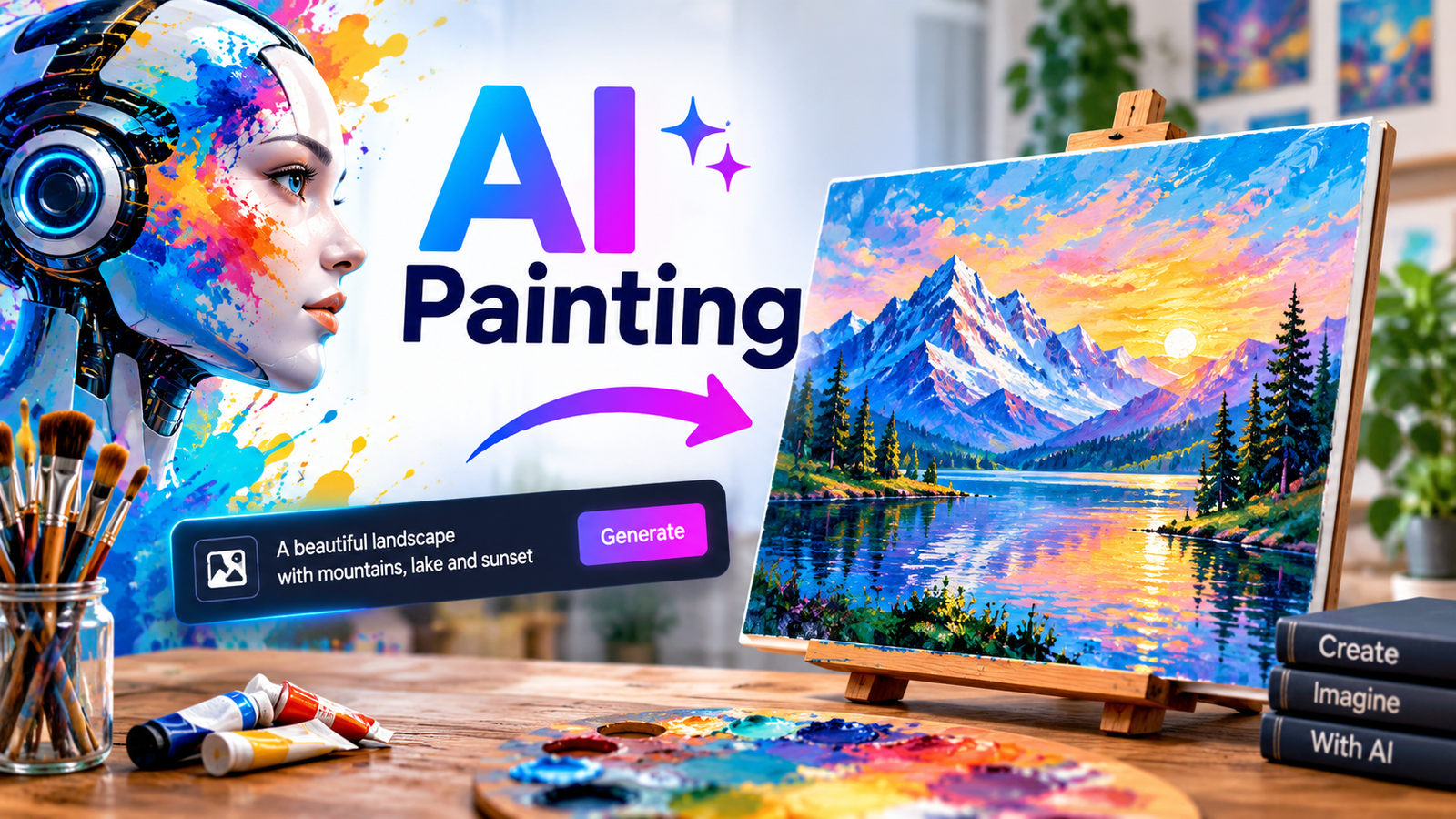
AI painting has changed the way people experiment with digital art. Instead of starting with a blank canvas, you can describe an idea in words, upload a photograph, or combine both approaches to create an artwork in seconds. Whether you want an oil-style landscape, a watercolor portrait, abstract artwork, or a fantasy scene, AI can turn a simple concept into a visual composition.
But getting a useful result is about more than typing a few words into an image generator. The quality of the final artwork depends on your prompt, subject, style, composition, lighting, and the amount of refinement you apply afterward.
This guide explains what AI painting is, how it works, how to create better results, which styles you can explore, and how to use AI-generated artwork responsibly.
What Is AI Painting?
AI painting refers to artwork created or transformed with artificial intelligence. An AI image generator can interpret a written description and produce an image that resembles a particular artistic medium or style.
For example, you could enter a prompt describing a quiet mountain village at sunset and request an oil painting with visible brushstrokes, warm colors, and a textured canvas. The system then generates an image based on those instructions.
AI painting can also start with an existing photograph. Instead of creating a scene from nothing, you can provide a portrait, landscape, pet photo, or another image and ask the AI to reinterpret it as watercolor, oil, acrylic, or another artistic style.
The important distinction is that AI painting is not limited to one technique. It can be part of a completely generated artwork or a creative workflow where an artist uses AI for references, ideas, composition, and experimentation.
How Does AI Painting Work?
Most AI painting workflows follow a relatively simple process.
First, you provide instructions through a text prompt or an image reference. The AI analyzes the information and determines the visual characteristics that best match your request.
It then generates an image based on patterns learned during its training. You can usually create several variations, adjust your instructions, and regenerate the artwork until you get a result closer to your original idea.
A typical workflow looks like this:
Idea → Prompt → AI Generation → Review → Refinement → Final Artwork
The refinement stage is particularly important. Your first result may have the right subject but the wrong lighting, colors, composition, or artistic texture. Small prompt changes can significantly alter the outcome.
AI Painting vs Traditional Painting
AI and traditional painting use very different creation processes. One starts with algorithms and digital generation, while the other depends on an artist’s physical or digital painting skills.
| Feature | AI Painting | Traditional Painting |
| Starting point | Prompt or image | Sketch, reference, or concept |
| Creation speed | Usually very fast | Often takes much longer |
| Materials | Digital | Canvas, paint, brushes, or digital tools |
| Editing | Regeneration and digital editing | Manual correction or repainting |
| Experimentation | Easy to create variations | More time-consuming |
| Human involvement | Prompting, selection, editing | Direct creation |
| Physical artwork | Optional | Usually central to the process |
Neither process has to exist separately. Artists can use AI to explore ideas before developing them into paintings using traditional techniques.
How to Create an AI Painting Step by Step
1. Choose Your Subject
Start with a clear subject. It could be a person, animal, building, landscape, still life, or imaginary scene.
Instead of writing “a painting of nature,” be specific. Try something like:
A quiet lakeside cabin surrounded by pine trees and mountains at sunrise.
The second description gives the AI much more information to work with.
2. Select a Painting Style
Next, decide what the artwork should look like.
You can experiment with:
- Oil painting
- Watercolor
- Acrylic
- Gouache
- Pastel
- Impressionism
- Abstract art
- Digital painting
- Ink painting
- Fantasy concept art
Choosing a medium helps create a more recognizable visual direction.
3. Build a Detailed Prompt
A useful prompt can contain several components:
Subject + Composition + Medium + Lighting + Colors + Mood + Texture
For example:
A coastal village at sunset, traditional oil painting on textured canvas, visible brushstrokes, warm orange and golden light, deep blue shadows, peaceful atmosphere, detailed composition.
This tells the generator what to create and how you want the artwork to feel.
4. Generate Several Variations
Don’t automatically treat the first result as the final artwork.
Create several versions and compare them. One may have better composition, while another may have more convincing lighting or brush texture.
5. Refine the Prompt
If the result is close but not quite right, change specific elements rather than rewriting everything.
For example:
- Add “soft morning light”
- Change “oil painting” to “loose watercolor”
- Request a “minimal background”
- Specify a “muted earth-tone palette”
- Add “visible canvas texture”
This makes the refinement process more controlled.
6. Upscale and Export
Once you have a result you like, check its resolution and intended use.
A small digital image may work for social media but may not be suitable for a large print. If you plan to create physical artwork, look for appropriate resolution or upscaling features.
Text-to-Painting vs Photo-to-Painting
There are two particularly useful approaches to AI painting.
| Method | Starting Material | Best Use |
| Text-to-painting | Written description | Creating original scenes |
| Photo-to-painting | Existing photograph | Portraits and memories |
| Image-to-image | Existing visual reference | Controlled transformations |
| AI-assisted workflow | AI + human editing | Artists and designers |
Text-to-painting gives you greater freedom because the entire scene can be invented. Photo-to-painting is useful when you want to preserve recognizable elements from an existing image while changing its artistic appearance.
How to Turn a Photo Into an AI Painting
Start with a reasonably clear photograph. A sharp image with good lighting usually gives you a better starting point than a heavily compressed or blurry picture.
Upload the photo to a tool that supports image transformation and select the desired artistic treatment.
For example:
Transform this portrait into a traditional watercolor painting with soft paper texture, delicate brushwork, natural skin tones, and subtle blue-gray shadows. Preserve the person’s facial expression and pose.
The instruction to preserve important characteristics is useful because excessive transformation can make a person, pet, or object look noticeably different.
After generation, inspect important details such as faces, eyes, hands, hair, object edges, and the background.
Popular AI Painting Styles to Explore
AI Oil Painting
Oil-style generations can emphasize thick brushwork, rich colors, dramatic lighting, and canvas texture. They work particularly well for landscapes, portraits, historical scenes, and still-life compositions.
AI Watercolor Painting
Watercolor prompts can produce softer edges, translucent washes, paper textures, and lighter color transitions. This style is especially useful for landscapes, flowers, travel scenes, and delicate portraits.
AI Acrylic Painting
Acrylic-style artwork can produce stronger colors and more defined brushwork. It can work well for modern compositions, portraits, decorative artwork, and colorful scenes.
AI Impressionist Painting
If you want an expressive result, describe loose brushstrokes, broken colors, atmospheric lighting, and an impressionist composition.
AI Abstract Painting
Abstract AI artwork is particularly flexible. You can focus on shapes, colors, textures, movement, and mood rather than asking for a recognizable object.
AI Portrait Painting
For portraits, include information about facial expression, lighting, clothing, background, color palette, and the desired medium. If you’re transforming a real photograph, clearly state which facial characteristics should remain recognizable.
AI Painting Prompt Examples
A good prompt doesn’t need to be complicated, but it should be specific enough to communicate your visual goal.
Oil Landscape
A dramatic mountain valley at sunrise, traditional oil painting, thick visible brushstrokes, textured linen canvas, warm golden light, atmospheric mountains, rich natural colors.
Watercolor Scene
A peaceful European street after light rain, delicate watercolor painting, wet-on-wet washes, textured paper, muted pastel colors, soft reflections, atmospheric perspective.
Fantasy Artwork
An ancient floating castle above a misty forest, detailed fantasy painting, dramatic golden clouds, cinematic lighting, intricate architecture, deep emerald and blue tones.
Pet Portrait
A detailed watercolor portrait of a golden retriever sitting in a garden, soft natural light, delicate paper texture, expressive eyes, gentle green background.
Abstract Art
Contemporary abstract painting with flowing geometric shapes, layered acrylic textures, deep blue and warm orange palette, dynamic composition, expressive brushwork.
How to Write Better AI Painting Prompts
The best prompts usually provide clear visual direction rather than relying on generic words.
Start by identifying the subject. Then describe how it should be positioned and what medium should be used.
Lighting can make a major difference. Words such as “soft morning light,” “dramatic side lighting,” or “warm sunset illumination” give the image a stronger visual direction.
Color instructions are also useful. Instead of saying “beautiful colors,” specify something like “muted earth tones with warm golden highlights.”
Texture can help separate a painting from a generic digital image. Terms such as “rough canvas,” “visible brushstrokes,” “cold-press watercolor paper,” or “layered acrylic texture” provide additional visual guidance.
Common AI Painting Problems and How to Fix Them
| Problem | Likely Cause | What to Try |
| Looks like a photo with a filter | Style isn’t specific enough | Describe medium and brushwork |
| Strange facial features | Too much transformation | Use a better source image and preserve facial details |
| Messy background | Too many competing elements | Simplify the scene |
| Flat colors | Weak lighting instructions | Add a defined light source |
| Fake-looking texture | Generic style description | Specify canvas or paper texture |
| Low-quality output | Small source or output | Use a high-resolution source and upscale |
Don’t keep adding random keywords when a generation fails. Identify the problem first and adjust the relevant part of the prompt.
AI Painting Use Cases
AI painting can be useful in many creative situations.
Personal portraits: Turn photographs into artistic portraits for personal projects.
Family memories: Transform meaningful photographs into watercolor or oil-style artwork.
Pet portraits: Create artistic versions of pet photographs.
AI wall art: Generate decorative artwork for bedrooms, offices, living rooms, or creative spaces.
Content creation: Bloggers and creators can develop visual concepts for articles, social posts, and videos.
Concept development: Artists can use AI to explore compositions and color combinations before creating a physical painting.
Creative inspiration: When you’re struggling with an idea, generating several visual interpretations can help you explore different directions.
AI Painting for Artists
AI doesn’t have to be the final stage of an artistic process. An artist can use it as a brainstorming tool.
For example, an artist planning a landscape could generate several compositions with different lighting conditions. They might then select one composition, change the colors manually, and create the final painting themselves.
Another workflow is to use AI for visual references while retaining the artist’s own drawing, painting, and creative decisions.
This approach is especially useful when experimenting with composition, atmosphere, color palettes, or unusual combinations of subjects.
Can You Sell AI-Generated Paintings?
Whether you can commercially use or sell AI-generated artwork depends on the tool’s terms, the content involved, and applicable laws.
Before selling an image, check the AI service’s current commercial-use and licensing conditions. You should also be careful when using copyrighted images, recognizable characters, logos, or photographs belonging to someone else.
If you plan to sell prints, digital downloads, or AI wall art, keep records of the tools and assets used during the creation process. For significant commercial projects, obtaining appropriate legal advice can help clarify rights and responsibilities.
How to Choose an AI Painting Generator
Don’t choose a tool simply because it produces attractive examples. Consider what you actually need.
For beginners, an easy interface and straightforward prompting may matter most. Artists may prefer stronger image controls and editing features. Someone transforming photographs should look for reliable image-to-image functionality.
For commercial projects, licensing terms deserve particular attention. For printing, resolution and upscaling capabilities are important.
The right tool is therefore the one that matches your workflow rather than a universally “best” option.
Tips for Better AI Painting Results
Keep these principles in mind:
- Start with a specific concept.
- Describe the painting medium.
- Explain the composition.
- Specify lighting and color.
- Add useful texture details.
- Avoid contradictory instructions.
- Generate multiple variations.
- Change one prompt element at a time.
- Review faces, hands, and object edges.
- Upscale the final image when appropriate.
- Keep commercial licensing requirements in mind.
The biggest improvement often comes from better instructions and careful refinement rather than simply generating more images.
Conclusion
AI painting gives beginners, creators, and artists a flexible way to turn ideas into visual artwork. You can start with a written concept, transform an existing photograph, experiment with different mediums, or use AI as a reference during a traditional painting process.
The strongest results usually come from treating generation as an iterative creative process. Define your subject, choose a specific style, write a structured prompt, review the output, and refine the details that matter.
Whether you’re experimenting with watercolor landscapes, oil portraits, abstract compositions, or AI wall art, the key is to use AI as a creative tool while keeping your own artistic goals at the center.
Frequently Asked Questions
What is AI painting?
AI painting is artwork created or transformed with artificial intelligence. It can involve generating a new scene from text or converting an existing image into a painting-like style.
Can AI turn a photo into a painting?
Yes. Many AI image tools support image-to-image or photo transformation workflows. You can upload a photograph and describe the desired medium, such as watercolor, oil, acrylic, or impressionism.
Can I create an AI painting for free?
Some AI tools offer free generations or limited free credits, while others require a subscription. Always check the current pricing and usage limits of the specific service.
What makes a good AI painting prompt?
A good prompt clearly describes the subject, composition, medium, lighting, colors, mood, and texture. Specific visual instructions generally provide more control than vague descriptions.
Can AI create realistic oil paintings?
Yes. AI image generators can produce artwork designed to resemble oil painting techniques, including visible brushstrokes, canvas texture, rich colors, and layered lighting.
Can I sell AI-generated paintings?
Potentially, but commercial use depends on the specific tool’s terms, the source material, and applicable laws. Check licensing conditions before selling AI-generated artwork.
Is AI painting the same as AI art?
Not exactly. AI art is a broad category covering many forms of machine-generated visual content. AI painting generally refers to AI artwork designed to resemble painting or to assist with a painting workflow.
You May Also Read: Scarlett Johansson
