


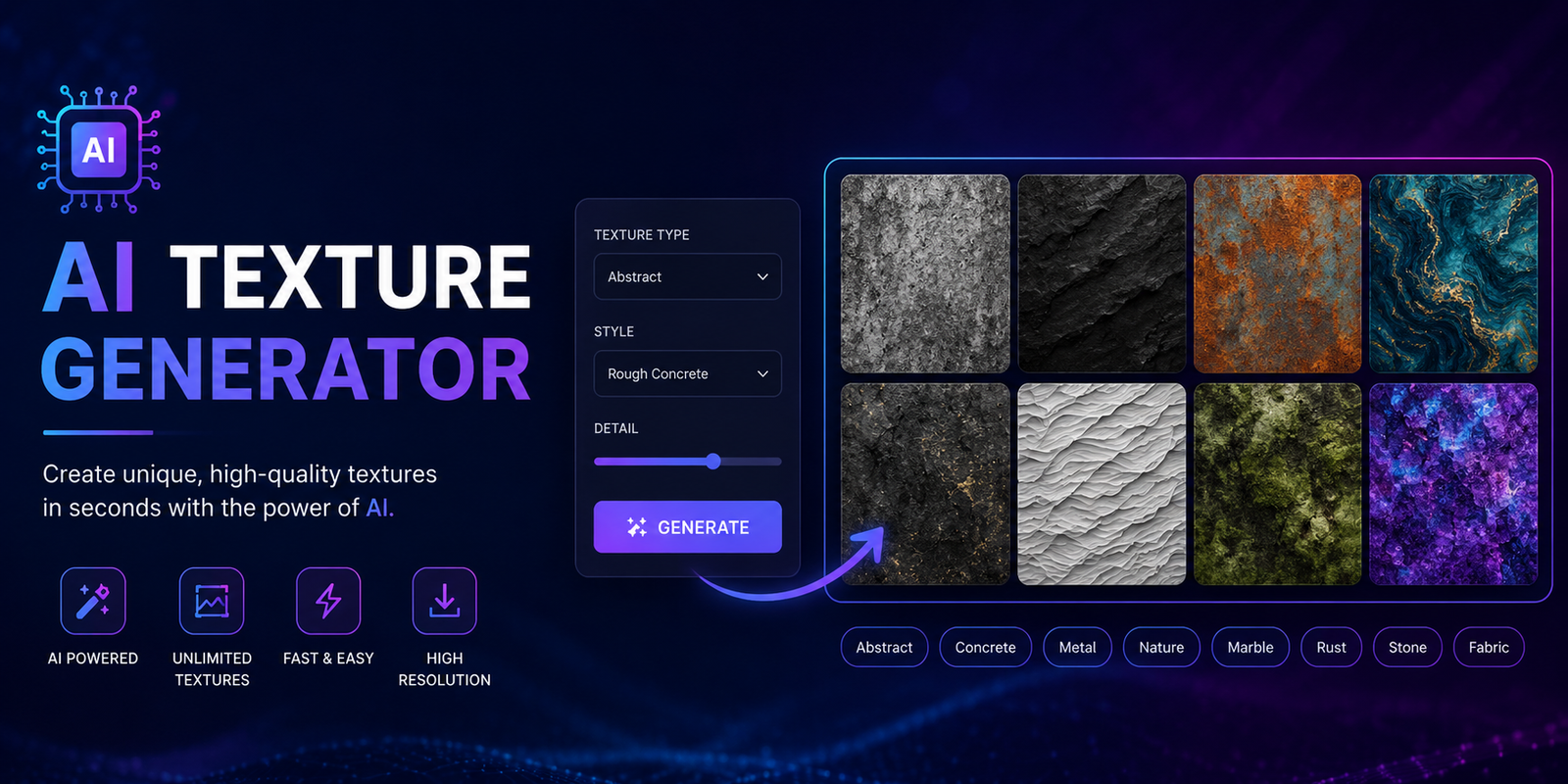
An AI texture generator makes it easier to create realistic, stylized, and seamless textures without building every surface manually from scratch. Instead of spending hours designing wood grain, concrete, marble, fabric, metal, stone, or other materials, you can describe what you want and let AI generate a starting point in seconds.
For game developers, 3D artists, architects, designers, and digital creators, this can significantly speed up the material-creation process. Some tools can generate textures from text prompts, while others can transform an existing image, remove visible seams, upscale a texture, or create additional PBR maps for 3D workflows.
However, generating an attractive image is not the same as creating a production-ready texture. A useful texture may need to be tileable, correctly scaled, high resolution, and suitable for the intended software or 3D engine. This guide explains how AI texture generation works, how to create better results, how seamless and PBR textures differ, and what to check before using an AI-generated material.
What Is an AI Texture Generator?
An AI texture generator is a tool that uses artificial intelligence to create or transform digital surface textures. Depending on the tool, you can start with a text prompt, an existing image, or both.
For example, instead of manually creating a wood material, you could enter a prompt such as:
Realistic weathered oak wood texture, warm brown tones, detailed natural grain, subtle scratches, matte finish, seamless and tileable.
The AI then generates a visual representation of that material. Some advanced tools can go further by creating maps such as normal, roughness, metallic, or height maps.
AI Texture Generator vs AI Image Generator
Although both use generative AI, their purposes are different.
| Feature | AI Image Generator | AI Texture Generator |
| Creates images | Yes | Yes |
| Material-focused | Limited | Yes |
| Seamless tiling | Not always | Often supported |
| PBR maps | Usually unavailable | Some tools support them |
| 3D workflows | Limited | Stronger |
| Repeating surfaces | May create seams | Designed for tiling |
| Material variations | Yes | Yes |
A normal AI image can look impressive but still fail when repeated across a wall or 3D model. A dedicated AI texture generator focuses more heavily on surface consistency and material usability.
What Can You Create With an AI Texture Generator?
AI texture generation is useful for much more than basic backgrounds. You can create materials for games, 3D models, architectural visualization, fashion concepts, product design, and digital artwork.
Wood Textures
Generate oak, walnut, pine, reclaimed wood, wooden flooring, painted boards, or heavily weathered timber. Add details such as grain direction, cracks, knots, scratches, and surface age to make the result more specific.
Stone and Marble Textures
AI can create marble, granite, slate, limestone, sandstone, and other natural surfaces. You can specify colors, veins, roughness, weathering, and the amount of variation.
Metal Textures
Common examples include brushed steel, rusty iron, copper, aluminum, painted metal, and futuristic industrial surfaces. For realistic 3D materials, metallic and roughness information becomes especially important.
Fabric and Leather
Fashion designers and digital artists can generate denim, cotton, linen, silk, velvet, leather, and synthetic materials. This makes an AI texture generator useful for experimenting with fabric concepts before physical production.
Concrete, Brick, and Architectural Materials
Architectural artists can create concrete walls, brickwork, floor tiles, plaster, asphalt, stone facades, and other construction surfaces.
Fantasy and Sci-Fi Textures
AI is also useful when a conventional material is not enough. You can create alien surfaces, futuristic panels, magical stone, fictional metals, or stylized materials for games and concept art.
How to Generate a Texture With AI
Creating a useful AI texture usually takes more than entering the name of a material. The quality of your instructions has a major effect on the result.
Step 1: Choose the Material
Start by identifying exactly what you need.
Instead of:
Wood texture
try:
Weathered dark oak flooring
The second description gives the generator much more information.
Step 2: Describe Surface Details
Add characteristics that define the material.
For wood, mention grain, knots, scratches, cracks, and finish. For concrete, describe pores, stains, cracks, aggregate, and roughness.
Step 3: Specify Color and Condition
Include colors and the condition of the surface.
For example:
Dark gray concrete with subtle white aggregate, small cracks, mild weathering, and a rough matte finish.
Step 4: Add Seamless or Tileable
If the texture will cover a large surface, include terms such as seamless, tileable, or repeatable when supported by the generator.
Step 5: Generate Multiple Variations
Don’t automatically choose the first result. Generate several versions and compare them for realism, detail, consistency, and repetition.
Step 6: Test the Final Texture
Before using it in a project, check the edges, texture scale, lighting, and repeated pattern. A texture that looks excellent as a single square can reveal problems when tiled repeatedly.
How to Write Better AI Texture Prompts
A useful prompt can follow this structure:
Material + surface details + color + condition + finish + visual style + scale + seamless requirement
For example:
Seamless realistic red brick wall texture, aged clay bricks, subtle chips and mortar variation, natural weathering, slightly rough surface, flat lighting, evenly distributed detail, tileable.
You can use similar structures for almost any material.
10 AI Texture Prompt Ideas
- Wood: Seamless natural oak wood texture with detailed grain, small knots, warm brown tones, subtle scratches, matte finish, realistic surface detail.
- Marble: White Carrara marble texture with delicate gray veins, subtle imperfections, polished surface, evenly distributed pattern, seamless tileable material.
- Concrete: Realistic industrial concrete texture with fine pores, small cracks, gray tones, mild stains, rough matte finish, seamless surface.
- Metal: Brushed steel texture with fine horizontal scratches, subtle reflections, cool gray color, realistic industrial finish, seamless.
- Brick: Aged red brick wall texture with varied brick tones, worn mortar, chips, dirt, and realistic weathering, tileable.
- Leather: Dark brown natural leather texture with fine pores, wrinkles, subtle scratches, matte finish, realistic material detail.
- Denim: Blue denim fabric texture with visible woven fibers, subtle fading, natural irregularities, realistic textile surface, seamless.
- Stone: Rough gray natural stone texture with irregular pores, small cracks, subtle color variation, realistic outdoor weathering.
- Sci-fi: Futuristic dark metallic panel texture with subtle geometric details, controlled scratches, industrial wear, realistic material response.
- Grass: Dense green grass surface texture with natural color variation, small blades, subtle dry patches, evenly distributed detail, tileable.
How to Make AI-Generated Textures Seamless
A seamless texture can repeat across a surface without creating an obvious border between copies. This is especially important for floors, walls, terrain, fabric, and large 3D environments.
AI-generated images can contain edge differences that become obvious when repeated. One side may be darker, a large object may end at the border, or a pattern may fail to continue naturally.
How to Test Seamlessness
Place the texture into a 2×2 or 4×4 repeat. Look closely at the horizontal and vertical joins.
If your eye immediately notices a line, color change, or repeated object, the texture needs further work.
Some AI tools provide dedicated seamless or tileable generation. Others require an additional editing step using offsetting, blending, inpainting, or manual cleanup.
What Are PBR Textures?
PBR stands for Physically Based Rendering. PBR materials use multiple maps to describe how a surface behaves under lighting.
Base Color or Albedo
This controls the visible color of the material.
Normal Map
A normal map creates the appearance of small surface details without requiring additional geometry.
Roughness Map
Roughness determines how smooth or matte a surface appears. A polished material generally reflects light differently from rough concrete.
Metallic Map
A metallic map helps define which areas behave like metal.
Height or Displacement Map
Height information represents surface depth and can be used to create stronger physical or visual relief.
Ambient Occlusion Map
AO helps describe areas where surfaces meet or where small details naturally receive less ambient light.
| Map | Main Purpose | Example |
| Base Color | Surface color | Brown wood |
| Normal | Small surface detail | Wood grain |
| Roughness | Matte or glossy response | Polished vs rough stone |
| Metallic | Metallic behavior | Steel |
| Height | Surface depth | Brick |
| AO | Contact/detail shading | Crevices |
Not every AI texture generator creates all these maps. If you’re building materials for professional 3D work, check the tool’s actual export capabilities.
AI Texture Generator vs AI PBR Material Generator
These terms are sometimes used interchangeably, but they don’t always mean the same thing.
A basic AI texture generator may give you a single image representing the surface. An AI PBR material generator is designed to create a coordinated collection of maps for rendering.
If your goal is a game asset or detailed 3D model, PBR support can be considerably more useful than simply having a high-resolution image.
Best AI Texture Generator Tools
The best tool depends on what you’re trying to create. A fashion designer, game developer, and architectural artist may have completely different requirements.
When comparing tools, look at:
- Free generation limits
- Text-to-texture support
- Image-to-texture support
- Seamless generation
- Resolution
- PBR map generation
- Export formats
- Commercial-use licensing
- Integration with your workflow
Some tools are focused on general creative generation, while others specialize in professional materials, seamless textures, or 3D workflows. Rather than choosing a tool only because it produces attractive previews, test it using the type of material you actually need.
Best Free AI Texture Generator
If you’re looking for a free AI texture generator, check more than the word “free.” A free plan might restrict resolution, downloads, daily generations, commercial use, or advanced maps.
For casual experiments, limited free credits may be enough. For professional work, licensing and export quality can matter more than the number of free generations.
AI Texture Generator for Unity and Games
Game developers can use AI-generated textures for environments, props, terrain, buildings, weapons, and other assets.
For a Unity workflow, pay attention to:
- Texture resolution
- PBR compatibility
- Seamless tiling
- Texture memory
- Material scale
- Normal-map quality
An AI texture should also be tested inside the actual game environment. A texture that looks realistic in isolation may appear too large, too repetitive, or incorrectly lit once applied to a 3D object.
The same principle applies to Unreal Engine and other real-time environments.
AI Texture Generator for Blender and 3D Models
Blender users can use AI-generated materials as a starting point for 3D assets.
A typical workflow is:
Generate texture → download maps → import into Blender → connect PBR maps → apply material → adjust UVs → test under lighting
Good UV mapping still matters. AI cannot completely compensate for poorly arranged UVs or incorrect material scale.
If the material is supposed to represent small bricks, for example, the bricks should remain physically believable when the texture is applied to the model.
AI Texture Generator for Architecture and Fashion
Architecture is another strong use case. Designers can experiment with flooring, concrete, stone, brick, wood, tiles, plaster, and exterior materials without creating every variation manually.
Fashion and textile designers can use AI to explore fabric appearance, colors, patterns, and material concepts. Cotton, denim, leather, silk, and other surfaces can be generated or modified quickly.
This makes AI texture generation useful during the concept and visualization stage, even when the final production asset still needs human refinement.
AI Texture Generator From an Image
Some generators work from an existing image rather than only a text prompt.
A typical image-to-texture workflow is:
- Upload a reference image.
- Analyze or transform the material.
- Remove unwanted visual elements.
- Make the texture seamless if needed.
- Generate additional material maps.
- Upscale or refine the result.
- Export it for your design or 3D workflow.
This is useful when you photograph a real wall, floor, fabric, or other material and want to turn it into a reusable digital surface.
Are AI-Generated Textures Good Enough for Professional Use?
They can be, but you should not assume every AI output is production-ready.
Common problems include visible seams, unrealistic material scale, repeated patterns, strange surface details, inconsistent roughness, and inaccurate normal maps.
The safest workflow is to treat AI as a powerful production assistant rather than an automatic replacement for quality control.
Always inspect the final texture on the actual object or scene where it will be used.
Commercial licensing also deserves attention. Before using AI-generated textures in a paid project, game, product, or client work, review the current terms of the specific generator and understand any restrictions on generated content or reference images.
Best Practices for Production-Ready AI Textures
Before exporting a final material, check these seven things:
1. Material scale: Make sure details are physically believable.
2. Seamlessness: Test the texture repeatedly rather than viewing it only once.
3. Lighting: Avoid unnecessary lighting baked into a base-color texture.
4. PBR consistency: Normal, roughness, metallic, and height maps should make sense together.
5. Resolution: Use enough resolution for the intended viewing distance and platform.
6. Repetition: Look for recognizable patterns that become distracting when tiled.
7. Licensing: Confirm that your chosen tool permits the intended commercial use.
AI Texture Generator vs Traditional Texture Creation
AI doesn’t necessarily replace traditional texture workflows. Instead, it can reduce the amount of repetitive work involved.
| Factor | AI Texture Generation | Traditional Creation |
| Speed | Very fast | Usually slower |
| Variations | Easy to produce | More time-consuming |
| Creative exploration | Excellent | Excellent |
| Fine manual control | Lower | Higher |
| Seamless creation | Often assisted | More manual |
| PBR workflow | Tool dependent | Full control |
| Best use | Rapid creation and iteration | Precision and refinement |
For many professionals, the most practical approach is a hybrid workflow: use AI to generate ideas and base materials, then refine the strongest result manually.
Conclusion
An AI texture generator can dramatically speed up the process of creating digital materials for games, 3D models, architecture, fashion, and creative projects. The biggest advantage is not simply generating an attractive image; it’s being able to explore material ideas quickly and turn them into usable surfaces.
For the best results, use specific prompts, request seamless or tileable output when needed, understand PBR maps, test materials on real 3D objects, and inspect every result before production.
Whether you need a free AI texture generator for experimentation or a more advanced tool for PBR workflows, focus on the features that match your actual project rather than choosing a generator based only on its marketing claims.
Frequently Asked Questions
What is an AI texture generator?
An AI texture generator is software that uses artificial intelligence to create or transform digital surface materials from text prompts, reference images, or both. Depending on the tool, it may also create seamless textures and PBR maps.
Is there a free AI texture generator?
Yes, some tools provide free credits or limited free plans. However, free versions may restrict resolution, generations, downloads, features, or commercial usage. Always check the current terms before using a free tool for paid work.
Can AI create seamless textures?
Yes. Some AI seamless texture generators are specifically designed to produce tileable surfaces. However, you should still test the output in a repeated pattern because AI-generated edges can sometimes contain subtle inconsistencies.
Can AI generate PBR textures?
Some AI material tools can generate PBR maps such as base color, normal, roughness, metallic, height, or ambient occlusion. Feature availability varies significantly between tools.
Can I use AI-generated textures in Unity?
Yes. AI-generated textures can be used in Unity when they meet the project’s technical requirements. For game assets, pay attention to resolution, texture memory, UV mapping, seamless tiling, and PBR compatibility.
Can I use AI textures in Blender?
Yes. You can import AI-generated texture maps into Blender and connect them to a material. For the best results, make sure the texture scale, UV mapping, and PBR settings are appropriate for the model.
Are AI-generated textures copyright-free?
Not necessarily. The rights associated with AI-generated content depend on the tool’s terms, your input material, and applicable laws. Review the generator’s current licensing terms before using an output commercially.
You May also Read: AI Wreframe Generator
