


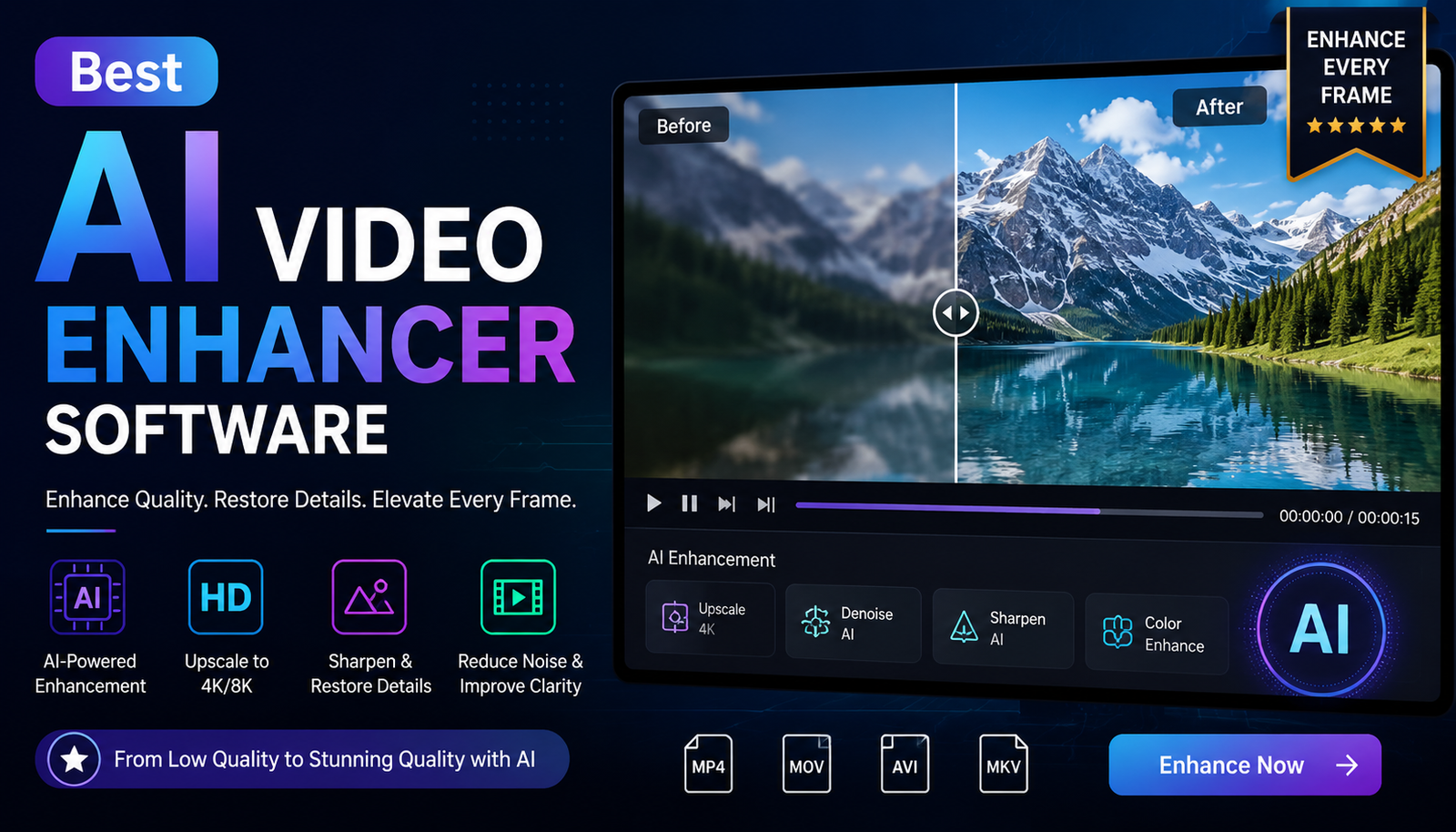
Finding the best AI video enhancer software can make a major difference when your videos look blurry, noisy, pixelated, shaky, or simply too low in quality. Modern AI technology can improve video resolution, reduce noise, sharpen soft footage, restore faces, stabilize clips, and upscale videos to higher resolutions.
However, choosing the best AI video enhancer software is not only about finding a tool that supports 4K or 8K. Different AI video enhancer software options are designed for different users and different video problems. Some are built for professional restoration, while others focus on beginners, YouTube creators, social media videos, or simple video upscaling.
In this guide, we compare some of the most useful best AI video enhancer software options, including Topaz Video AI, AVCLabs Video Enhancer AI, Aiarty Video Enhancer, and Video2X. We will also explain which AI video enhancer software is best for blurry videos, old footage, 4K upscaling, faces, and professional workflows.
Best AI Video Enhancer Software at a Glance
The best AI video enhancer software depends on your specific needs. A professional editor may need advanced AI models and detailed controls, while a beginner may prefer simple automatic enhancement.
| AI Video Enhancer Software | Best For | Main Feature | User Level |
| Topaz Video AI | Professional enhancement | Advanced AI processing | Advanced |
| AVCLabs Video Enhancer AI | Beginners | Automatic enhancement | Beginner |
| Aiarty Video Enhancer | Video restoration | AI upscaling and enhancement | Intermediate |
| Video2X | Free enhancement | Open-source AI upscaling | Technical |
If you want the best AI video enhancer software for professional-quality results, advanced desktop applications are usually the strongest choice. If you want the best AI video enhancer software for convenience, an easier application or online solution may be more suitable.
Top Best AI Video Enhancer Software
Topaz Video AI
Topaz Video AI is one of the most recognized choices for users looking for the best AI video enhancer software for professional video enhancement. It focuses heavily on AI-powered upscaling, restoration, denoising, sharpening, stabilization, and other advanced video improvement tasks.
For professional editors, Topaz Video AI can be a strong option because it provides more control than many simple one-click video enhancer applications. It can be useful when working with low-resolution footage that needs to be prepared for modern displays.
For example, if you have an old 720p video that looks soft and contains compression noise, Topaz Video AI can be used as part of a workflow to improve clarity and produce a higher-resolution result.
Best for: Professional editors, filmmakers, video restoration, and advanced users.
AVCLabs Video Enhancer AI
AVCLabs Video Enhancer AI is another popular option for people searching for the best AI video enhancer software that is relatively easy to use. Its automated approach makes it useful for beginners who don’t want to spend a long time adjusting complicated settings.
The software can help with video upscaling, noise reduction, facial enhancement, and restoration. This makes AVCLabs Video Enhancer AI useful for YouTube creators, social media creators, and people working with older recordings.
If you want the best AI video enhancer software without a complicated professional workflow, an easy-to-use application such as AVCLabs can be worth considering.
Best for: Beginners, content creators, YouTubers, and casual users.
Aiarty Video Enhancer
Aiarty Video Enhancer is another option to consider when comparing the best AI video enhancer software for low-resolution and damaged footage.
Its AI enhancement capabilities can help users improve video clarity, upscale footage, reduce unwanted visual problems, and restore details. It can be particularly useful when the source footage is old, compressed, or recorded at a lower resolution.
When choosing the best AI video enhancer software, restoration features are important because simply increasing resolution does not automatically improve every aspect of a video.
Best for: Video restoration, upscaling, and improving older footage.
Video2X
Video2X provides an interesting alternative for users searching for the best AI video enhancer software that does not require a traditional commercial application.
As an open-source video upscaling solution, Video2X can appeal to technically comfortable users who want more control over their video enhancement workflow.
The downside is that open-source software can require more configuration than commercial AI video enhancer software. Beginners may therefore find a commercial application easier.
Best for: Technical users, enthusiasts, and people interested in free/open-source enhancement.
How to Choose the Best AI Video Enhancer Software
Choosing the best AI video enhancer software starts with understanding the problem in your original video.
If the video is low resolution, you need strong AI upscaling. If it contains noise, you need AI denoising. If the video is blurry, deblurring and sharpening features become more important.
The best AI video enhancer software should also provide reasonable output quality without creating unnatural artifacts. AI enhancement can sometimes make faces look artificial or produce excessive sharpening when settings are too aggressive.
When comparing the best AI video enhancer software, consider these factors:
- Output quality
- AI upscaling
- Noise reduction
- Deblurring
- Face restoration
- Video stabilization
- Frame interpolation
- Processing speed
- Ease of use
- Hardware requirements
- Export quality
- Pricing
- Privacy
Best AI Video Enhancer Software for 4K Upscaling
One of the most common reasons people search for the best AI video enhancer software is to upscale video to 4K.
AI upscaling can take lower-resolution footage and create a higher-resolution output. For example, 1080p video can be processed into a 4K file.
However, the best AI video enhancer software cannot magically recreate every detail that was never recorded. A clean 1080p source generally produces a better 4K result than a heavily compressed or extremely blurry 1080p file.
When choosing the best AI video enhancer software for 4K, look for high-quality super-resolution models, good detail preservation, natural textures, and limited artifacts.
Best AI Video Enhancer Software for Blurry Videos
If your main problem is blurry footage, the best AI video enhancer software should offer deblurring, sharpening, and AI detail reconstruction.
Mildly soft footage can often benefit from AI enhancement. However, severe motion blur or completely missed focus can be much harder to repair.
For example, imagine recording an important event on a smartphone and discovering that the footage is slightly soft. The best AI video enhancer software may improve edges, facial details, and overall clarity.
The goal should be natural improvement rather than excessive sharpening.
Best AI Video Enhancer Software for Old Videos
Old videos often require more than simple upscaling. This is why restoration features are important when choosing the best AI video enhancer software.
Old VHS recordings, DVD transfers, family videos, and historical footage can contain:
- Low resolution
- Noise
- Compression artifacts
- Interlacing
- Faded colors
- Shaky frames
- Soft details
The best AI video enhancer software for old footage should ideally combine several enhancement techniques.
A useful restoration workflow is to clean the footage first, reduce noise, correct interlacing problems, restore details, upscale the video, and then export the final version.
Best AI Video Enhancer Software for Faces
Face enhancement is another reason users look for the best AI video enhancer software.
AI face restoration can improve facial visibility in interviews, family recordings, YouTube videos, and older footage.
However, the best AI video enhancer software should improve faces without making them look artificial. Excessive face restoration can produce plastic-looking skin or unrealistic facial details.
Always compare the enhanced video with the original before processing an entire project.
Best AI Video Enhancer Software for YouTube
YouTube creators need the best AI video enhancer software that can improve footage without creating a complicated production workflow.
A useful YouTube AI video enhancer should provide:
- Good upscaling
- Noise reduction
- Sharpening
- Face enhancement
- Stabilization
- Flexible export options
If you regularly upload videos, the best AI video enhancer software should also process footage efficiently and work well with your existing video editor.
For creators using older cameras or webcams, AI video enhancement can be particularly useful for improving clarity before publishing.
Best AI Video Enhancer Software for Social Media
TikTok, Instagram Reels, Facebook, and other platforms compress uploaded videos. This makes choosing the best AI video enhancer software important for creators who want cleaner source footage before uploading.
For social media, processing speed and simplicity can matter as much as maximum quality.
The best AI video enhancer software for social creators should make it easy to improve a clip, export it at the appropriate resolution, and continue editing or publishing without unnecessary complexity.
Best AI Video Enhancer Software: Desktop vs Online
There are two major categories of AI video enhancement tools: desktop software and online AI video enhancers.
| Feature | Desktop AI Software | Online AI Enhancer |
| Installation | Required | Usually not required |
| Powerful GPU | Often useful | Usually unnecessary |
| Privacy | More local control | Video is uploaded |
| Large projects | Usually better | May have limitations |
| Convenience | Moderate | High |
| Internet | Often optional | Required |
| Advanced controls | Usually stronger | Usually simpler |
Desktop applications are often the best AI video enhancer software choice for professionals who need maximum control.
Online tools can be the best AI video enhancer software option for people with older computers or users who only process short clips.
Free vs Paid AI Video Enhancer Software
People searching for the best AI video enhancer software often want to know whether they can enhance videos for free.
Free tools can be useful for occasional projects, but there may be limitations involving resolution, watermarks, processing time, export formats, or daily usage.
It is important to distinguish between a genuinely free AI video enhancer, a free trial, and a freemium application.
Paid AI video enhancer software is usually more suitable for people who need advanced models, high-resolution output, batch processing, or frequent video enhancement.
If you only enhance videos occasionally, a free or open-source solution may be enough. If video enhancement is part of your regular workflow, paid best AI video enhancer software can provide better features and convenience.
Features to Look for in the Best AI Video Enhancer Software
Before selecting the best AI video enhancer software, check the features that actually match your needs.
AI Video Upscaling
This is essential for increasing video resolution while attempting to preserve or reconstruct visual detail.
AI Denoising
Useful for low-light footage, old recordings, and videos with compression or camera noise.
Deblurring
Helpful for slightly soft footage and some forms of motion blur.
Face Restoration
Useful for interviews, portraits, family recordings, and face-heavy videos.
Stabilization
Helps reduce unwanted camera movement.
Frame Interpolation
Can create smoother motion by generating additional frames.
Batch Processing
Important for professional editors working with many clips.
The best AI video enhancer software should offer the combination of features that matches your particular workflow rather than simply having the largest feature list.
Hardware Requirements for AI Video Enhancement
Hardware is often overlooked when people compare the best AI video enhancer software.
Advanced desktop AI processing can require significant GPU resources, particularly for 4K or longer videos.
A basic laptop may perform better with an online AI enhancer.
A mid-range computer can handle shorter 1080p enhancement projects.
A powerful GPU-based system is more appropriate for professionals working with 4K footage, batch processing, and demanding AI models.
Storage is also important because enhanced videos and intermediate files can consume significant disk space.
Common Mistakes When Using AI Video Enhancer Software
Even the best AI video enhancer software can produce poor results when used incorrectly.
Over-Sharpening
Too much sharpening can create harsh edges and unnatural halos.
Excessive Face Restoration
Aggressive facial enhancement can make people look artificial.
Upscaling Extremely Poor Footage
AI cannot recover information that was never captured.
Ignoring Motion Artifacts
Frame interpolation can sometimes distort fast-moving objects.
Choosing Software Only Because It Supports 8K
8K output does not automatically mean better image quality. The source video and AI processing model matter more.
Which Is the Best AI Video Enhancer Software for You?
If you need advanced professional control, Topaz Video AI is a strong option to consider.
If you want a simpler workflow, AVCLabs Video Enhancer AI may be more suitable.
If your priority is video restoration and upscaling, Aiarty Video Enhancer is worth considering.
If you prefer an open-source solution, Video2X provides a different approach.
Ultimately, the best AI video enhancer software is the tool that fits your footage, hardware, budget, and desired output.
Final Verdict
The best AI video enhancer software can transform footage that looks outdated, blurry, noisy, or low-resolution into something much more usable. However, the right tool depends on the specific problem you are trying to solve.
Topaz Video AI is a strong choice for advanced users and professional workflows. AVCLabs Video Enhancer AI is more approachable for beginners, while Aiarty Video Enhancer can be useful for restoration and upscaling. Video2X is an appealing option for technically capable users looking for an open-source approach.
Before selecting the best AI video enhancer software, always consider your source quality, desired resolution, computer hardware, processing time, available features, and budget.
The goal is not to make your video look artificially perfect. The goal is to make it cleaner, sharper, more detailed, and more enjoyable while keeping the result natural.
FAQs
What is the best AI video enhancer software?
The best AI video enhancer software depends on your needs. Topaz Video AI is a strong choice for professional users, while AVCLabs Video Enhancer AI can be easier for beginners.
What is the best free AI video enhancer software?
Video2X is an option for users who prefer an open-source workflow. Free tools may require more technical knowledge or provide fewer features than commercial AI video enhancer software.
Can AI video enhancer software improve blurry videos?
Yes, the best AI video enhancer software can improve some blurry videos using AI deblurring, sharpening, and detail reconstruction. Results depend on the quality and type of blur.
Can the best AI video enhancer software upscale video to 4K?
Yes. Many AI video enhancement applications can upscale lower-resolution footage to 4K. However, the final result depends heavily on the original video’s quality.
Is AI video enhancement better than normal upscaling?
AI enhancement can produce more intelligent results than basic scaling because AI models can attempt to reconstruct details, reduce noise, and improve visual characteristics instead of simply enlarging pixels.
What is the best AI video enhancer software for old videos?
For old footage, choose the best AI video enhancer software with upscaling, denoising, restoration, deinterlacing, stabilization, and color improvement capabilities.
Does AI video enhancement always improve video quality?
No. Even the best AI video enhancer software can create artifacts when settings are too aggressive. Start with moderate enhancement and compare the result with the original footage.
You May Also Read: AI Drawing Generator
