


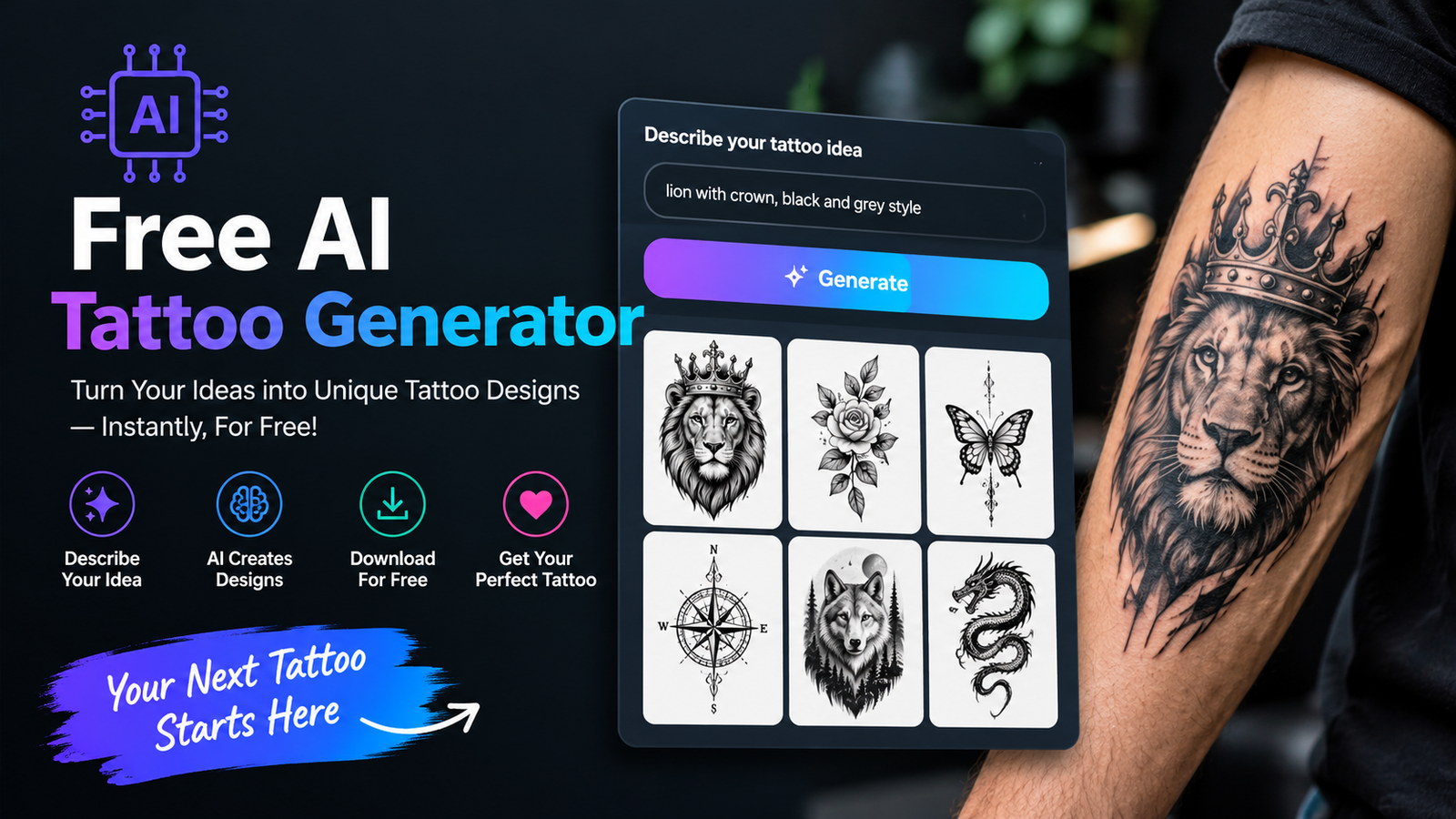
Designing a tattoo can be exciting, and a free ai tattoo generator gives beginners a simple way to explore ideas without needing advanced drawing skills. You can describe a subject, choose a tattoo style, specify body placement, and create several ideas in minutes.
Whether you want a minimalist symbol, a realistic animal, a floral design, or a meaningful memorial tattoo, AI can give you a starting point. The key is to use detailed prompts and treat the generated image as a reference rather than a finished tattoo.
What Is a Free AI Tattoo Generator?
A free ai tattoo generator is an online AI-powered tool that creates tattoo concepts from written descriptions, images, or both. With a free ai tattoo generator, you can start with words instead of a blank canvas. Instead of drawing everything manually, you explain what you want and let the AI create visual variations.
For example, you could request a fine-line mountain range with a crescent moon for the inner forearm. The system can interpret details such as style, composition, line weight, and placement.
A free ai tattoo generator may have different access rules. Not every platform uses the word “free” in the same way. Some provide unlimited basic generations, while others offer free credits or a limited trial.
| Free Access Type | What It Means |
| Free generations | You can create designs without paying |
| Free credits | You receive a limited number of generations |
| Freemium | Basic features are free, advanced features may cost money |
| Free trial | Access is available for a limited period |
| Free download | Generation may be limited, but downloads are available |
Before choosing a free ai tattoo generator, compare its current limits. Before choosing a tool, check its current limits, sign-up requirements, image quality, watermark policy, and download options.
How to Create a Tattoo With AI
Using a free ai tattoo generator is usually straightforward, but the quality of your prompt makes a major difference.
1. Start With One Clear Idea
Begin with the main subject. It could be a lion, rose, compass, snake, butterfly, mountain, portrait, or personal symbol.
Instead of writing “cool tattoo,” explain exactly what you want. A focused concept gives the AI fewer possibilities to interpret.
2. Choose a Tattoo Style
Tell the generator which visual approach you prefer. Popular choices for a free ai tattoo generator include:
- Fine-line
- Minimalist
- Blackwork
- Traditional
- Neo-traditional
- Realism
- Geometric
- Dotwork
- Japanese-inspired
- Watercolor
Style instructions for a free ai tattoo generator can significantly change the appearance of the same subject.
3. Specify the Body Placement
Placement instructions for a free ai tattoo generator should be part of the prompt, not an afterthought. A forearm tattoo may need a vertical composition, while a shoulder design may work better with a curved or circular structure.
For example:
“A fine-line botanical tattoo designed vertically for the inner forearm, with delicate outlines and generous negative space.”
4. Generate Multiple Versions
A free ai tattoo generator can produce different interpretations of the same prompt, so do not rely on the first result. Create several variations and compare their composition, proportions, linework, and detail.
5. Refine the Strongest Concept
Once you find a promising design, ask the AI to simplify details, adjust the line weight, change the composition, or remove unnecessary elements.
How to Write Better AI Tattoo Prompts
A useful prompt can follow this formula:
Subject + Style + Placement + Composition + Detail + Constraints
For example:
“A blackwork raven with a small crescent moon, bold clean outlines, moderate shading, vertical composition for the forearm, balanced negative space, plain white background.”
Here is how the prompt breaks down:
| Element | Example |
| Subject | Raven |
| Supporting element | Crescent moon |
| Style | Blackwork |
| Linework | Bold clean outlines |
| Placement | Forearm |
| Composition | Vertical |
| Detail | Moderate shading |
| Constraint | Plain background |
This structure works particularly well with a free ai tattoo generator because the instructions give the image model a clear visual direction.
AI Tattoo Generator From Text: Example Prompts
A free ai tattoo generator can make text-to-image generation useful when you have an idea but no sketch. Try prompts like these.
Minimalist Mountain
“Small minimalist mountain range with a crescent moon, thin black lines, simple composition, clean negative space, designed for the wrist.”
Fine-Line Flower
“Delicate fine-line wildflower tattoo with three stems, elegant black outlines, subtle details, vertical composition for the forearm.”
Blackwork Wolf
“Blackwork wolf head with bold outlines, solid black accents, symmetrical composition, controlled detail, designed for the upper arm.”
Geometric Compass
“Geometric compass tattoo with precise lines, subtle dotwork, circular composition, black ink, balanced negative space.”
Memorial Design
“Elegant black-and-gray memorial tattoo featuring a small flower and meaningful date, subtle shading, clean linework, minimalist composition.”
A detailed prompt does not have to be extremely long. The goal is to provide useful visual instructions without adding unrelated ideas.
Tattoo Generator From Photo
A tattoo generator from photo can transform a personal image into a tattoo-inspired concept. A free ai tattoo generator with photo-based generation can be useful for pet portraits, people, flowers, objects, or meaningful places.
For a pet photo, you could request:
“Convert this dog photograph into a black-and-gray tattoo concept with clean outlines, recognizable facial features, subtle shading, and minimal background detail.”
Photo-based generation can save time during the concept stage, but AI may alter faces, hands, lettering, or small symbols. Review every important detail before showing the image to a tattoo artist.
Best Tattoo Styles to Explore
A free ai tattoo generator can make it easier to compare several styles before committing to one direction.
Fine-Line
Fine-line tattoos use delicate outlines and controlled details. They work well for botanical designs, small symbols, animals, and minimalist concepts.
Minimalist
Minimalist tattoos focus on simple shapes and limited visual elements. They are often easier to refine because the concept has fewer components.
Blackwork
Blackwork relies on bold black areas, strong contrast, and confident outlines. It can work well for animals, geometric designs, symbols, and larger compositions.
Realism
Realistic tattoo concepts are useful for portraits, animals, and objects. AI can help you explore the overall composition, although a professional artist should adapt the design for actual tattooing.
Geometric
Geometric tattoos use symmetry, lines, circles, and repeating patterns. Accurate placement and proportions are especially important for this style.
Japanese-Inspired
Large Japanese-inspired concepts can include flowing compositions, animals, flowers, waves, and other traditional visual themes. Work with an experienced artist when developing a final piece.
Design a Tattoo Online Free for Different Body Areas
When you use a free ai tattoo generator and design a tattoo online free, consider the shape and movement of the body area.
| Body Area | Suggested Composition | Detail Level |
| Wrist | Small and simple | Low |
| Forearm | Vertical | Low to medium |
| Shoulder | Curved or rounded | Medium |
| Chest | Wide or symmetrical | Medium to high |
| Back | Large and centered | High |
| Thigh | Large or vertical | Medium to high |
| Sleeve | Connected and flowing | High |
For example, a free ai tattoo generator can create a long botanical illustration that may fit naturally along the forearm, while a circular mandala may suit the shoulder.
How to Preview a Tattoo on Your Body
A free ai tattoo generator can create a flat concept, but a flat design can look very different when placed on an actual body. If your chosen platform supports photo editing or mockups, upload a clear image of the intended area and test different sizes.
Check the:
- Orientation
- Size
- Position
- Proportions
- Body contours
- Relationship with existing tattoos
A dragon that looks excellent on a white canvas may need a curved composition to follow the shape of an arm.
A body preview is useful for planning, but it should not be treated as an exact representation of the final tattoo.
Free vs Paid AI Tattoo Tools
The right free ai tattoo generator depends on how much control you need. Free platforms can be enough for simple ideas, while paid services may provide additional editing or generation options.
| Feature | Free Tools | Paid Tools |
| Basic concepts | Often available | Available |
| Generation limits | Often limited | Usually higher |
| Advanced controls | Varies | More common |
| HD output | Tool-dependent | More common |
| Photo editing | Varies | Often available |
| Body previews | Tool-dependent | More common |
| Advanced editing | Limited | Usually broader |
Always check the current plan of the specific service because features and limits can change.
Common Problems With AI Tattoo Designs
A free ai tattoo generator can create attractive artwork while still making mistakes that matter for tattoos.
Incorrect Lettering
AI image models can struggle with names, dates, quotes, and unusual words. Verify all text manually.
Too Much Detail
A design may look impressive on a large screen but become difficult to read at a small tattoo size. Simplification is often necessary.
Poor Symmetry
Geometric designs, faces, and mirrored compositions can contain small inconsistencies. Review them carefully.
Overcrowded Composition
Putting too many subjects into one prompt can make the final image confusing. One strong focal point usually creates a clearer concept.
Digital Artwork Is Not the Same as a Tattoo
Skin, body movement, line weight, spacing, and aging all affect the final result. An AI image should therefore be treated as a concept or reference.
How to Improve a Weak AI Tattoo Result
When testing a free ai tattoo generator, consider this basic prompt:
“Cool lion tattoo.”
It gives the AI very little direction.
A stronger version is:
“Majestic lion head tattoo in black-and-gray realism, clean medium-weight outlines, subtle shading, centered composition for the upper arm, controlled detail, minimal background.”
The improved prompt helps a free ai tattoo generator understand the subject, style, placement, linework, and composition. You can then refine one element at a time instead of starting over.
Can an AI Tattoo Design Be Used by a Tattoo Artist?
Yes. A free ai tattoo generator can produce an AI-generated design that becomes a useful visual reference when explaining your idea to a professional tattoo artist.
An artist can adjust:
- Scale
- Placement
- Line weight
- Negative space
- Body contours
- Technical details
- Long-term readability
This step is particularly important for complex artwork, portraits, lettering, and large tattoos. The final tattoo should be evaluated and adapted by someone experienced in tattooing.
Tips for Getting Better Results
When using a free ai tattoo generator, follow these practical guidelines:
- Keep the main subject clear.
- Name the desired tattoo style.
- Specify the body area.
- Describe the composition.
- Mention line-weight preferences.
- Choose color or black-and-gray.
- Request suitable negative space.
- Avoid too many unrelated objects.
- Generate several variations.
- Check lettering carefully.
- Simplify overly detailed artwork.
- Ask a professional artist to adapt the final concept.
The goal is not simply to create the most complicated image. The goal is to create a useful concept that can be translated into a tattoo.
Conclusion
A free ai tattoo generator is a practical way to turn an idea into a visual tattoo concept without needing advanced drawing skills. You can experiment with different subjects, styles, body placements, and compositions before visiting an artist.
The strongest results usually come from clear prompts and several rounds of refinement. Instead of asking for a “cool tattoo,” explain exactly what you want and where you want it placed.
AI is most useful during the planning stage. Once you have a concept you like, show it to a professional tattoo artist who can adapt the artwork for your body and make sure the final design is suitable for real tattooing.
Frequently Asked Questions
Is a free AI tattoo generator really free?
Some tools offer free generations, while others provide credits, trials, or limited features. Check the specific platform’s current pricing and usage limits before starting.
Can I make a tattoo from text?
Yes. A free ai tattoo generator can use text-to-image technology to turn a written description into a tattoo concept. Include the subject, style, placement, composition, and desired level of detail for better results.
Can I turn a photo into a tattoo design?
Yes. AI image tools can transform photos of pets, people, objects, or other subjects into tattoo-inspired artwork. Important details should always be checked manually.
Can I create a tattoo without drawing skills?
Yes. AI allows beginners to explore visual concepts using natural language. You do not need traditional drawing skills to experiment with tattoo ideas.
Can AI create tattoo lettering?
AI can attempt lettering, but spelling and character accuracy can be inconsistent. Names, dates, and quotes should be carefully verified before they are used as tattoo references.
Is an AI tattoo design ready to tattoo?
Usually, it should be treated as a reference rather than a finished stencil. A tattoo artist can modify it for skin, anatomy, scale, line weight, and long-term readability.
What is the best way to prompt an AI tattoo tool?
Be specific about the subject, style, placement, composition, linework, detail level, and background. Generate multiple versions and refine the strongest concept.
You May Also Read: Cristiano Ronaldo
