


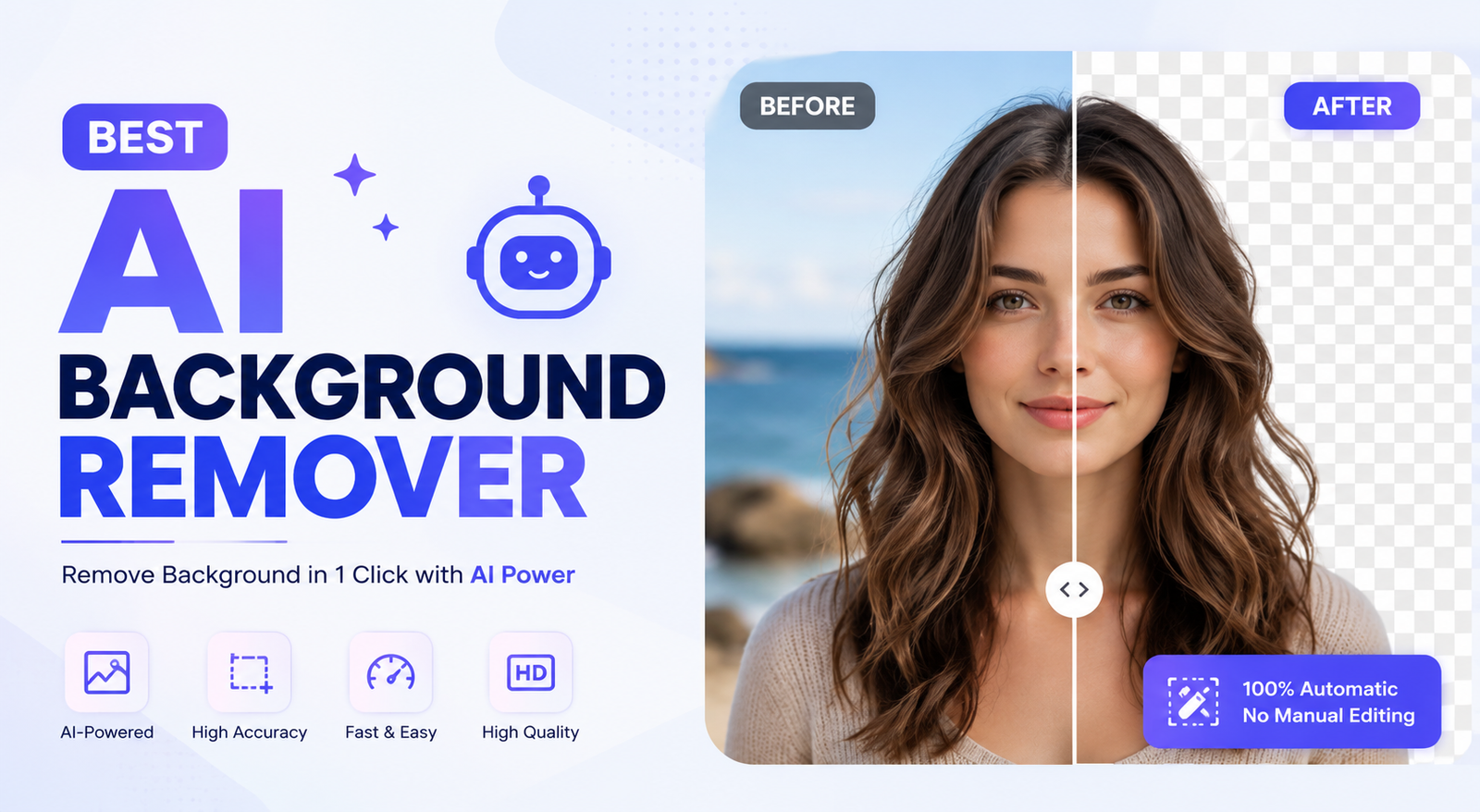
Finding the best AI background remover can save hours of manual editing. Instead of carefully selecting an object in Photoshop, an AI background remover can identify the subject and remove the background in seconds. But not every AI background remover delivers the same results. The best AI background remover should create clean edges, preserve hair and fine details, handle product images accurately, and provide a high-quality transparent background. In this guide, we compare the best AI background remover options for portraits, products, ecommerce, social media, creative projects, and everyday photo editing. If you are searching for the best AI background remover free option, we also explain what to check before choosing a free tool.
Best AI Background Removers at a Glance
| AI Background Remover | Best For | Free Option | Hair & Fine Details | Ease of Use |
| Remove.bg | Fast background removal | Yes | Excellent | Very Easy |
| Photoroom | Product photos | Yes | Excellent | Very Easy |
| Clipdrop | Quick AI editing | Yes | Very Good | Easy |
| Flonnect AI | Simple AI editing | Yes | Good | Easy |
| Canva | Social media designs | Yes | Good | Very Easy |
| Adobe Express | Designers | Yes | Very Good | Easy |
| Rembg | Open-source workflows | Yes | Good | Moderate |
| Let’s Enhance | Image enhancement | Limited | Good | Easy |
| PicLumen | Creative workflows | Yes | Very Good | Easy |
| Morphed | Advanced workflows | Varies | Very Good | Easy |
| This comparison gives you a quick overview of the best AI background remover tools, but the right choice depends on what you want to do. A tool that is the best AI background remover for product photos may not be the best choice for hair, portraits, or bulk image processing. |
What Makes the Best AI Background Remover?
The best AI background remover should do more than simply detect the largest object in a picture. High-quality AI background removal separates the foreground from the background while preserving natural edges and important details. This becomes especially important with hair, fur, jewelry, glass, clothing, and objects that have similar colors to the background.
Edge Accuracy
One of the most important factors when choosing the best AI background remover is edge accuracy. A weak tool can leave a white or dark halo around the subject, while a high-quality AI background remover creates a cleaner and more natural cutout. This difference becomes obvious when you place the removed subject on a completely different background.
Hair and Fine Details
Hair is one of the hardest things for an AI background remover to process. Individual strands can blend into the original background, making them difficult to separate. The best AI background remover should preserve natural hair strands without leaving pieces of the old background around the subject. The same applies to pet fur, leaves, lace, wires, and other fine details.
Product and Object Detection
If you need the best AI background remover for product photos, object detection is extremely important. Shoes, watches, clothing, bottles, cosmetics, electronics, and furniture can have complicated edges. A good AI background remover should identify the product without accidentally deleting important parts.
Output Quality
The best AI background remover should provide a useful final image rather than simply removing the background. Transparent PNG support, resolution, compression, and edge quality all matter. A low-resolution cutout may look fine on a phone but appear blurry when used for ecommerce listings, advertising, or print.
10 Best AI Background Removers
1. Remove.bg — Best AI Background Remover for Fast Results
Remove.bg is one of the easiest choices when you need the best AI background remover for fast background removal. Upload an image, let the AI detect the subject, and download the result. Its simple workflow makes it useful for people who do not want to learn advanced photo-editing software.
This AI background remover works well for portraits, products, profile pictures, and quick social media graphics. If your main priority is speed and convenience, Remove.bg is a strong option to consider when comparing the best AI background remover tools.
2. Photoroom — Best AI Background Remover for Product Photos
Photoroom is a strong choice when you need the best AI background remover for product photography. Its background removal workflow fits naturally into ecommerce and product-image editing.
For example, an online seller can photograph a pair of shoes, remove the original room background, create a cleaner product presentation, and prepare the image for an online store. This makes Photoroom especially useful for users who need more than a basic AI background remover.
3. Clipdrop — Best AI Background Remover for Quick Editing
Clipdrop combines AI background removal with several other image-editing capabilities. This makes it useful if you want an AI background remover that can become part of a larger editing workflow.
Instead of removing the background and immediately switching to another application, you can continue working on the image. This makes Clipdrop useful for creators, marketers, and users who regularly edit images.
4. Flonnect AI — Simple AI Background Remover
Flonnect AI is worth considering if you want a straightforward AI-powered editing experience. It can help users quickly prepare images without dealing with complicated selection tools.
As with any best AI background remover candidate, check the result around hair, small objects, and complex edges before using the image professionally. Automatic background removal is convenient, but a quick quality check is always recommended.
5. Canva — Best AI Background Remover for Social Media
Canva is particularly useful when background removal is only one part of a larger design project. After using its AI background remover, you can place the subject inside a social media post, presentation, advertisement, thumbnail, or other visual.
This makes Canva a practical option for marketers and content creators. While it may not be the first choice for someone who only needs a dedicated best AI background remover, it becomes very useful when background removal and graphic design need to happen in one place.
6. Adobe Express — Best AI Background Remover for Designers
Adobe Express provides an accessible way to remove backgrounds without requiring the full complexity of professional desktop editing software. It is a useful choice for designers who want an AI background remover combined with additional creative tools.
After removing the background, you can continue creating promotional graphics, social media content, and other visual assets. For complicated images, inspect the edges carefully because automated removal can sometimes struggle with low contrast and fine details.
7. Rembg — Best AI Background Remover for Open-Source Workflows
Rembg is different from many browser-based AI background remover tools because it is designed around an open-source workflow. This makes it interesting for developers, technical users, and people who want more control over how background removal fits into their workflow.
It may not be the easiest best AI background remover choice for a beginner who simply wants to upload a photo and download a PNG. However, its open-source approach can make it useful for automation and customized workflows.
8. Let’s Enhance — AI Background Remover for Image Enhancement
Let’s Enhance is more useful when background removal is part of a larger image-quality workflow. Someone who needs to remove a background and improve image resolution may prefer a broader editing solution.
For example, a low-quality product image may need both background removal and resolution enhancement before being used in a marketing campaign. Check the current feature and plan availability before choosing it specifically as your best AI background remover.
9. PicLumen — AI Background Remover for Creative Workflows
PicLumen is useful for users who want to combine AI image editing with creative workflows. Background removal can be only the first step in a larger process.
A creator might isolate a person, remove the existing background, change the surrounding design, and continue editing the image. For creative users, this makes PicLumen an interesting option when comparing the best AI background remover tools.
10. Morphed — AI Background Remover for Advanced Workflows
Morphed takes a broader approach to AI image editing and background removal. It can be useful for users who care about workflow flexibility and different image types.
When choosing the best AI background remover, look beyond the basic removal feature. Consider whether the complete workflow saves time and gives you the editing flexibility you actually need.
Best AI Background Remover by Use Case
There is no single best AI background remover for every person. Your ideal choice depends on the type of images you work with and what you want to do after removing the background.
| Your Main Need | Best AI Background Remover Type | What to Prioritize |
| Fast cutouts | Dedicated AI remover | Speed and accuracy |
| Product photography | Ecommerce-focused tool | Clean edges and workflow |
| Hair and portraits | Advanced AI remover | Fine-edge accuracy |
| Social media | Design platform | Editing and templates |
| Batch processing | Professional/API tool | Bulk workflow |
| Privacy-sensitive images | Privacy-focused option | Data handling |
| Creative editing | AI image editor | Removal plus editing |
| Automation | Open-source/API tool | Control and integration |
| This approach is more useful than choosing one universal best AI background remover, because different users have different requirements. |
Best AI Background Remover Free Options
Many users search specifically for the best AI background remover free, but free tools do not always offer the same experience as paid services. Some limit the number of images, while others restrict resolution, add watermarks, require registration, or reserve high-quality downloads for paid plans.
When comparing the best AI background remover free options, check how many images you can process, the maximum resolution, watermark rules, account requirements, and commercial-use restrictions.
For occasional editing, a free AI background remover can be enough. If you process hundreds of product images every month, a paid plan may provide better value through higher limits, batch processing, and faster workflows.
Which Is the Best AI Background Remover for Product Photos?
The best AI background remover for product photos needs more precision than a tool used for casual social media images. Products can have thin handles, reflective surfaces, transparent packaging, subtle shadows, or complex shapes.
For simple products such as shoes, shirts, books, and solid-colored objects, many strong AI background remover tools can produce usable results. More difficult products such as glass bottles, watches, jewelry, and transparent packaging require closer inspection.
A practical test is to remove the background, place the product on a contrasting background, and zoom in around the edges. This makes halos, missing details, and leftover background fragments easier to see.
Best AI Background Remover for Hair and Fur
Hair and fur are excellent tests for determining whether an AI background remover is actually good. Look closely at flyaway strands, curly hair, blonde hair against light backgrounds, and dark hair against dark backgrounds.
The best AI background remover for hair should maintain a natural outline rather than creating a perfectly smooth artificial edge. For professional portraits, inspect the image at 100% zoom before publishing it.
How to Use the Best AI Background Remover
Most of the best AI background remover tools follow a simple process:
- Upload your image.
- Let the AI identify the foreground subject.
- Review the automatic cutout.
- Refine problem areas if editing tools are available.
- Select a transparent or replacement background.
- Export the final image, preferably as a transparent PNG when appropriate.
The review stage is important. Even the best AI background remover can make mistakes with complicated images, so always inspect hair, fur, thin objects, shadows, and transparent areas before using the final image.
AI Background Remover vs. Photoshop
| Feature | Best AI Background Remover | Photoshop |
| Speed | Very Fast | Slower |
| Learning Curve | Low | Higher |
| One-click removal | Usually | Available |
| Manual control | Limited to Moderate | Excellent |
| Fine editing | Varies | Excellent |
| Best for | Quick cutouts | Detailed editing |
| For everyday images, the best AI background remover can be significantly faster than manually creating a selection in Photoshop. Photoshop remains valuable when you need pixel-level control or have to repair a complicated selection manually. |
Common AI Background Removal Problems
Hair Gets Cut Off
If an AI background remover removes too much hair, try another tool with stronger fine-edge processing or use a manual refinement feature.
White or Dark Halo Appears
A halo may become obvious when the subject is placed on a contrasting background. Inspect the edges at full size before exporting.
Shadows Disappear
If the original shadow is important for a product photo, choose an AI background remover that supports shadow preservation or recreate a realistic shadow during editing.
Transparent Objects Look Wrong
Glass and reflective surfaces can be difficult because the original background visually overlaps the object. These images often need additional editing.
Small Details Are Missing
Jewelry, thin wires, mesh, leaves, and other tiny details can sometimes disappear during automatic background removal. Zoom in and inspect these areas carefully.
Are AI Background Removers Safe?
Privacy should be considered when selecting the best AI background remover, especially for personal photographs, confidential business images, or unreleased product assets.
Many online AI background remover services process uploaded images through cloud-based systems. Review the provider’s current privacy policy and data-retention terms before uploading sensitive material.
If privacy is a major concern, look for a background remover that clearly explains how images are processed and whether local or browser-based processing is available.
Frequently Asked Questions
What is the best AI background remover?
The best AI background remover depends on your needs. Remove.bg is a strong choice for fast cutouts, Photoroom is well suited to product images, while Canva and Adobe Express are convenient for broader design workflows.
What is the best free AI background remover?
The best AI background remover free option depends on the limits you can accept. Compare resolution, watermarks, download restrictions, signup requirements, and daily or monthly limits before choosing.
Which AI background remover is best for hair?
The best AI background remover for hair should preserve fine strands and produce natural edges. Test curly hair, flyaway strands, and hair against backgrounds with similar colors.
Can AI remove a background from a product photo?
Yes. An AI background remover can be used for product photography, ecommerce listings, advertisements, and catalogs. Glass and reflective products may require additional refinement.
Can I remove a background without Photoshop?
Yes. Most modern AI background remover tools work through a browser or app, allowing you to remove an image background without learning advanced Photoshop selection techniques.
Can AI background removers create transparent PNGs?
Many of the best AI background remover tools support transparent PNG output, although resolution and download restrictions vary between free and paid plans.
Are AI background removers safe?
Safety depends on how each provider processes and stores uploaded images. Before choosing the best AI background remover for sensitive images, review its current privacy policy and data-handling practices.
Final Verdict
The best AI background remover is the one that works reliably for your particular images and workflow. For fast everyday cutouts, Remove.bg is a practical choice. For ecommerce and product photography, Photoroom is worth considering. Canva and Adobe Express are useful when background removal is part of a larger design workflow, while Rembg can appeal to technical users who want an open-source approach.
If you are searching for the best AI background remover free, test the free version before committing to a subscription. Check resolution, watermarks, usage limits, and output quality rather than choosing a tool simply because it advertises itself as free.
Most importantly, test every candidate on a difficult image rather than an easy one. Hair, fur, glass, reflections, shadows, fine edges, and similar-colored backgrounds reveal the real quality of an AI background remover much faster than a simple portrait with a plain background.
You May Also Read: AI Tools For Making Presentations
